Welcome to the world of virtual reality! If you’re curious about VR but not ready to invest in a high-end system, a VR headset for phone could be your perfect entry point. This simple yet clever device turns the smartphone in your pocket into a portal to immersive new worlds. As the lead content creator at MNWFC, with over a decade of hands-on experience with every type of headset imaginable, I’m here to demystify mobile VR and help you decide if it’s the right choice for you.
We’ll break down how they work, what to look for, and whether they still hold their own in an era of more advanced technology. Let’s dive in and see what’s possible when your phone and a headset team up.
What Exactly Is a VR Headset for Phone?
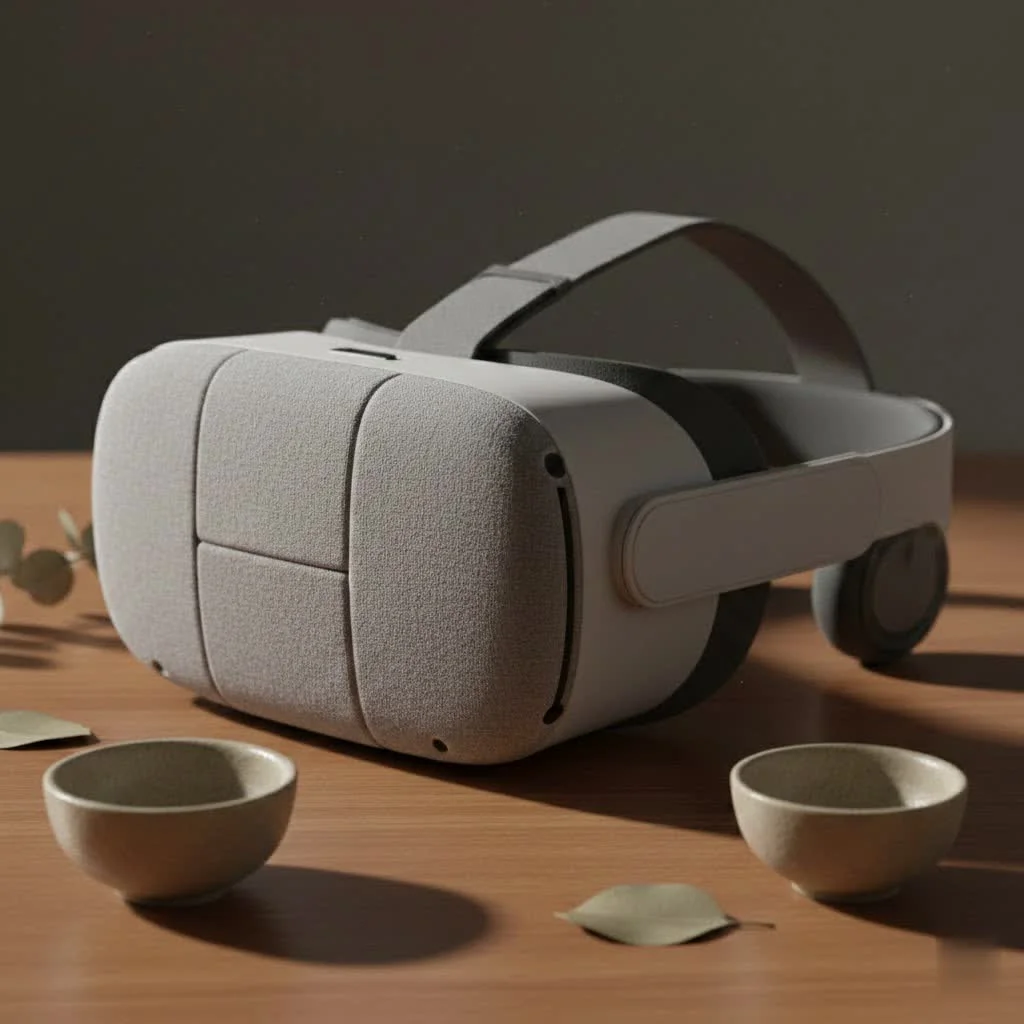
Think of a VR headset for phone as a specialized case for your head that holds your smartphone. It’s essentially a pair of goggles with lenses inside. Your smartphone slides into a dedicated slot in front of the lenses, and the headset’s straps secure it to your face.
The magic happens when your phone plays VR-specific content. The screen displays a stereoscopic image—two slightly different pictures, one for each eye—which the lenses in the headset then focus and reshape. This process tricks your brain into perceiving a single, three-dimensional image with depth, creating the illusion that you are inside the virtual environment. Unlike standalone headsets like the Meta Quest or powerful PC-VR systems, all the processing power, motion tracking, and display technology comes directly from your phone.
How Do These Smartphone VR Headsets Work?
The technology is brilliantly simple. A phone-based VR system relies on three core components working together:
- Your Smartphone: This is the heart of the operation. The phone’s high-resolution screen acts as the visual display. Its internal processor runs the VR app or game, and its built-in sensors, primarily the gyroscope and accelerometer, track your head movements. When you turn your head left, the sensor tells the app, and the image on the screen pans accordingly.
- The Headset Lenses: These biconvex lenses are crucial. They sit between your eyes and the phone screen, magnifying the display so it fills your field of view. More importantly, they bend the light from the two stereoscopic images so that your brain merges them into a single, cohesive 3D picture.
- The VR Application: You need specially designed software. This can be a game from the app store, a 360-degree YouTube video, or a cinematic VR experience. These apps are what generate the side-by-side images and respond to your phone’s motion sensors.
Expert Take by Dr. Alistair Finch: “The beauty of mobile VR lies in its accessibility. It leverages the powerful mini-computer most of us already own. While it doesn’t offer the complex tracking of dedicated systems, it was a revolutionary step in bringing the concept of virtual reality to millions of households for the first time.”
Are VR Headsets for Phones Still a Good Choice?
This is the big question. While the market has heavily shifted towards standalone devices, a VR headset for phone still has its place, but it’s important to understand its pros and cons.
The Advantages
|
Our Picks for the Best VR Headset in 2026
As an Amazon Associate I earn from qualifying purchases.
|
||
| Num | Product | Action |
|---|---|---|
| 1 | FEEBZ 3D VR Headset for Kids 2.0 + Android Remote - for iPhone & Android Phones - with 3D VR Videos & Apps Links - Virtual Reality Goggles Set for Beginners |

|
| 2 | FEEBZ 3D VR Headset for Kids 2.0 + Android Remote - for iPhone & Android Phones - with 3D VR Videos & Apps Links - Virtual Reality Goggles Set for Beginners |
|
| 3 | PlayStation VR2 Horizon Call of The Mountain™ Bundle (PSVR2) |
|
| 4 | PlayStation VR2 (PSVR2) |
|
| 5 | VR Headset for Phone, Virtual Reality Glasses with Bluetooth Headphones for Adults and Kids Play 3D VR Games Movies (White VR Only) |
|
| 6 | VR Headset for Nintendo Switch 2 (2025), Switch 2 Virtual Reality VR Glasses with Adjustable HD Lenses and Comfortable Head Strap, Labo VR Kit 3D Goggles for Switch 2 Accessories, White&Blue |
|
| 7 | Oculus Quest 2 Advanced All-in-One Virtual Reality Gmaing VR Headset 128GB Set, White |
|
| 8 | Meta Quest 2 — Advanced All-In-One Virtual Reality Headset — 256 GB (Renewed) |
|
| 9 | Oculus Quest 2 VR Headset 128GB Holiday Set - Advanced All-in-One Virtual Reality Headset Cover Set, White |
|
| 10 | DESTEK V5 VR Headset for Kids w/VR Gamepad, 128 Premium VR apps Included, Anti-Blue Eyes Protected HD Lenses, 110° FOV Virtual Reality Headsets for iPhone, Android Phone- Black |
|
- Ultra-Affordable: This is their biggest selling point. You can find a decent headset for a fraction of the cost of a standalone system, making it a low-risk way to try VR.
- Incredibly Simple: There’s no complicated setup. You just download an app, slide your phone in, and you’re ready to go. No wires, no external sensors, no big software installations.
- Portability: The headsets are lightweight and don’t require any external power source beyond your phone’s battery. You can easily take one to a friend’s house to share the experience.
The Disadvantages
- Limited Interactivity: Most phone headsets only support 3-degrees-of-freedom (3DoF) tracking. This means they can track your head rotation (looking up, down, and side-to-side) but not your physical movement in a room. You can’t walk, crouch, or lean in the virtual world.
- Declining App Support: As developers focus on more powerful 6DoF standalone platforms, the library of new, high-quality mobile VR apps has shrunk. The Google Daydream platform was discontinued, and while Cardboard apps still exist, innovation is scarce.
- Performance Varies: The experience is entirely dependent on your phone. An older phone may overheat, suffer from lag, or have a lower-resolution screen, leading to a blurry or uncomfortable experience. It also drains your phone battery very quickly.
- Less Immersive: Due to a typically narrower field of view and the limitations of phone screens (screen-door effect), the sense of presence is lower than in dedicated VR systems.
Key Features to Look for in a VR Headset for Phone
If you decide to buy one, not all headsets are created equal. Here are the critical features to consider for the best possible experience.
Field of View (FOV)
FOV refers to the extent of the virtual world you can see at any given moment. A wider FOV is more immersive because it fills more of your peripheral vision. Look for headsets that advertise an FOV of 100 degrees or more.
Adjustability and Fit
Comfort is king in VR. To avoid eye strain and nausea, you need a headset that can be tailored to your specific needs.
- Interpupillary Distance (IPD) Adjustment: This allows you to change the distance between the lenses to match the distance between your eyes. It is arguably the most important adjustment for a clear image.
- Focal Adjustment: This lets you move the lenses closer to or further from the screen, helping to bring the image into sharp focus, which is especially useful for users who wear glasses.
Controller and Input
Many phone VR headsets come with a small, simple Bluetooth remote. While not as advanced as standalone VR controllers, this remote is essential for most games and interactive apps, allowing you to point, click, and select objects without having to take the phone out of the headset. A headset without a controller is primarily only useful for watching 360-degree videos.
Phone Compatibility
This is a non-negotiable. Check the headset’s specifications to ensure it can physically accommodate your phone’s size. Most support a range of screen sizes (e.g., 4.7 to 6.5 inches), but it’s always best to double-check. Also, ensure your phone has a built-in gyroscope, as this is essential for motion tracking.
Frequently Asked Questions (FAQ)
What apps can I use with a phone VR headset?
You can find apps by searching for “VR” or “Cardboard” on the Google Play Store or Apple App Store. YouTube is also a fantastic source, with a massive library of 360-degree and VR180 videos that you can watch directly in VR mode.
Can I watch movies on a phone VR headset?
Yes! Many apps, including YouTube, Netflix, and dedicated VR cinema apps, allow you to watch standard 2D or 3D movies in a virtual movie theater. It creates the feeling of watching on a massive private screen.
Does a VR headset for phone work with an iPhone?
Absolutely. Most modern VR headsets for phones are compatible with both Android and iOS devices. The key is to check the app availability on the Apple App Store, as the selection might differ from the Google Play Store.
Will a VR headset for phone damage my smartphone?
It’s highly unlikely to cause any damage. The main concern is overheating. Running VR apps is intensive, and your phone can get warm. If you notice it getting excessively hot, it’s wise to take a break and let it cool down. Also, ensure the headset’s clamp holds your phone securely without putting extreme pressure on the screen or buttons.
How much does a VR headset for phone cost?
Prices vary, but you can generally find reliable models for between $20 and $60. This affordability is their primary appeal compared to standalone headsets that cost several hundred dollars.
The Final Verdict
A VR headset for phone is a fantastic and budget-friendly gateway into the world of virtual reality. It offers a glimpse into the potential of immersive experiences, perfect for watching 360-degree videos, playing simple arcade-style games, and experiencing cinematic VR. While it has been largely surpassed by more advanced standalone technology in terms of interactivity and immersion, its simplicity and low cost ensure it remains a relevant option for curious newcomers and casual users. If you manage your expectations, you’ll find there’s still a lot of fun to be had by transforming your smartphone into a window to another reality.
Get our weekly buyer guide
Practical specs, not advice. Unsubscribe anytime.
I’ve been using a VR headset for my phone for a few months now, and it’s a pretty solid entry point into VR. I wasn’t ready to drop a ton of cash on a standalone system, so this was a great way to test the waters. The immersion is surprisingly good for what it is, especially when watching 360 videos. Just make sure your phone has a good display, it really makes a difference.
I picked one of these up after reading about how they work, and I’m impressed. It’s a simple concept, just a case for your head with lenses, but it works! I’ve been playing some basic VR games and watching movies, and it’s a fun way to pass the time. It’s definitely a good option for someone who wants to try VR without breaking the bank.
It’s okay for casual use, but I found the comfort level to be a bit lacking after about 30 minutes. The weight distribution isn’t always ideal, and it can press on your face. For the price, it’s hard to complain too much, but if you’re planning longer sessions, you might want to consider something with better padding or headstraps. Still, it’s cool to use my phone for some VR experiences.
I absolutely love my VR headset for my phone! It’s amazing how it transforms my everyday smartphone into a portal to new worlds, just like it said. I mostly use it for educational apps and virtual tours, and the experience is fantastic. It’s definitely a smart choice if you’re curious about VR but don’t want to commit to a high-end system right away. Highly recommend for anyone on the fence.