The Meta Quest 2 VR headset, originally released as the Oculus Quest 2, has fundamentally changed the virtual reality landscape. It broke down barriers of cost and complexity, offering a high-quality, standalone VR experience that doesn’t require an expensive PC or external sensors. For years, it has been the go-to recommendation for anyone dipping their toes into virtual reality for the first time. But as we move into 2026, is it still the king of accessible VR? This comprehensive guide breaks down everything you need to know.
What Exactly is the Quest 2 VR Headset?
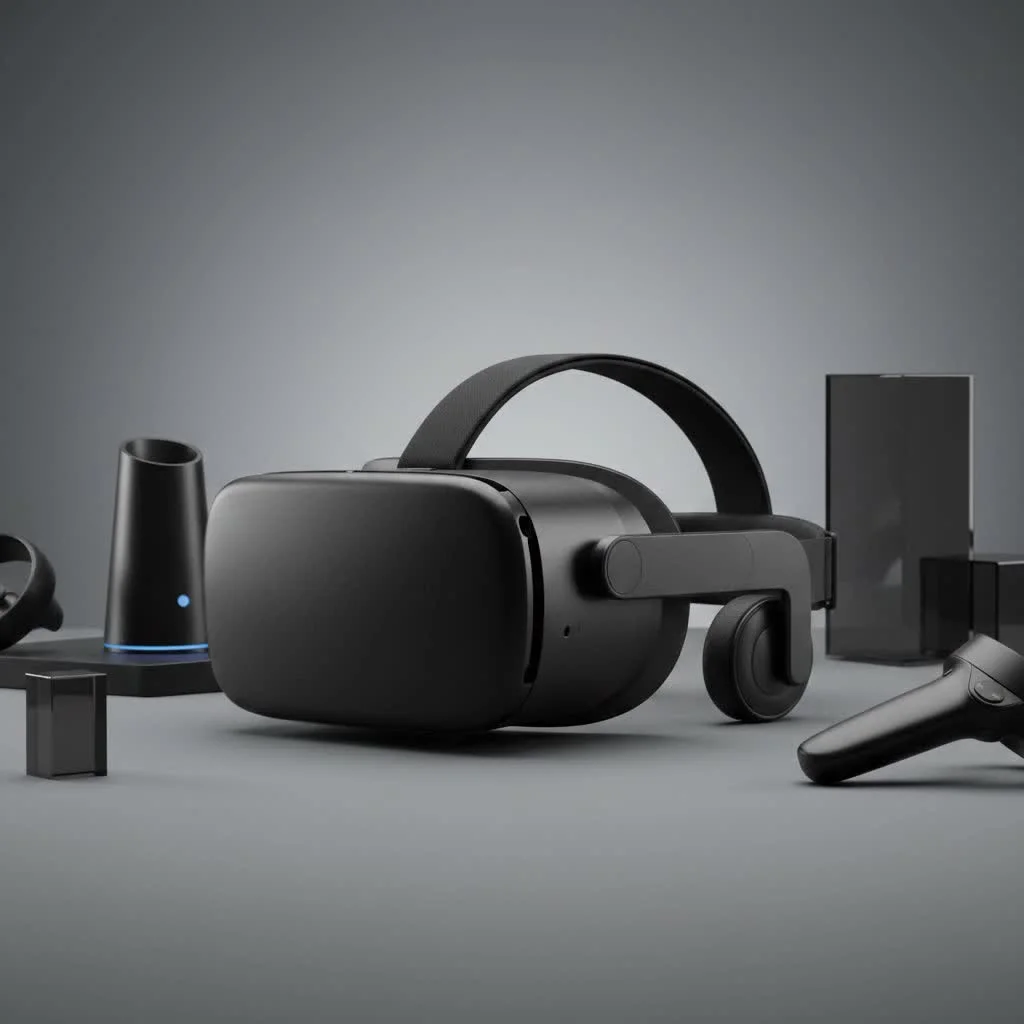
The Quest 2 VR headset is a self-contained virtual reality system developed by Meta. Unlike early VR headsets that needed to be tethered to a powerful gaming computer, the Quest 2 has all the necessary processing power, storage, and tracking technology built directly into the headset. This all-in-one design provides an unparalleled level of freedom, allowing you to immerse yourself in games and experiences anywhere with a bit of space. For expert virtual reality reviews on this site.
At its core, the device uses “inside-out” tracking, with cameras mounted on the headset itself to track your position in the room and the movement of your controllers. This eliminates the need for external base stations, making setup incredibly simple. You just put it on, define your play area, and you’re ready to dive in.
Key Features and Specifications
While no longer the newest model on the block, the Quest 2’s specifications remain impressive and more than capable of delivering breathtaking VR experiences.
Core Specs Breakdown
- Resolution: 1832 x 1920 pixels per eye, providing a sharp and clear image that minimizes the “screen-door effect” common in older headsets.
- Refresh Rate: Supports 60, 72, 90, and an experimental 120 Hz refresh rate. A higher rate results in smoother motion, which is crucial for comfort and realism in VR.
- Processor: Powered by the Qualcomm Snapdragon XR2 platform, a chip designed specifically for VR and AR applications.
- Storage: Available in 128GB and 256GB models. Since all games and apps are stored internally, choosing the right storage capacity is important.
- Audio: Integrated positional audio is built into the head strap, meaning you don’t need separate headphones. However, a 3.5mm jack is included if you prefer to use your own.
- Controllers: Comes with two redesigned Touch controllers that are ergonomic, intuitive, and offer excellent tracking and haptic feedback.
“The Quest 2’s genius wasn’t just in its technical specs, but in its accessibility,” notes Dr. Alistair Finch, a leading expert in human-computer interaction. “It removed the friction points—the wires, the complex setup, the high cost—that kept mainstream audiences away from VR for so long.”
Standalone Freedom vs. PC VR Power
One of the most powerful features of the Quest 2 VR headset is its versatility. You can use it in two primary ways, each with its own advantages.
The Standalone Experience
|
Our Picks for the Best VR Headset in 2026
As an Amazon Associate I earn from qualifying purchases.
|
||
| Num | Product | Action |
|---|---|---|
| 1 | VR Headset for Nintendo Switch 2 (2025), Switch 2 Virtual Reality VR Glasses with Adjustable HD Lenses and Comfortable Head Strap, Labo VR Kit 3D Goggles for Switch 2 Accessories, White&Blue |

|
| 2 | VR Headset for Phone, Virtual Reality Glasses with Bluetooth Headphones for Adults and Kids Play 3D VR Games Movies (White VR Only) |
|
| 3 | Meta Quest 2 — Advanced All-In-One Virtual Reality Headset — 256 GB (Renewed) |
|
| 4 | FEEBZ 3D VR Headset for Kids 2.0 + Android Remote - for iPhone & Android Phones - with 3D VR Videos & Apps Links - Virtual Reality Goggles Set for Beginners |
|
| 5 | PlayStation VR2 Horizon Call of The Mountain™ Bundle (PSVR2) |
|
| 6 | Oculus Quest 2 Advanced All-in-One Virtual Reality Gmaing VR Headset 128GB Set, White |
|
| 7 | Oculus Quest 2 VR Headset 128GB Holiday Set - Advanced All-in-One Virtual Reality Headset Cover Set, White |
|
| 8 | FEEBZ 3D VR Headset for Kids 2.0 + Android Remote - for iPhone & Android Phones - with 3D VR Videos & Apps Links - Virtual Reality Goggles Set for Beginners |
|
| 9 | PlayStation VR2 (PSVR2) |
|
| 10 | DESTEK V5 VR Headset for Kids w/VR Gamepad, 128 Premium VR apps Included, Anti-Blue Eyes Protected HD Lenses, 110° FOV Virtual Reality Headsets for iPhone, Android Phone- Black |
|
This is the main draw. You can buy the headset, take it home, and start playing games from the Meta Quest Store within minutes. The library of native Quest games is vast and includes major hits like Beat Saber, Superhot VR, and Resident Evil 4 VR. This mode is perfect for ease of use, portability, and jumping straight into the fun.
PC VR with Quest Link and Air Link
For users with a gaming PC, the Quest 2 can transform into a powerful, PC-tethered headset. Using a high-quality USB-C cable (Meta Quest Link) or a strong Wi-Fi 6 connection (Air Link), you can connect the headset to your computer. This unlocks the ability to play graphically intensive titles from PC VR libraries like SteamVR and the Rift Store, such as Half-Life: Alyx or Microsoft Flight Simulator. This hybrid functionality gives you the best of both worlds: a simple, portable device that can also access the most demanding VR content available.
Setting Up Your Quest 2 for the First Time
Getting started with the Quest 2 is remarkably straightforward. Here’s a simple step-by-step guide to get you up and running.
- Unbox and Charge: Take everything out of the box and plug in the headset using the included charger to ensure it has a full battery.
- Download the Mobile App: While it’s charging, download the Meta Quest mobile app on your smartphone (available on iOS and Android). You’ll use this to manage your account and set up the device.
- Power On and Pair: Turn on the headset and follow the on-screen instructions to pair it with the mobile app and connect it to your Wi-Fi network.
- Create Your Guardian Boundary: This is a critical safety feature. You’ll use the headset’s cameras to see your real-world surroundings and draw a virtual boundary on the floor. If you get too close to this boundary while in VR, a grid will appear to prevent you from bumping into furniture.
- Explore and Download: Once setup is complete, you’ll be transported to your virtual home environment. From here, you can browse the store, download your first games, and start exploring the metaverse.
Is the Quest 2 VR Headset Still Worth It in 2026?
This is the big question for potential buyers today. With the newer Meta Quest 3 on the market, is there still a place for the Quest 2? The answer is a resounding yes, but it depends on your priorities.
The Quest 3 offers significant upgrades, including a more powerful processor, higher-resolution displays, and full-color passthrough for mixed reality (MR) applications. However, these upgrades come at a higher price point.
The Quest 2 remains the undisputed champion of value. It is frequently available at a lower price, making it the most affordable entry point into high-quality VR. It shares the same massive game library as the Quest 3, meaning you won’t miss out on the vast majority of top-tier content. For anyone who is budget-conscious or unsure how much they’ll use a VR headset, the Quest 2 is an excellent and safe choice.
Frequently Asked Questions (FAQ)
What can you do with a Quest 2 VR headset besides gaming?
Beyond a huge library of games, the Quest 2 is a versatile entertainment device. You can use it for immersive fitness apps, virtual movie theaters like Netflix and YouTube VR, social platforms like VRChat, and even productivity tools for virtual meetings and collaboration.
Do I need a Facebook account to use the Quest 2?
No. While it was a requirement at launch, you now use a Meta account to log in. This account can be created with an email address and does not need to be linked to a personal Facebook profile.
Can you wear glasses with the Quest 2?
Yes, the headset comes with a glasses spacer in the box. This small plastic frame adds extra distance between the lenses and your face, accommodating most prescription glasses. For a more comfortable experience, custom prescription lens inserts are also available from third-party vendors.
How much space do I need to use the Quest 2?
You can use the Quest 2 in two ways: “Roomscale” or “Stationary.” For Roomscale, a minimum clear space of 6.5 feet by 6.5 feet is recommended. For Stationary mode, you can play while sitting or standing in one spot, requiring very little space.
What are the must-have games for a new Quest 2 owner?
For starters, most people recommend Beat Saber (a rhythm music game), Superhot VR (a slow-motion action puzzler), Walkabout Mini Golf (a relaxing and social sports game), and The Walking Dead: Saints & Sinners (an immersive survival horror game).
Final Thoughts
The Meta Quest 2 VR headset earned its place in history by making virtual reality accessible and enjoyable for millions. While it may no longer be the most technologically advanced headset on the market, its incredible value, massive content library, and user-friendly design keep it highly relevant. It stands as the perfect gateway into the immersive world of VR, offering countless hours of entertainment, fitness, and social connection without breaking the bank. If you’re ready to take your first step into a larger world, the Quest 2 is still one of the best ways to do it.
Get our weekly buyer guide
Practical specs, not advice. Unsubscribe anytime.
