Are you looking for an Android VR headset to dive into immersive new worlds? You’ve come to the right place. The landscape of virtual reality has changed dramatically over the last few years, and understanding what an “Android VR headset” means today is key to making the right choice. Gone are the days when VR was just about slotting your smartphone into a plastic viewer. Today, we’re talking about powerful, all-in-one devices that deliver mind-blowing experiences, and yes, they are fundamentally powered by Android. Let’s explore what you need to know to find the perfect device for your virtual adventures.
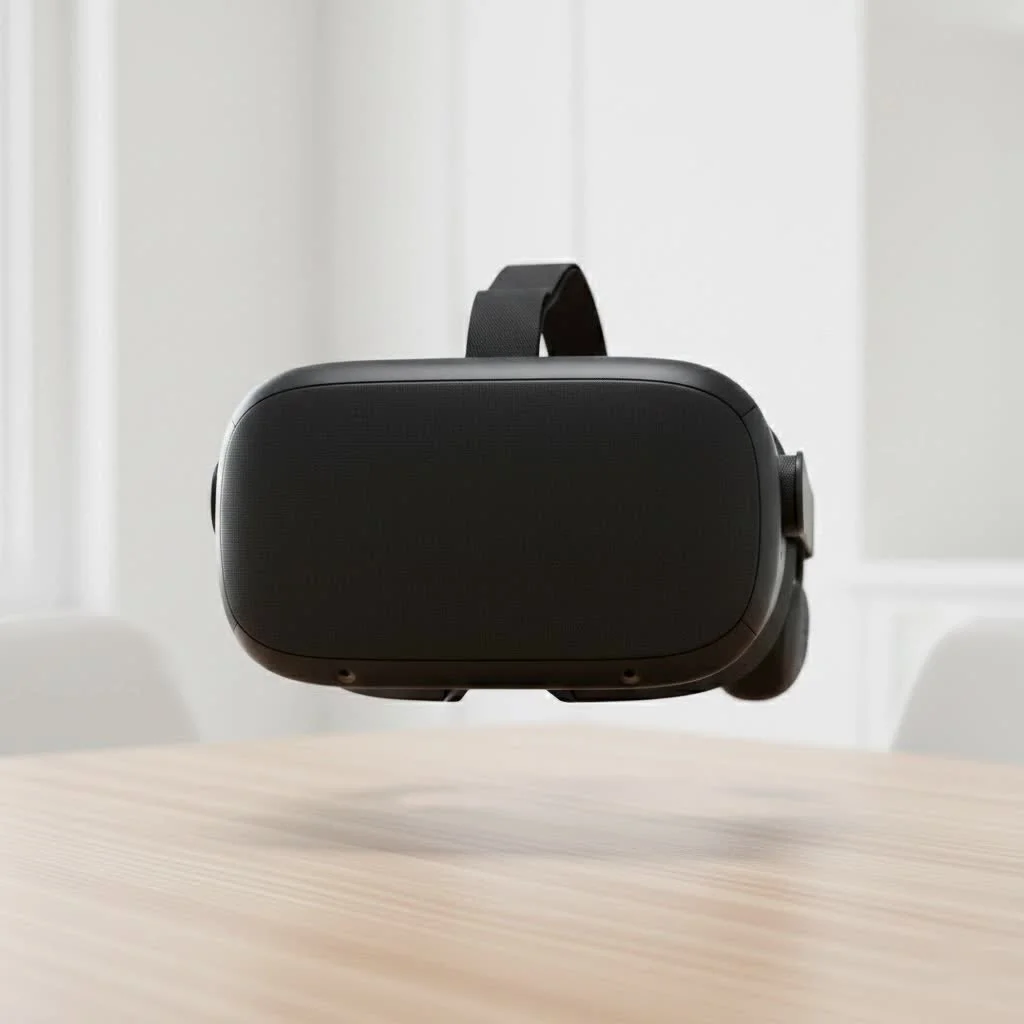
The Evolution: From Phone Goggles to Standalone Powerhouses
Just a few years ago, the term “Android VR headset” primarily referred to devices like the Samsung Gear VR or Google Daydream View. These were shells that used your Android smartphone’s screen, processor, and sensors to create a basic VR experience. While revolutionary at the time, they had significant limitations in tracking, performance, and content. Today, this category is almost entirely obsolete. For see our virtual reality recommendations on this site.
The modern Android VR headset is a standalone device. This means it has its own built-in screens, processor, battery, and tracking system. The operating system running these powerful headsets, like the immensely popular Meta Quest series, is a customized version of Android. This gives them the flexibility of the Android ecosystem combined with the dedicated power needed for high-quality, untethered virtual reality.
Why Did Phone-Based VR Disappear?
The shift away from smartphone-powered VR was inevitable. Here’s a quick breakdown of why standalone headsets took over:
- Performance Issues: Phones weren’t designed to be dedicated VR machines. They would often overheat, throttle performance, and drain batteries rapidly.
- Limited Tracking: Most phone headsets only offered 3 Degrees of Freedom (3DoF), meaning they could track your head rotation but not your movement in a physical space. Standalone headsets offer 6 Degrees of Freedom (6DoF), which is essential for a truly immersive experience.
- Inconsistent Experience: The quality of VR depended heavily on the specific phone model, leading to a fragmented and often subpar experience for users.
- Lack of a Dedicated Ecosystem: While there were app stores, the content libraries never matched the scale and quality of dedicated platforms like the Meta Quest Store or SteamVR.
What to Look for in a Modern Android VR Headset
Choosing a standalone VR headset in 2025 means you’re investing in a sophisticated piece of technology. Here are the key features you should consider before making a purchase.
Display Resolution and Refresh Rate
|
Our Picks for the Best VR Headset in 2026
As an Amazon Associate I earn from qualifying purchases.
|
||
| Num | Product | Action |
|---|---|---|
| 1 | VR Headset for Nintendo Switch 2 (2025), Switch 2 Virtual Reality VR Glasses with Adjustable HD Lenses and Comfortable Head Strap, Labo VR Kit 3D Goggles for Switch 2 Accessories, White&Blue |

|
| 2 | PlayStation VR2 Horizon Call of The Mountain™ Bundle (PSVR2) |
|
| 3 | FEEBZ 3D VR Headset for Kids 2.0 + Android Remote - for iPhone & Android Phones - with 3D VR Videos & Apps Links - Virtual Reality Goggles Set for Beginners |
|
| 4 | Oculus Quest 2 Advanced All-in-One Virtual Reality Gmaing VR Headset 128GB Set, White |
|
| 5 | VR Headset for Phone, Virtual Reality Glasses with Bluetooth Headphones for Adults and Kids Play 3D VR Games Movies (White VR Only) |
|
| 6 | PlayStation VR2 (PSVR2) |
|
| 7 | Meta Quest 2 — Advanced All-In-One Virtual Reality Headset — 256 GB (Renewed) |
|
| 8 | FEEBZ 3D VR Headset for Kids 2.0 + Android Remote - for iPhone & Android Phones - with 3D VR Videos & Apps Links - Virtual Reality Goggles Set for Beginners |
|
| 9 | DESTEK V5 VR Headset for Kids w/VR Gamepad, 128 Premium VR apps Included, Anti-Blue Eyes Protected HD Lenses, 110° FOV Virtual Reality Headsets for iPhone, Android Phone- Black |
|
| 10 | Oculus Quest 2 VR Headset 128GB Holiday Set - Advanced All-in-One Virtual Reality Headset Cover Set, White |
|
The quality of your virtual experience starts with what you see. Higher resolution per eye reduces the “screen-door effect” (seeing the pixels) and creates a sharper, more realistic image. Look for headsets with at least 1832×1920 pixels per eye. The refresh rate, measured in Hertz (Hz), determines how smooth the motion appears. A higher refresh rate (90Hz or 120Hz) reduces motion sickness and makes everything feel more fluid.
Tracking: 6 Degrees of Freedom (6DoF) is a Must
This is non-negotiable for a modern VR experience. 6DoF tracking, usually achieved through cameras on the headset (inside-out tracking), allows the system to track your head and body movements in a 3D space. You can walk, duck, and lean, and your virtual avatar will do the same. This is the magic ingredient for true immersion.
Processing Power
Just like a gaming console or PC, the processor (or System on a Chip – SoC) inside the headset dictates the complexity of games and applications it can run. The Qualcomm Snapdragon XR series is the current industry standard, with newer generations offering significant performance boosts, enabling more detailed graphics and more ambitious games.
Comfort and Ergonomics
You could have the most powerful headset in the world, but if it’s uncomfortable, you won’t use it. Pay attention to weight distribution, head strap design, and facial interface materials. A well-balanced headset is crucial for longer play sessions. Many headsets also offer adjustable interpupillary distance (IPD) to match the distance between your eyes, which is vital for visual comfort and clarity.
As VR hardware analyst Dr. Alistair Finch notes, “We’ve moved past the raw power race. The focus now is on user experience—ergonomics, intuitive interfaces, and mixed reality capabilities. A device has to feel good to wear for more than 30 minutes, and it needs to seamlessly blend the virtual and real worlds.”
Content Library
A headset is only as good as the games and apps it can run. The Meta Quest platform has the largest and most mature standalone content library, with thousands of titles ranging from blockbuster games to fitness apps and social experiences. Before buying, browse the available app store to ensure it has the kind of content you’re interested in.
Top Standalone Android VR Headset Recommendations
While many companies are entering the space, one brand continues to dominate the consumer market with its robust ecosystem and accessible hardware.
Meta Quest 3: The All-Round Champion
The Meta Quest 3 is widely regarded as the best consumer-grade Android VR headset available today. It represents a significant leap forward from its predecessor, the Quest 2.
- Key Feature: Full-color mixed reality. The Quest 3 features high-resolution color cameras that allow you to see your real-world surroundings in full color while wearing the headset. This opens up incredible possibilities for mixed reality games and applications that blend digital objects with your physical space.
- Performance: It uses the powerful Snapdragon XR2 Gen 2 processor, offering roughly double the graphical performance of the Quest 2. This means games look sharper, run smoother, and can be more complex.
- Optics: It utilizes “pancake lenses,” which are thinner and lighter than the Fresnel lenses used in older headsets. This results in a slimmer profile and improved edge-to-edge clarity.
- Content: It has full backward compatibility with the massive Quest 2 library, so you have access to a huge collection of games and apps from day one.
Meta Quest 2: The Budget-Friendly Gateway
Even with the Quest 3 on the market, the Meta Quest 2 remains an excellent entry point into VR. It’s more affordable and still provides a fantastic, high-quality standalone VR experience. If you’re on a tighter budget or just want to dip your toes into virtual reality, the Quest 2 is a fantastic and reliable choice.
How to Get Started with Your VR Headset
Setting up a modern standalone headset is incredibly simple.
- Unbox and Charge: Take the headset and controllers out of the box and make sure they are fully charged.
- Download the Companion App: You’ll need to download the Meta Quest app (or the relevant app for your headset) onto your Android smartphone.
- Pair Your Devices: Follow the on-screen instructions in the app and inside the headset to pair them with your phone and Wi-Fi network.
- Set Up Your Guardian: The headset will guide you through setting up your “Guardian,” a virtual boundary that marks your safe play area. This is a crucial safety feature that prevents you from bumping into furniture.
- Explore and Download: Once set up, you’ll be in your virtual home environment. From here, you can browse the store, download your first games and apps, and start exploring.
Frequently Asked Questions (FAQ)
Can I connect my Android VR headset to a PC?
Yes, most standalone headsets like the Meta Quest 3 can be connected to a PC via a USB-C cable (Oculus Link) or wirelessly (Air Link) to play high-end PC VR games from platforms like SteamVR. This gives you the best of both worlds: untethered freedom and the power of PC VR.
Do I need an Android phone to use a Meta Quest headset?
You need an iOS or Android smartphone with the companion app to perform the initial setup. After that, the headset operates as a completely standalone device, and you do not need your phone to use it.
What is mixed reality?
Mixed reality (MR) is a feature that uses cameras on the headset to overlay virtual objects onto your real-world view. For example, you could have a virtual board game on your actual coffee table or fight digital aliens invading your living room.
Can I watch movies in an Android VR headset?
Absolutely. There are apps like Netflix, YouTube VR, and dedicated movie-viewing apps that allow you to watch films and TV shows on a massive virtual screen, creating a personal cinema experience.
Is VR still bad for your eyes?
Modern VR headsets are designed with visual comfort in mind. Features like IPD adjustment help ensure the lenses are properly aligned with your eyes. However, like with any screen-based activity, it’s recommended to take regular breaks (e.g., every 30-45 minutes) to rest your eyes.
Your Virtual Future Awaits
The world of the Android VR headset has matured into a truly compelling entertainment platform. By shedding the limitations of smartphones and embracing standalone power, devices like the Meta Quest 3 offer immersive, high-quality experiences that were science fiction just a decade ago. Whether you’re a hardcore gamer, a fitness enthusiast, or just someone curious about the future of technology, there has never been a better time to put on a headset and step into a new reality. Explore the options, consider what features matter most to you, and get ready for an adventure.
Get our weekly buyer guide
Practical specs, not advice. Unsubscribe anytime.
