Diving into the world of virtual reality can feel like an expensive hobby, reserved only for those with deep pockets. But what if I told you that experiencing immersive, high-quality VR is more accessible than ever? As your dedicated VR expert at MNWFC, I’m here to cut through the noise and guide you to the best cheap VR headset that delivers incredible experiences without breaking the bank. The landscape of affordable VR has exploded with options, and in 2025, “cheap” no longer means a compromise on quality.
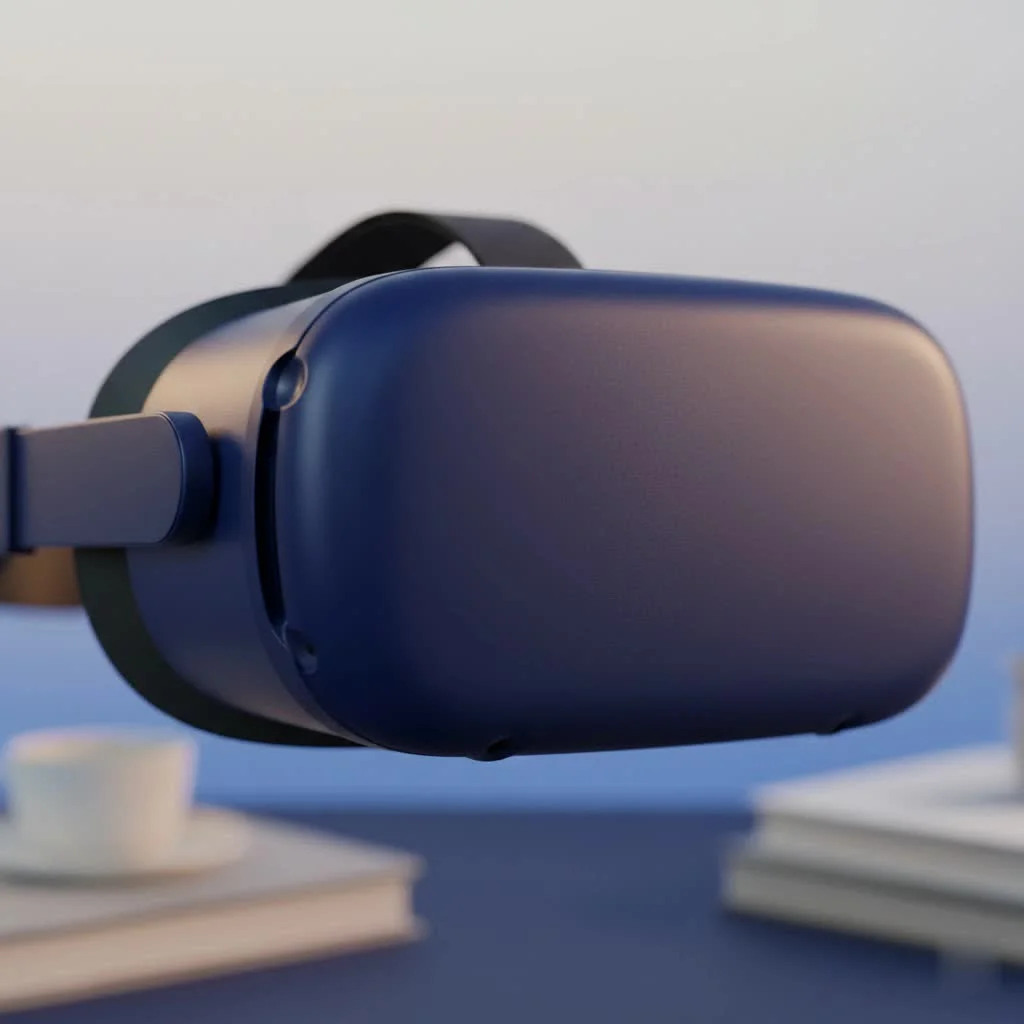
Whether you’re looking to battle dragons, explore distant galaxies, or get a next-level workout, there’s a budget-friendly headset waiting for you. Let’s explore the top contenders that offer the best bang for your buck.
Our Top Picks for the Best Budget VR Headset
To make your decision easier, here’s a quick rundown of the best cheap VR headsets on the market right now:
- Best Overall Budget VR: Meta Quest 3S
- Best for PC VR on a Budget: DPVR E5 Lite
- Best Meta Alternative: Pico 4 Ultra
- Best for Console Gamers: PlayStation VR2 (requires PS5)
A Deep Dive into the Top Affordable VR Headsets
Choosing a headset isn’t just about the price; it’s about the value it delivers. We’ve spent countless hours testing and analyzing to bring you the devices that truly stand out.
Meta Quest 3S: The Undisputed Budget Champion
If you’re looking for one headset that does it all without a hefty price tag, the Meta Quest 3S is your answer. It masterfully balances performance, features, and cost, making it the ideal entry point into true virtual reality.
What makes the Quest 3S so special is that it’s a completely standalone device. You don’t need an expensive gaming PC or a console. Everything you need is built right into the headset. It boasts impressive inside-out tracking (6 degrees of freedom, or 6DoF), which means it accurately follows your head and body movements in a 3D space, creating a truly immersive experience.
While it uses the more traditional lenses of its predecessor, the Quest 2, it houses the powerful processor of the newer Quest 3. This means you get smooth performance and access to the massive Meta Quest game and app library—the largest and most diverse content ecosystem in VR.
- Pros: Fully standalone, access to a huge content library, great performance for the price, easy setup.
- Cons: Visuals are not as sharp as the more expensive Quest 3, battery life is around two hours.
DPVR E5 Lite: The PC Gamer’s Dream on a Dime
|
Our Picks for the Best VR Headset in 2026
As an Amazon Associate I earn from qualifying purchases.
|
||
| Num | Product | Action |
|---|---|---|
| 1 | VR Headset for Phone, Virtual Reality Glasses with Bluetooth Headphones for Adults and Kids Play 3D VR Games Movies (White VR Only) |

|
| 2 | VR Headset for Nintendo Switch 2 (2025), Switch 2 Virtual Reality VR Glasses with Adjustable HD Lenses and Comfortable Head Strap, Labo VR Kit 3D Goggles for Switch 2 Accessories, White&Blue |
|
| 3 | PlayStation VR2 (PSVR2) |
|
| 4 | FEEBZ 3D VR Headset for Kids 2.0 + Android Remote - for iPhone & Android Phones - with 3D VR Videos & Apps Links - Virtual Reality Goggles Set for Beginners |
|
| 5 | Oculus Quest 2 Advanced All-in-One Virtual Reality Gmaing VR Headset 128GB Set, White |
|
| 6 | DESTEK V5 VR Headset for Kids w/VR Gamepad, 128 Premium VR apps Included, Anti-Blue Eyes Protected HD Lenses, 110° FOV Virtual Reality Headsets for iPhone, Android Phone- Black |
|
| 7 | Oculus Quest 2 VR Headset 128GB Holiday Set - Advanced All-in-One Virtual Reality Headset Cover Set, White |
|
| 8 | FEEBZ 3D VR Headset for Kids 2.0 + Android Remote - for iPhone & Android Phones - with 3D VR Videos & Apps Links - Virtual Reality Goggles Set for Beginners |
|
| 9 | PlayStation VR2 Horizon Call of The Mountain™ Bundle (PSVR2) |
|
| 10 | Meta Quest 2 — Advanced All-In-One Virtual Reality Headset — 256 GB (Renewed) |
|
For those who already own a capable gaming PC, the world of high-fidelity PC VR is within reach without spending a fortune. The DPVR E5 Lite is a tethered headset designed specifically for this purpose.
By offloading the processing power to your computer, the E5 Lite can focus on delivering a solid visual and tracking experience at a fraction of the cost of other PC VR headsets. It’s a no-frills device that prioritizes core performance, allowing you to play demanding titles from platforms like SteamVR. If you’re primarily interested in simulators or graphically intensive games and have the hardware to back it up, this is an unbeatable value proposition.
- Pros: Extremely affordable entry into PC VR, lightweight design, solid tracking performance.
- Cons: Requires a gaming PC, tethered with a cable which can limit movement.
Pico 4 Ultra: A Worthy Contender
While the Meta Quest series dominates the standalone market, the Pico 4 Ultra presents itself as a compelling alternative. It often competes directly with Meta on price while offering some impressive features, including a higher resolution display and balanced, comfortable design.
The “pancake” lenses used in the Pico 4 Ultra are a premium feature, offering a sharper and wider field of view compared to the Quest 3S. However, its biggest drawback, particularly in certain regions, is its content library. While it has many great games, it’s not as extensive as Meta’s. Still, for users focused on visual clarity and comfort, the Pico 4 is a fantastic choice that shouldn’t be overlooked.
- Pros: Higher resolution display, comfortable and balanced design, competitive pricing.
- Cons: Smaller app and game library compared to Meta Quest.
How to Choose the Best Cheap VR Headset for You
Navigating the technical specs can be daunting. Here’s what you should focus on when making your decision.
As our lead hardware analyst, Dr. Alistair Finch, often says, “The best budget headset isn’t just the one with the lowest price; it’s the one that removes the most friction from your entry into VR. Focus on ease of use and content availability first, then specs.”
Standalone vs. PC VR
This is the most critical decision.
- Standalone VR headsets (like the Meta Quest 3S) are all-in-one devices. They are incredibly convenient, portable, and easy to set up. This is the best choice for most beginners.
- PC VR headsets (like the DPVR E5 Lite) connect to a computer. They can offer higher graphical fidelity but require a powerful and expensive PC, and you are tethered by a cable.
Resolution and Refresh Rate
- Resolution: This determines how sharp and clear the image is. A higher resolution reduces the “screen door effect” where you can see the pixels. Look for resolutions around 1832×1920 per eye or higher in the budget category.
- Refresh Rate: Measured in Hertz (Hz), this is how many times the screen updates per second. A higher refresh rate (90Hz or 120Hz) results in a smoother, more comfortable experience with less motion sickness.
Tracking: The 6DoF Standard
Forget about the old phone-based VR goggles. Any modern VR headset worth considering must have 6 Degrees of Freedom (6DoF) tracking. This allows you to not only look around (3DoF) but also move forward, backward, up, down, left, and right within your virtual space. It’s the key to true immersion.
Content is King
A great headset is nothing without great games and experiences. The Meta Quest platform has the undeniable advantage here, with thousands of titles, including many exclusives. Before you buy, check the game library of the headset you’re considering to make sure it has the content you want to play.
Frequently Asked Questions (FAQ)
Is a cheap VR headset worth it?
Absolutely. In 2025, budget-friendly VR headsets like the Meta Quest 3S offer a full-featured, immersive experience that was considered premium just a few years ago. They are the perfect way to get into VR gaming, fitness, and social apps without a major investment.
Do I need a powerful PC for a cheap VR headset?
You only need a powerful PC if you choose a PC VR headset. For standalone headsets like the Meta Quest 3S or Pico 4 Ultra, no PC is required at all. They operate entirely on their own.
Can I use a budget VR headset for fitness?
Yes! VR fitness is one of the most popular uses for headsets. There are dozens of amazing fitness apps on platforms like the Meta Quest store, from boxing and dancing to guided workouts. The wireless nature of standalone headsets makes them perfect for exercising.
What is the absolute cheapest way to try VR?
While there are extremely cheap phone-based headsets, they do not offer a true VR experience as they lack 6DoF tracking. The most affordable way to experience real virtual reality is with a headset like the Meta Quest 3S.
Your Adventure into VR Awaits
Choosing the best cheap VR headset is about finding the sweet spot between price, performance, and content. For the vast majority of people, the Meta Quest 3S is the winning formula, offering an incredible all-in-one package that opens the door to the vast world of virtual reality. It’s a testament to how far the technology has come, proving that you no longer need to spend a fortune to be part of the future.
Whichever path you choose, an amazing universe of immersive entertainment is ready for you to explore. Grab your headset, clear some space, and get ready to be amazed.
Get our weekly buyer guide
Practical specs, not advice. Unsubscribe anytime.
