Thinking about diving into virtual reality without breaking the bank? You might be looking at the original PlayStation VR, now a seasoned veteran in the gaming world. But with newer, shinier headsets on the market, the big question is whether the PS4 VR headset is still a worthy investment today. The short answer: it absolutely can be, especially if you know what you’re getting into.
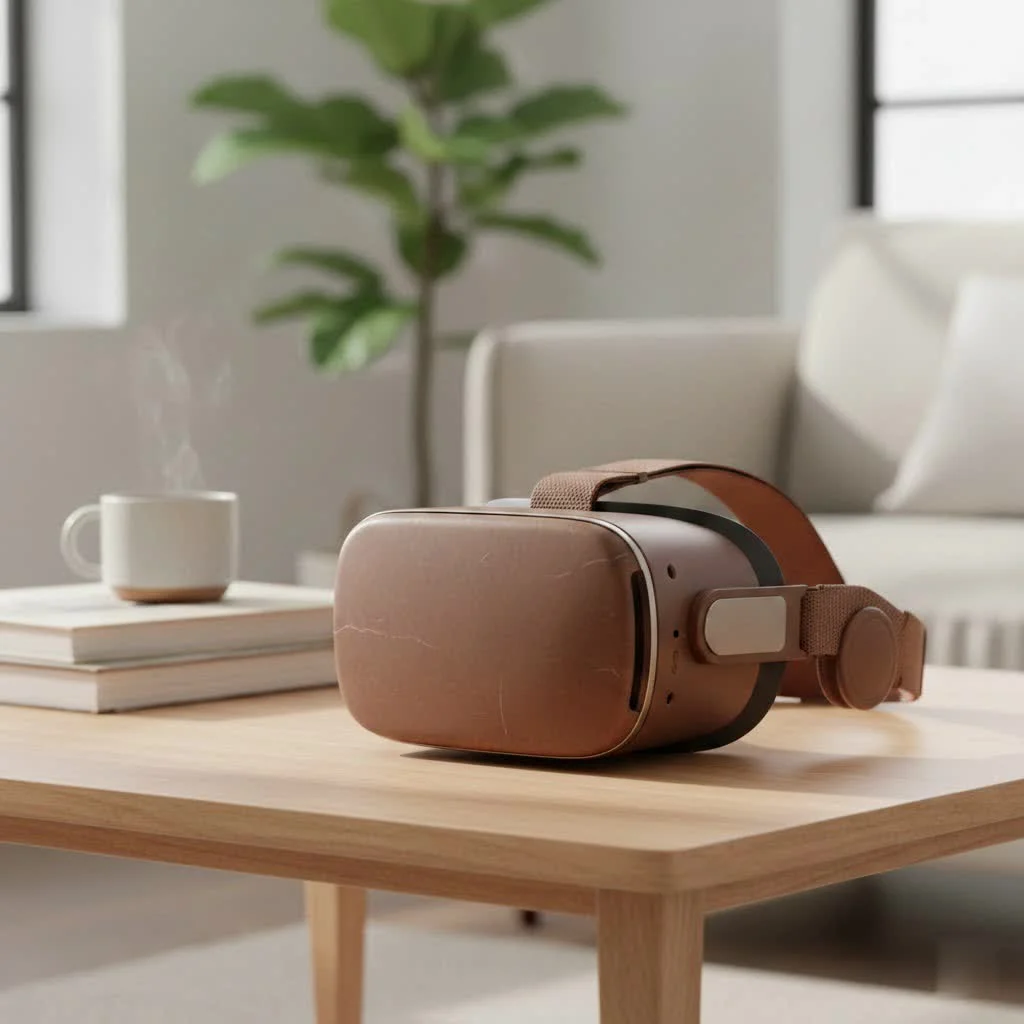
As a long-time VR enthusiast and creator at MNWFC, I’ve seen headsets come and go. The original PSVR holds a special place, not just for nostalgia, but because it still offers a fantastic library of unique games that you can’t find anywhere else. Let’s break down everything you need to know about the PS4 VR headset in 2025.
What is the PS4 VR Headset?
The PlayStation VR (PSVR) is Sony’s first major foray into virtual reality, designed specifically for the PlayStation 4 console. It consists of a headset that provides a 3D view of the game world, a processor unit that handles the complex video processing, and the PlayStation Camera, which tracks your head and controller movements.
Unlike standalone headsets like the Meta Quest, the PSVR is a tethered experience. This means it needs to be physically connected to your PS4 console to work. While this might seem a bit cumbersome with its array of cables, it allows the headset to leverage the processing power of the PS4 to deliver some truly compelling and graphically rich experiences.
The Big Question: Is It Still Worth It?
In a world with the PSVR 2 and other advanced headsets, why consider the original? The answer boils down to two things: price and exclusive games. You can often find a complete second-hand PS4 VR headset bundle for a fraction of the cost of a new system. This makes it an incredibly accessible entry point for anyone curious about VR.
More importantly, the PSVR has a killer library of games that were never ported to the PSVR 2 or other platforms. Titles like Astro Bot Rescue Mission, Blood & Truth, and Resident Evil 7 in VR are considered masterpieces and, for many, are worth the price of admission alone.
“The original PSVR is a time capsule of phenomenal, first-generation console VR games. While the hardware shows its age, the exclusive software library remains a compelling reason for both new users and collectors to keep a headset on hand.” – Dr. Alistair Finch, VR Technology Analyst.
However, it’s important to manage expectations. The technology is older. The screen resolution isn’t as sharp as modern headsets, and the tracking, which relies on a single camera, can be less precise than the inside-out tracking found on newer devices. No new games are being developed for it, so the library you see is what you get.
How to Set Up Your PS4 VR Headset
Getting the PS4 VR headset running involves a few more cables than you might be used to, but it’s a straightforward process. Think of the Processor Unit as a smart HDMI splitter that manages the video signals between your PS4, TV, and VR headset.
Here is a step-by-step guide to get you started:
- Position Your Camera: Place the PlayStation Camera on top of or below your TV. It should be about 4.5 to 5 feet off the floor and pointed at where you’ll be sitting or standing.
- Connect PS4 to Processor Unit: Take the HDMI cable that normally runs from your PS4 to your TV and unplug it from the PS4. Plug that end into the Processor Unit port labeled “HDMI TV”.
- Connect New HDMI: Use a second HDMI cable to connect your PS4’s HDMI Out port to the Processor Unit’s “HDMI PS4” port.
- USB Connection: Connect the included Micro USB cable from the back of the Processor Unit to one of the front USB ports on your PS4.
- Power Up: Connect the AC power cord to the Processor Unit and plug it into an outlet.
- Connect the Headset: Plug the main VR headset cable into the front of the Processor Unit. The connectors are shaped to only fit one way.
- Power On: Turn on your TV, then your PS4, and finally press the power button on the VR headset’s inline remote. The headset’s lights will turn blue.
- Follow On-Screen Setup: Your PS4 will guide you through the final configuration steps, including calibrating the camera and controllers.
Can You Use the PS4 VR Headset on a PS5?
Yes, you absolutely can! The PS4 VR headset is backward compatible with the PlayStation 5, allowing you to play your entire library of original PSVR games on the newer console. However, there’s a crucial catch.
The new PS5 HD Camera is not compatible with the PSVR. You must use the original PlayStation Camera for the PS4. Since the PS5 doesn’t have the proprietary camera port that the PS4 has, you will need a special PlayStation Camera adapter. Sony provides this adapter for free to all PSVR owners. You just need to request one from their support website using your headset’s serial number.
Additionally, you’ll need to use your old DualShock 4 or PlayStation Move controllers, as the PS5’s DualSense controller is not compatible with PSVR games.
Must-Play Games for the PS4 VR Headset
The game library is where the PS4 VR headset truly shines. Many of its best titles are still regarded as some of the greatest VR experiences ever made.
Top Recommendations:
|
Our Picks for the Best VR Headset in 2026
As an Amazon Associate I earn from qualifying purchases.
|
||
| Num | Product | Action |
|---|---|---|
| 1 | PlayStation VR2 Horizon Call of The Mountain™ Bundle (PSVR2) |

|
| 2 | VR Headset for Phone, Virtual Reality Glasses with Bluetooth Headphones for Adults and Kids Play 3D VR Games Movies (White VR Only) |
|
| 3 | PlayStation VR2 (PSVR2) |
|
| 4 | FEEBZ 3D VR Headset for Kids 2.0 + Android Remote - for iPhone & Android Phones - with 3D VR Videos & Apps Links - Virtual Reality Goggles Set for Beginners |
|
| 5 | Meta Quest 2 — Advanced All-In-One Virtual Reality Headset — 256 GB (Renewed) |
|
| 6 | Oculus Quest 2 VR Headset 128GB Holiday Set - Advanced All-in-One Virtual Reality Headset Cover Set, White |
|
| 7 | DESTEK V5 VR Headset for Kids w/VR Gamepad, 128 Premium VR apps Included, Anti-Blue Eyes Protected HD Lenses, 110° FOV Virtual Reality Headsets for iPhone, Android Phone- Black |
|
| 8 | Oculus Quest 2 Advanced All-in-One Virtual Reality Gmaing VR Headset 128GB Set, White |
|
| 9 | FEEBZ 3D VR Headset for Kids 2.0 + Android Remote - for iPhone & Android Phones - with 3D VR Videos & Apps Links - Virtual Reality Goggles Set for Beginners |
|
| 10 | VR Headset for Nintendo Switch 2 (2025), Switch 2 Virtual Reality VR Glasses with Adjustable HD Lenses and Comfortable Head Strap, Labo VR Kit 3D Goggles for Switch 2 Accessories, White&Blue |
|
- Astro Bot Rescue Mission: Widely hailed as one of the best VR games of all time, this charming platformer uses the VR perspective in incredibly creative ways.
- Resident Evil 7: Biohazard: A masterpiece of horror gaming that becomes exponentially more terrifying in VR. It’s a full-length AAA game that is not for the faint of heart.
- Blood & Truth: Live out your own action movie in this explosive first-person shooter. It’s a thrilling, cinematic experience from start to finish.
- Star Wars: Squadrons: Pilot iconic starfighters in immersive dogfights. In VR, this game is a dream come true for any Star Wars fan.
- Wipeout Omega Collection: Experience blistering speeds in this futuristic racer. The sense of speed and immersion in VR is simply breathtaking.
Frequently Asked Questions (FAQ)
What comes in the PS4 VR headset box?
A standard PS4 VR bundle typically includes the VR headset, a Processor Unit, the PlayStation Camera, and all the necessary cables (HDMI, USB, power). Some bundles may also include PlayStation Move controllers.
Do I need PlayStation Move controllers?
While many games can be played with the standard DualShock 4 controller, the motion-sensing PlayStation Move controllers are required for many of the most immersive experiences, as they track your hand movements.
What is the screen resolution of the PS4 VR headset?
The headset features a single 5.7-inch OLED display with a resolution of 1920 x 1080, which is split to provide 960 x 1080 resolution per eye.
Can I wear glasses with the headset?
Yes, the PSVR was designed to be comfortable for users who wear glasses. The headset’s scope can be adjusted to accommodate them.
Is the PS4 VR headset good for kids?
Sony recommends the PSVR for ages 12 and up. It’s always best for parents to supervise gameplay and ensure players take frequent breaks.
Final Thoughts
While it’s no longer the latest and greatest, the PS4 VR headset remains a fantastic and affordable gateway into the world of virtual reality. Its value is anchored by a library of classic, exclusive games that deliver unforgettable experiences. If you’re a PS4 or PS5 owner looking to test the VR waters without a huge financial commitment, and you’re excited to play some of the most celebrated titles in VR history, then the original PlayStation VR is still an excellent choice. Just be prepared for a few more cables and a slightly less crisp image than its modern counterparts. Happy gaming
Get our weekly buyer guide
Practical specs, not advice. Unsubscribe anytime.
