Stepping into the world of virtual reality is an exciting prospect, but choosing your first VR headset can feel a little daunting. With so many options, technical terms, and price points, where do you even begin? This guide is designed to demystify the process, walking you through everything you need to know to make a confident choice. We’ll explore the key factors to consider, break down the different types of headsets available, and help you find the perfect device to kickstart your VR journey.
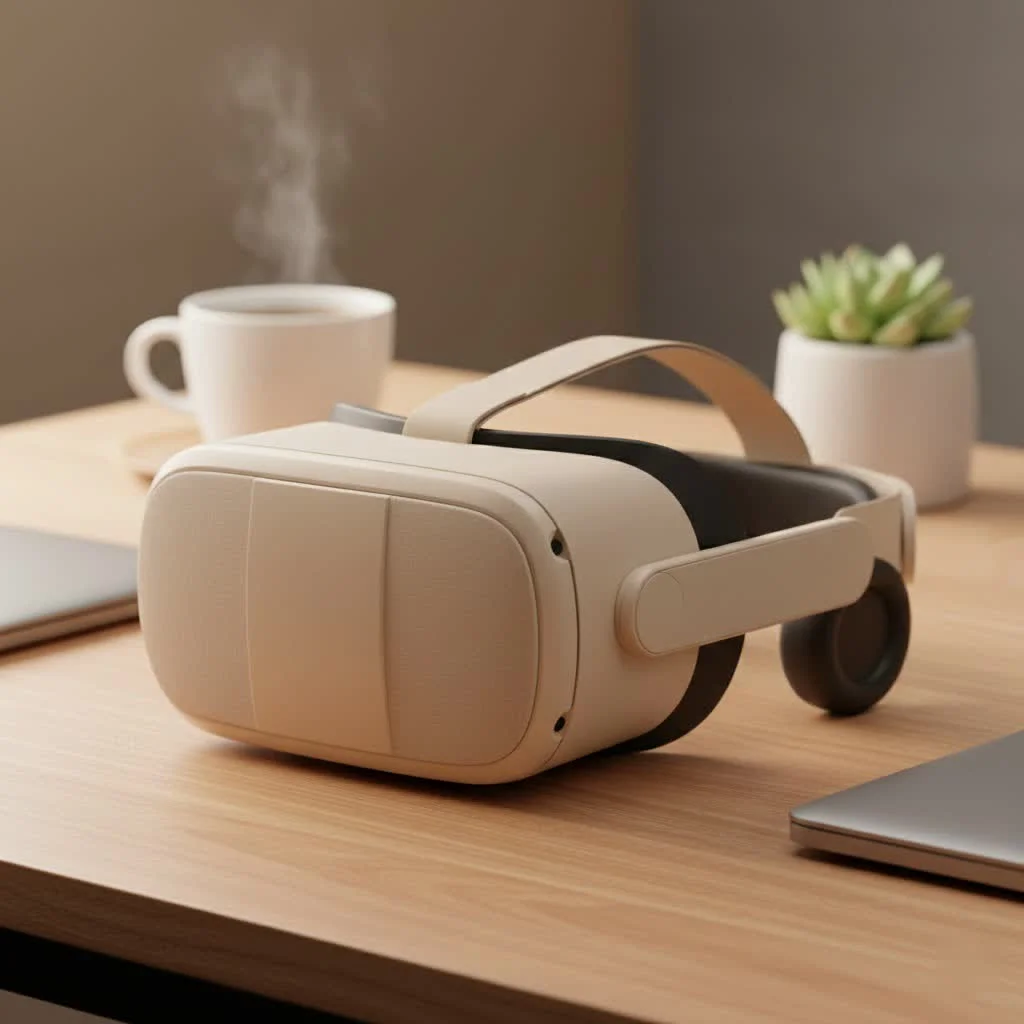
Before we dive into modern consumer choices, it’s fascinating to look back. The concept of a first VR headset isn’t new. The journey began decades ago with a device nicknamed “The Sword of Damocles,” created by computer scientist Ivan Sutherland in 1968. It was a massive, ceiling-mounted machine that was a far cry from the sleek headsets we use today, but it laid the foundational groundwork for the immersive technology that continues to evolve. From those humble, experimental beginnings, we now have a thriving market of accessible and powerful VR systems. For shop curated virtual reality on this site.
Understanding the Different Types of VR Headsets
When you start shopping for your first VR headset, you’ll encounter a few main categories. Understanding the distinction is the most important first step.
Standalone VR Headsets
These are the most popular and accessible entry point into VR. Standalone headsets, like the Meta Quest series, are completely self-contained. They have their own processors, storage, and tracking systems built right in, meaning you don’t need a PC or any external sensors.
- Pros: Easy to set up, portable, and generally more affordable.
- Cons: Graphics and processing power are less capable than PC VR systems.
- Best for: Beginners, casual users, and those who value convenience and freedom of movement.
PC VR Headsets
PC VR headsets, such as the Valve Index, connect directly to a powerful gaming computer. They leverage the PC’s processing power to deliver the highest-fidelity graphics and the most complex virtual experiences available.
- Pros: Top-tier graphics, performance, and access to a massive library of high-end games.
- Cons: Requires a significant investment in a high-spec gaming PC, and the connecting cable can restrict movement.
- Best for: Serious gamers and enthusiasts who prioritize visual quality and performance above all else.
Console VR Headsets
This category is currently dominated by the PlayStation VR2 (PSVR2). These headsets are designed to work exclusively with a specific gaming console—in this case, the PlayStation 5. They offer a streamlined, plug-and-play experience that bridges the gap between standalone and PC VR.
- Pros: Easy setup, access to high-quality exclusive titles, and more powerful than standalone headsets.
- Cons: Requires the specific console (PS5) to operate.
- Best for: PlayStation 5 owners looking for a high-quality, curated VR gaming experience.
Key Features to Consider for Your First VR Headset
Once you’ve decided on a type, it’s time to look at the specific features that will define your experience.
Degrees of Freedom (DoF)
|
Our Picks for the Best VR Headset in 2026
As an Amazon Associate I earn from qualifying purchases.
|
||
| Num | Product | Action |
|---|---|---|
| 1 | FEEBZ 3D VR Headset for Kids 2.0 + Android Remote - for iPhone & Android Phones - with 3D VR Videos & Apps Links - Virtual Reality Goggles Set for Beginners |

|
| 2 | DESTEK V5 VR Headset for Kids w/VR Gamepad, 128 Premium VR apps Included, Anti-Blue Eyes Protected HD Lenses, 110° FOV Virtual Reality Headsets for iPhone, Android Phone- Black |
|
| 3 | PlayStation VR2 (PSVR2) |
|
| 4 | PlayStation VR2 Horizon Call of The Mountain™ Bundle (PSVR2) |
|
| 5 | VR Headset for Phone, Virtual Reality Glasses with Bluetooth Headphones for Adults and Kids Play 3D VR Games Movies (White VR Only) |
|
| 6 | FEEBZ 3D VR Headset for Kids 2.0 + Android Remote - for iPhone & Android Phones - with 3D VR Videos & Apps Links - Virtual Reality Goggles Set for Beginners |
|
| 7 | Oculus Quest 2 VR Headset 128GB Holiday Set - Advanced All-in-One Virtual Reality Headset Cover Set, White |
|
| 8 | VR Headset for Nintendo Switch 2 (2025), Switch 2 Virtual Reality VR Glasses with Adjustable HD Lenses and Comfortable Head Strap, Labo VR Kit 3D Goggles for Switch 2 Accessories, White&Blue |
|
| 9 | Oculus Quest 2 Advanced All-in-One Virtual Reality Gmaing VR Headset 128GB Set, White |
|
| 10 | Meta Quest 2 — Advanced All-In-One Virtual Reality Headset — 256 GB (Renewed) |
|
This is a crucial concept in VR. It refers to how your movement is tracked in virtual space.
- 3DoF (Three Degrees of Freedom): This tracks your head’s rotational movements (looking up/down, left/right). You can’t physically move around in the virtual space. This is mostly found in older, very basic mobile VR.
- 6DoF (Six Degrees of Freedom): This tracks both your head’s rotation and your position in the room (moving forward/backward, up/down, left/right). All modern standalone, PC VR, and console headsets use 6DoF for a truly immersive, room-scale experience. For your first VR headset, 6DoF is essential.
Resolution and Field of View (FoV)
Resolution, measured in pixels per eye, determines the clarity and sharpness of the image. Higher resolution reduces the “screen-door effect,” where the gaps between pixels become visible. Field of View refers to how much of the virtual world you can see at any given moment. A wider FoV makes the experience feel more natural and immersive.
Refresh Rate
Measured in Hertz (Hz), the refresh rate is the number of times the display updates per second. A higher refresh rate (90Hz or 120Hz) results in smoother visuals and can significantly reduce motion sickness, which is a key consideration for newcomers.
Tracking
Tracking is how the headset understands your position and the position of your controllers.
- Inside-Out Tracking: Cameras on the headset track the environment and controllers. This is the standard for standalone headsets and is convenient as it requires no external sensors.
- Outside-In Tracking: External sensors or “base stations” are placed in your room to track the headset and controllers. This system, used by headsets like the Valve Index, can offer slightly more precise tracking but is more complex to set up.
What is a Good First VR Headset for a Beginner?
For most people, a standalone headset like the Meta Quest 3 is the best first VR headset. Its blend of affordability, ease of use, and a strong content library makes it an unbeatable starting point. It requires no extra hardware, you can set it up in minutes, and it even has the ability to connect to a PC wirelessly or via a cable if you decide to explore PC VR games later. This versatility provides a gentle learning curve with a high ceiling for future exploration.
As virtual reality expert Dr. Alistair Finch notes, “The barrier to entry for meaningful VR has never been lower. A new user today can unbox a standalone device and be in a deeply compelling virtual world in less than ten minutes. This immediacy is critical for adoption and is why the technology is finally hitting the mainstream.”
Setting Up Your VR Space
Regardless of which headset you choose, you’ll need a safe place to play.
- Clear the Area: You need an open space, ideally at least 6.5 feet by 6.5 feet (2 meters by 2 meters), free of furniture, pets, and other obstacles.
- Set Your Guardian: All modern headsets feature a “guardian” or “chaperone” system. This allows you to draw a virtual boundary around your play area. If you get too close to the edge, a virtual wall will appear, preventing you from bumping into real-world objects.
- Consider Comfort: Make sure your headset is properly adjusted to fit your head snugly but comfortably. Take breaks every 30-45 minutes to rest your eyes and reorient yourself.
Frequently Asked Questions (FAQ)
What was the very first VR headset?
The first head-mounted display, considered the ancestor of all VR headsets, was “The Sword of Damocles,” created in 1968 by Ivan Sutherland. It was a research project and not a commercial product.
Do I need a powerful computer for VR?
You only need a powerful computer if you choose a PC VR headset. Standalone headsets like the Meta Quest 3 and console headsets like the PSVR2 do not require a PC.
Will VR make me feel sick?
Some users may experience motion sickness, especially at first. This is often caused by a disconnect between what your eyes see and what your inner ear feels. Choosing a headset with a high refresh rate (90Hz+) and starting with comfortable, stationary experiences can help you acclimate.
Can I wear glasses with a VR headset?
Most modern headsets are designed to accommodate glasses. Many include a spacer to provide extra room, and some even have built-in lens adjustments. Prescription lens inserts are also available from third-party manufacturers for a more seamless experience.
What can I do in VR besides gaming?
VR is much more than just gaming! You can explore the world with Google Earth VR, watch movies in your own virtual cinema, attend live concerts and events, create 3D art, participate in social platforms, or use it for fitness with dedicated workout apps.
Your Virtual Adventure Awaits
Choosing your first VR headset is the beginning of an incredible journey. By understanding the different types of headsets and focusing on the features that matter most—like 6DoF tracking and a high refresh rate—you can find a device that fits your budget and needs. Whether you opt for the untethered freedom of a standalone system or the powerhouse performance of PC VR, a new dimension of entertainment, creativity, and social connection is waiting for you. Welcome to the future.
Get our weekly buyer guide
Practical specs, not advice. Unsubscribe anytime.
I was so overwhelmed trying to pick my first VR headset, but this guide really helped me narrow it down. I ended up going with the Meta Quest 3, and it’s been an absolute blast! The standalone feature is a game-changer for me since I don’t have a powerful gaming PC. Highly recommend for anyone just starting out.
This guide was exactly what I needed! I had no idea about the differences between inside-out and outside-in tracking, and now I feel much more confident in my choice. I’m excited to finally get a headset and try out some of the immersive games I’ve heard so much about. It really demystified the whole process for me.
I appreciate the historical context about ‘The Sword of Damocles’ – that was a cool tidbit. However, I wish there was a bit more detail on specific budget options under $300. It felt like most of the recommendations were for higher-priced models, which isn’t ideal for someone just dipping their toes in without a huge investment.
Great breakdown of the different types of headsets. I was leaning towards a PC VR setup, but after reading about the pros and cons, I realized a standalone headset would be much better for my living situation. The untethered experience is exactly what I needed for my small apartment. Thanks for the clear explanations!