Choosing an Amazon VR headset in 2025 involves selecting from standalone, PC VR, or smartphone-based options, with standalone headsets like the Meta Quest 3 offering the best balance of performance, price, and ease of use for most users. These devices range from under $30 for basic smartphone viewers to over $1,000 for premium PC VR kits, with key considerations including primary use case, budget, and PC compatibility.
Understanding the Types of VR Headsets on Amazon
Before you click “add to cart,” it’s crucial to understand the main categories of VR headsets you’ll find on Amazon. Each type offers a fundamentally different experience, price point, and set of requirements.
Standalone VR Headsets
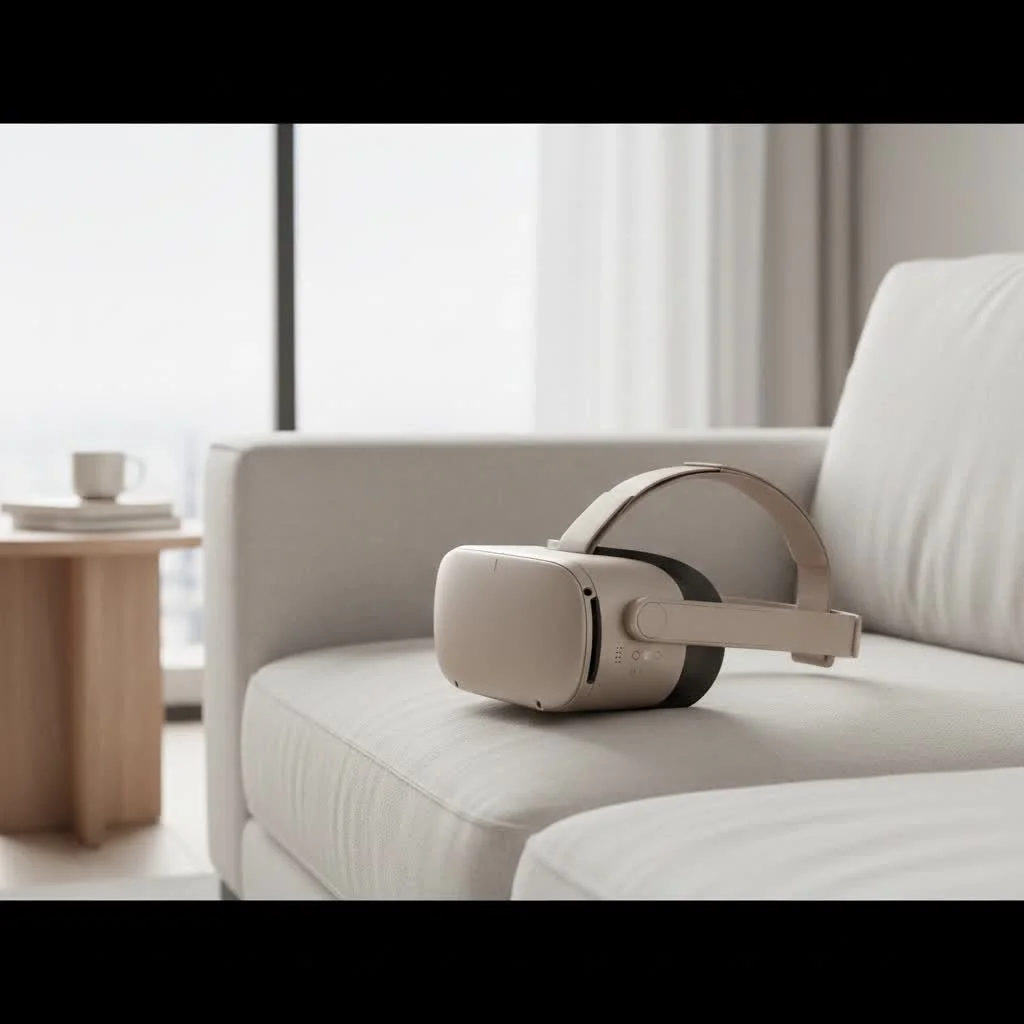
Standalone VR headsets are the most popular and user-friendly option today. They are all-in-one devices with built-in processors, tracking, and displays, meaning you don’t need a PC or console to use them.
- Key Features: Wireless freedom, easy setup, and a growing library of games and apps.
- Best For: Beginners, casual gamers, and users seeking a hassle-free VR experience for fitness, media consumption, and social apps.
- Popular Models: The Meta Quest series (like the Quest 2 and Quest 3) dominates this category and is widely available on Amazon.
PC VR Headsets
For those seeking the highest fidelity graphics and most complex gaming experiences, PC VR is the gold standard. These headsets tether to a powerful gaming computer to run graphically intensive titles.
- Key Features: Top-tier visuals, high refresh rates, and access to massive gaming libraries on platforms like SteamVR.
- Best For: Serious gamers, simulation enthusiasts (like flight or racing sims), and developers who need maximum performance.
- Popular Models: Look for brands like Valve Index, HTC Vive, or even a Meta Quest connected to a PC via a Link Cable.
Smartphone VR Headsets
These are the most basic and affordable entry point into VR. They are essentially plastic shells with lenses that use your smartphone as the screen and processor.
- Key Features: Extremely low cost, simple to use.
- Best For: Watching 360-degree videos, simple interactive experiences, and for those who are purely curious about VR without wanting to invest much.
- Important Note: This category has become less common as standalone headsets have become more affordable and capable. Their functionality is very limited compared to other options.
How to Choose the Best Amazon VR Headset for You
With the different types in mind, how do you narrow down the selection? Ask yourself these key questions.
What Is Your Primary Use Case?
|
Our Picks for the Best VR Headset in 2026
As an Amazon Associate I earn from qualifying purchases.
|
||
| Num | Product | Action |
|---|---|---|
| 1 | DESTEK V5 VR Headset for Kids w/VR Gamepad, 128 Premium VR apps Included, Anti-Blue Eyes Protected HD Lenses, 110° FOV Virtual Reality Headsets for iPhone, Android Phone- Black |

|
| 2 | PlayStation VR2 (PSVR2) |
|
| 3 | Meta Quest 2 — Advanced All-In-One Virtual Reality Headset — 256 GB (Renewed) |
|
| 4 | VR Headset for Nintendo Switch 2 (2025), Switch 2 Virtual Reality VR Glasses with Adjustable HD Lenses and Comfortable Head Strap, Labo VR Kit 3D Goggles for Switch 2 Accessories, White&Blue |
|
| 5 | FEEBZ 3D VR Headset for Kids 2.0 + Android Remote - for iPhone & Android Phones - with 3D VR Videos & Apps Links - Virtual Reality Goggles Set for Beginners |
|
| 6 | VR Headset for Phone, Virtual Reality Glasses with Bluetooth Headphones for Adults and Kids Play 3D VR Games Movies (White VR Only) |
|
| 7 | Oculus Quest 2 VR Headset 128GB Holiday Set - Advanced All-in-One Virtual Reality Headset Cover Set, White |
|
| 8 | PlayStation VR2 Horizon Call of The Mountain™ Bundle (PSVR2) |
|
| 9 | FEEBZ 3D VR Headset for Kids 2.0 + Android Remote - for iPhone & Android Phones - with 3D VR Videos & Apps Links - Virtual Reality Goggles Set for Beginners |
|
| 10 | Oculus Quest 2 Advanced All-in-One Virtual Reality Gmaing VR Headset 128GB Set, White |
|
Are you a hardcore gamer looking to play the latest AAA titles, or are you more interested in virtual fitness classes and watching movies in your own private theater?
- For Intense Gaming: A PC VR headset or a Meta Quest 3 connected to a PC is your best bet.
- For Casual Fun & Fitness: A standalone headset like the Meta Quest 2 or 3 is perfect.
- For Video Watching: A standalone headset offers a great experience, but a smartphone viewer can be a cheap taster.
What Is Your Budget?
Your budget is a major deciding factor. VR headset prices on Amazon can range from under $30 for a basic smartphone viewer to over $1,000 for a premium PC VR kit.
- Budget-Friendly ($200-$400): The Meta Quest 2 often falls into this range and offers the best value for money in the entire VR market.
- Mid-Range ($400-$600): The Meta Quest 3 and other upcoming standalone headsets sit here, offering newer technology and mixed-reality features.
- High-End ($600+): This is the territory of PC VR headsets like the Valve Index and high-end standalone devices. Remember to factor in the cost of a powerful PC if you don’t already have one.
Do You Have a VR-Ready PC?
If you’re considering a PC VR headset, this is a non-negotiable prerequisite. A VR-ready PC typically requires a modern multi-core processor, at least 16GB of RAM, and a powerful dedicated graphics card (like an NVIDIA RTX 3060 or higher). Check the specific requirements for the headset you’re interested in on its Amazon product page.
“Many people underestimate the importance of the PC in a PC VR setup,” notes virtual reality developer, Dr. Alistair Finch. “The headset is just the window; the PC is the engine creating the world you see. A weak engine will lead to a choppy, uncomfortable, and ultimately disappointing experience.”
Key Features to Compare
When browsing listings, keep an eye out for these technical specifications.
| Feature | What It Means | Why It Matters |
|---|---|---|
| Resolution | The number of pixels per eye. | Higher resolution means a sharper, clearer image with less “screen door effect” (visible gaps between pixels). |
| Refresh Rate | How many times the display updates per second, measured in Hertz (Hz). | A higher refresh rate (90Hz or 120Hz) results in smoother motion and reduces the likelihood of motion sickness. |
| Field of View (FoV) | How much of the virtual world you can see at any given moment. | A wider FoV creates a more immersive experience, feeling less like you’re looking through goggles. |
| Tracking | The system’s ability to track your head and hand movements. | “6DoF” (Six Degrees of Freedom) tracking allows you to move freely in a 3D space and is essential for a true VR experience. |
| Mixed Reality (MR) | The ability of the headset to blend the real world with virtual objects using passthrough cameras. | A key feature of newer headsets like the Quest 3, it opens up new possibilities for games and productivity apps. |
Frequently Asked Questions (FAQ)
Can you use any VR headset with any game?
No, VR headset compatibility with games depends on the platform. PC VR headsets access games via SteamVR and Oculus Rift stores, while standalone headsets like the Meta Quest have their own dedicated store. A Quest can be linked to a PC for PC VR games, but direct compatibility is not universal.
Is buying a VR headset from Amazon safe?
Yes, buying a VR headset from Amazon is generally very safe due to Amazon’s customer protection, return policies, and extensive user reviews. To ensure a secure purchase, always buy from the official brand store or a highly-rated seller.
Do I need a lot of space to use a VR headset?
No, not necessarily; many VR experiences can be enjoyed while stationary. For
How to Choose the Best Amazon VR Headset
Selecting the ideal VR headset from Amazon involves evaluating your primary use case, budget, and whether you have a VR-ready PC.
Identify if you're primarily interested in intense gaming, casual fun, fitness, or video watching. For intense gaming, consider PC VR or a Meta Quest 3 connected to a PC. For casual use, a standalone headset like the Meta Quest 2 or 3 is suitable.
VR headset prices on Amazon range from under $30 for smartphone viewers to over $1,000 for premium PC VR kits. Budget-friendly options like the Meta Quest 2 are typically $200-$400, while mid-range options like the Meta Quest 3 are $400-$600.
If considering a PC VR headset, ensure you have a VR-ready PC with a modern multi-core processor, at least 16GB of RAM, and a powerful dedicated graphics card (e.g., NVIDIA RTX 3060 or higher). This is a non-negotiable prerequisite for optimal performance.
When browsing listings, pay attention to resolution (pixels per eye), refresh rate (Hz), field of view (FoV), and tracking type (6DoF is essential). Higher resolution and refresh rates provide a sharper, smoother, and more immersive experience, reducing motion sickness.
Get our weekly buyer guide
Practical specs, not advice. Unsubscribe anytime.

My primary use case for VR is fitness, and the Meta Quest 3 has been fantastic for that. The freedom of movement without being tethered to a PC is exactly what I needed. It’s comfortable enough for longer sessions and the tracking is spot on. Highly recommend for anyone looking to get active in VR.
I’ve been looking for a good entry-level VR headset and this guide was super helpful. I ended up going with one of the smartphone-based options for under $30 just to dip my toes in. It’s pretty basic, but it gave me a good idea of what VR is like without breaking the bank. Good starting point!
I finally pulled the trigger on a Meta Quest 3 after reading about it here, and wow, it’s even better than I expected. The standalone aspect is a game-changer; I just put it on and I’m in VR, no fussing with my PC. Definitely worth the investment for the ease of use and immersive experience.
I got a PC VR kit based on the recommendations, and while the performance is amazing, the setup was a bit more involved than I anticipated. My PC compatibility was fine, but getting all the sensors and cables just right took some time. It’s great now, but that initial hurdle was a bit frustrating.