Virtual reality is no longer a futuristic fantasy reserved for those with deep pockets. The dream of stepping into new digital worlds is more accessible than ever, thanks to a growing market of affordable devices. Finding the best budget VR headset is about striking the perfect balance between price and performance, ensuring you get a truly immersive experience without draining your bank account. As the technology has matured, features that were once premium—like standalone operation and sharp displays—are now available at a fraction of their original cost.
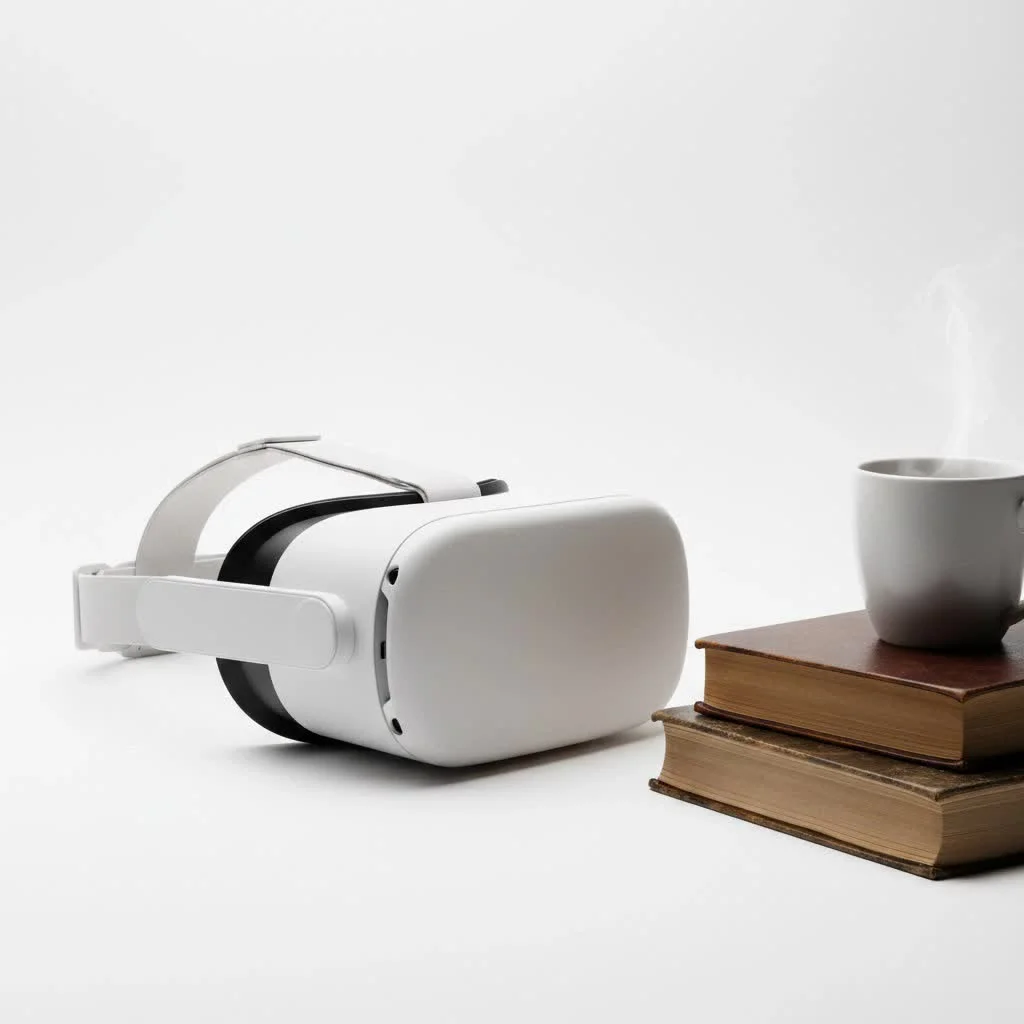
But with more options comes more confusion. How do you know which headset offers the best value? What compromises are you making by opting for a more budget-friendly model? With over a decade of experience testing and living with these devices, I’m here to guide you through the noise. We’ll break down the top contenders, explain the essential features to look for, and help you make an informed decision to kickstart your VR journey.
What Defines a Great Budget VR Headset?
Before we dive into specific models, it’s crucial to understand what separates a good budget headset from a cheap gimmick. It’s not just about the lowest price tag. A quality affordable VR headset must deliver a core experience that is comfortable, immersive, and engaging.
Here are the key criteria we use at MNWFC to evaluate them:
- Price-to-Performance Ratio: The headset must offer features and an experience that punch well above its price point.
- Standalone Capability: The best options don’t require a powerful, expensive PC to operate, offering an all-in-one solution.
- Tracking and Controllers: It needs reliable 6-degrees-of-freedom (6DoF) inside-out tracking for a seamless, nausea-free experience.
- Visual Clarity: Decent resolution and refresh rate are non-negotiable to avoid the dreaded “screen-door effect” and ensure smooth visuals.
- Content Library: A great headset is useless without great games and apps to enjoy.
Our Top Picks for the Best Budget VR Headset
The market is dynamic, but a few key players consistently offer the best value for newcomers and seasoned VR users alike. Here are the top models to consider.
Meta Quest 2: The Enduring Champion
Even years after its release, the Meta Quest 2 remains a titan in the budget VR space. Its success is built on a simple premise: provide a high-quality, standalone VR experience that is incredibly easy to set up and use. It democratized virtual reality, and its value proposition is still hard to beat.
The Quest 2 offers full 6DoF tracking, a solid library of games and applications, and the versatility to connect to a PC for more demanding titles via Oculus Link or Air Link. While its successor, the Quest 3, boasts superior technology, the Quest 2’s frequent price drops keep it firmly in the “best budget” category.
- Pros:
- Extremely affordable, especially when on sale or buying refurbished.
- Massive and mature content library.
- Proven, reliable standalone performance.
- Robust PC VR compatibility.
- Cons:
- Lower resolution and less advanced lenses compared to newer models.
- The included head strap isn’t the most comfortable for long sessions.
Pico 4: The Strong Contender
|
Our Picks for the Best VR Headset in 2026
As an Amazon Associate I earn from qualifying purchases.
|
||
| Num | Product | Action |
|---|---|---|
| 1 | PlayStation VR2 Horizon Call of The Mountain™ Bundle (PSVR2) |

|
| 2 | FEEBZ 3D VR Headset for Kids 2.0 + Android Remote - for iPhone & Android Phones - with 3D VR Videos & Apps Links - Virtual Reality Goggles Set for Beginners |
|
| 3 | VR Headset for Phone, Virtual Reality Glasses with Bluetooth Headphones for Adults and Kids Play 3D VR Games Movies (White VR Only) |
|
| 4 | FEEBZ 3D VR Headset for Kids 2.0 + Android Remote - for iPhone & Android Phones - with 3D VR Videos & Apps Links - Virtual Reality Goggles Set for Beginners |
|
| 5 | PlayStation VR2 (PSVR2) |
|
| 6 | Oculus Quest 2 Advanced All-in-One Virtual Reality Gmaing VR Headset 128GB Set, White |
|
| 7 | Oculus Quest 2 VR Headset 128GB Holiday Set - Advanced All-in-One Virtual Reality Headset Cover Set, White |
|
| 8 | DESTEK V5 VR Headset for Kids w/VR Gamepad, 128 Premium VR apps Included, Anti-Blue Eyes Protected HD Lenses, 110° FOV Virtual Reality Headsets for iPhone, Android Phone- Black |
|
| 9 | VR Headset for Nintendo Switch 2 (2025), Switch 2 Virtual Reality VR Glasses with Adjustable HD Lenses and Comfortable Head Strap, Labo VR Kit 3D Goggles for Switch 2 Accessories, White&Blue |
|
| 10 | Meta Quest 2 — Advanced All-In-One Virtual Reality Headset — 256 GB (Renewed) |
|
For users outside of North America, the Pico 4 presents a compelling alternative to the Quest 2, often at a similar or even lower price point. It boasts several hardware advantages, including higher-resolution displays and slimmer, lighter “pancake” lenses, which provide a wider field of view and a more comfortable fit.
The primary trade-off is the content library. While the Pico store is growing, it still lags behind the breadth and depth of Meta’s ecosystem. However, for users primarily interested in PC VR streaming, where the Pico 4 also excels, this is less of an issue.
- Pros:
- Superior visual clarity and wider field of view thanks to pancake lenses.
- More comfortable and balanced design out of the box.
- Competitive pricing.
- Cons:
- The standalone game library is smaller than Meta’s.
- Not officially available in all regions, particularly the US.
A Note on Used Headsets and PC VR
If you’re willing to hunt on the second-hand market, you can find incredible deals. However, be cautious. Check for lens scratches, controller issues, and battery health. For those who already own a powerful gaming PC, older PC VR headsets like the original Oculus Rift S can sometimes be found for very cheap, but they lack the freedom and simplicity of a standalone device. The hidden cost of PC VR is the PC itself, which keeps it out of the true “budget” category for most people starting from scratch.
“The magic of modern budget VR is its self-containment,” notes virtual reality developer Alex Vance. “The fact that you can unbox a device like the Quest 2 and be in a compelling virtual world five minutes later, with no external sensors or PC, is the single biggest factor in VR’s mainstream growth. It removed the biggest barriers: cost and complexity.”
Key Features to Consider Before You Buy
Choosing the best budget VR headset involves more than just picking a name. Understanding these core features will help you decide what’s right for you.
Standalone vs. PC VR: The Biggest Decision
This is your first and most important choice. Standalone headsets, like the Quest and Pico series, have all the necessary processing power built-in. They are portable, easy to use, and have their own game stores. PC VR headsets must be tethered to a powerful computer to run experiences, which are often more graphically complex but come at a much higher total cost and with less freedom of movement. For most budget-conscious buyers, standalone is the way to go.
Resolution and Field of View (FOV)
Resolution determines how sharp and clear the virtual world looks. Higher is better, as it reduces the “screen-door effect” where you can see the pixels. FOV is how much of the virtual world you can see at any given moment, both peripherally and vertically. A wider FOV increases immersion. The Pico 4 generally wins on this front in the budget category thanks to its more modern lens technology.
Content is King: The App Library
What can you actually do with the headset? Meta’s Quest platform has a significant lead here, with thousands of games, social apps, and experiences, including many popular exclusives. The Pico store is growing but has a lot of catching up to do. Always check which games you want to play and ensure they are available on your chosen platform.
FAQ: Your Budget VR Questions Answered
What is the cheapest VR headset?
The absolute cheapest options are often mobile phone holders like Google Cardboard, but these are not true VR headsets. They lack 6DoF tracking and dedicated controllers. Among true VR systems, the Meta Quest 2 is typically the most affordable and recommended entry point.
Can you play SteamVR games on a budget headset?
Yes. Both the Meta Quest 2 and Pico 4 can connect to a VR-ready PC, either with a USB-C cable or wirelessly over a strong Wi-Fi network. This allows you to play the vast library of PC VR games available on platforms like SteamVR.
Is the Meta Quest 2 still worth it?
Absolutely. While it’s no longer the latest tech, its low price point and enormous library of excellent games make it an incredible value. For anyone new to VR who wants a risk-free entry point, the Quest 2 is arguably the top choice.
Do I need a powerful PC for a budget VR headset?
You do not need a PC to use a standalone headset like the Meta Quest 2 or Pico 4. All the games and apps run directly on the headset. You only need a PC if you want to play the more graphically intensive PC VR titles.
What’s the main difference between the Quest 2 and Pico 4?
The main differences are in hardware and software. The Pico 4 has technically superior displays and lenses, making it lighter and clearer to look through. The Quest 2 has a much larger and more established library of standalone games and apps.
Your Adventure Awaits
Choosing the best budget VR headset is an exciting first step into a larger world. For the vast majority of people, the Meta Quest 2 remains the safest and most well-rounded choice, offering an unparalleled library of content at an unbeatable price. However, if visual fidelity and comfort are your absolute top priorities and you have access to it, the Pico 4 is a worthy and impressive competitor.
Whichever you choose, you’re getting in at a fantastic time. The technology has matured to a point where even affordable headsets can deliver breathtaking experiences. So, define your budget, consider what games you want to play, and get ready to be amazed.
Get our weekly buyer guide
Practical specs, not advice. Unsubscribe anytime.

I was really skeptical about getting a VR headset without spending a fortune, but this guide helped me pick out the perfect one. The standalone operation was a huge selling point for me, and I’m amazed at how good the display is for the price. It’s truly immersive, and I haven’t experienced any lag or major issues. Definitely recommend looking into the options mentioned here if you’re on a budget!
I’ve been wanting to get into VR for ages but always thought it was too expensive. This breakdown of budget headsets was super helpful. I ended up going with one of the mid-range options, and while the display isn’t quite as sharp as some of the high-end models I’ve tried at friends’ houses, it’s still fantastic for the price. The comfort level is surprisingly good too, even for longer sessions.
This guide was exactly what I needed! I was so confused by all the different options out there, especially trying to find something that wouldn’t break the bank. The explanation of how features like standalone operation have become more affordable was really insightful. I’m now enjoying my new VR headset and it feels like I got a premium experience without the premium price tag.
I appreciate the detailed look at affordable VR. I picked up one of the entry-level headsets, and while it’s a decent way to get started, I did notice some compromises. The field of view isn’t as wide as I’d hoped, and sometimes the tracking can be a little finicky. It’s good for casual gaming, but if you’re looking for something truly high-performance, you might need to save up a bit more.