The seamless interaction between a VR headset and its controllers is crucial for an immersive virtual reality experience, transforming users from passive observers into active participants. This partnership is essential for navigating virtual worlds, interacting with objects, and performing actions, making the controllers your virtual hands within the digital environment. Understanding this synergy is the first step to unlocking VR’s full potential.
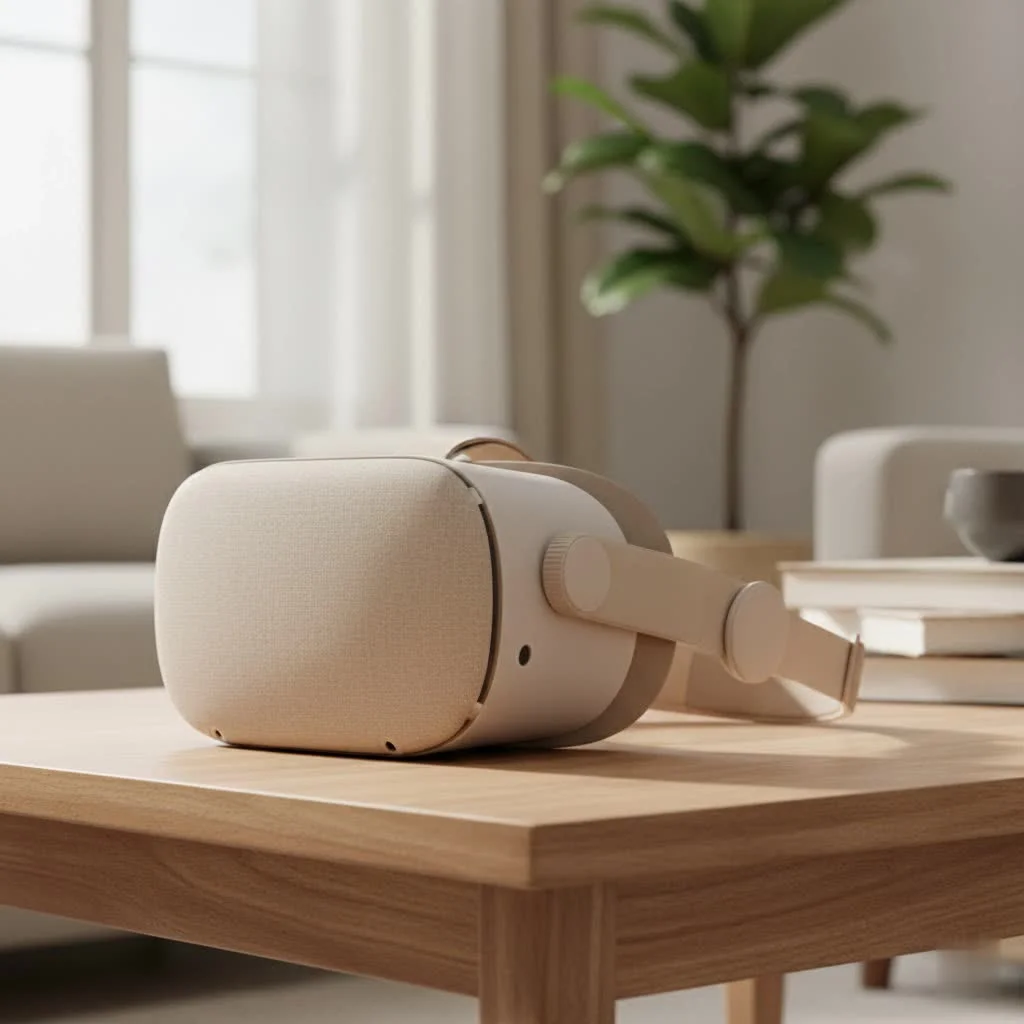
A VR headset provides your window into another reality, while the controllers serve as your hands within it. They are the critical link that transforms you from a passive observer into an active participant. Without them, you are merely watching a 3D movie; with them, you can swing a sword, pilot a spaceship, or sculpt a masterpiece. Understanding how your VR headset and controllers work together is the first step toward unlocking the true potential of virtual reality.
The Dynamic Duo: How Headsets and Controllers Work Together
At its core, the relationship between a VR headset and controllers revolves around tracking. Your headset needs to know its position in the room, and more importantly, the location and actions of your hands. This connection enables natural and intuitive interaction with the virtual environment.
This tracking is achieved through a constant stream of data between the controllers and the headset (or external sensors). Every movement, button press, and subtle wrist twist is translated into an action in the virtual world. This complex process, known as 6DoF (Six Degrees of Freedom), tracks your position not just in terms of rotation (looking left, right, up, down) but also translation (moving forward, backward, side-to-side, up, and down).
Understanding VR Controller Technology
Not all VR controllers are created equal. The technology powering them can vary significantly, directly impacting the quality and nature of your virtual experienceLet’s explore the key components that make the magic happen.
Inside-Out vs. Outside-In Tracking: A Tale of Two Systems
The most significant differentiator in how a VR headset and controllers track their position is the tracking methodology.
- Inside-Out Tracking: This is the most common system in modern standalone headsets like the Meta Quest series. Cameras mounted on the headset itself “look” out at the surrounding room and at the controllers in your hands. Using complex computer vision algorithms, the headset calculates its position and the position of the controllers. This method is incredibly convenient as it requires no external setup.
- Outside-In Tracking: This system relies on external base stations or sensors that you place around your play area. These sensors emit infrared light or use cameras to track the headset and controllers. Headsets like the Valve Index use this method. While it requires more setup, outside-in tracking is often considered more precise and reliable, with a lower chance of the controllers losing tracking when they are out of the headset’s camera view (a phenomenon known as occlusion).
Haptic Feedback: Feeling the Virtual World
|
Our Picks for the Best VR Headset in 2026
As an Amazon Associate I earn from qualifying purchases.
|
||
| Num | Product | Action |
|---|---|---|
| 1 | FEEBZ 3D VR Headset for Kids 2.0 + Android Remote - for iPhone & Android Phones - with 3D VR Videos & Apps Links - Virtual Reality Goggles Set for Beginners |

|
| 2 | Meta Quest 2 — Advanced All-In-One Virtual Reality Headset — 256 GB (Renewed) |
|
| 3 | DESTEK V5 VR Headset for Kids w/VR Gamepad, 128 Premium VR apps Included, Anti-Blue Eyes Protected HD Lenses, 110° FOV Virtual Reality Headsets for iPhone, Android Phone- Black |
|
| 4 | VR Headset for Phone, Virtual Reality Glasses with Bluetooth Headphones for Adults and Kids Play 3D VR Games Movies (White VR Only) |
|
| 5 | FEEBZ 3D VR Headset for Kids 2.0 + Android Remote - for iPhone & Android Phones - with 3D VR Videos & Apps Links - Virtual Reality Goggles Set for Beginners |
|
| 6 | Oculus Quest 2 Advanced All-in-One Virtual Reality Gmaing VR Headset 128GB Set, White |
|
| 7 | VR Headset for Nintendo Switch 2 (2025), Switch 2 Virtual Reality VR Glasses with Adjustable HD Lenses and Comfortable Head Strap, Labo VR Kit 3D Goggles for Switch 2 Accessories, White&Blue |
|
| 8 | Oculus Quest 2 VR Headset 128GB Holiday Set - Advanced All-in-One Virtual Reality Headset Cover Set, White |
|
| 9 | PlayStation VR2 Horizon Call of The Mountain™ Bundle (PSVR2) |
|
| 10 | PlayStation VR2 (PSVR2) |
|
What truly elevates immersion is the ability to feel the virtual environment. This is where haptic feedback comes in. Advanced motors inside the controllers vibrate and rumble with varying intensity to simulate real-world sensations. You can feel the subtle click of a button, the recoil of a laser blaster, or the resistance of drawing a bowstring. High-fidelity haptics make the virtual world feel tangible and responsive.
Buttons, Joysticks, and Triggers: Your Physical Connection
While tracking and haptics create immersion, the traditional inputs are still your primary way of interacting with menus and performing specific actions. Most modern VR controllers feature a standard layout:
- Triggers: Located where your index finger rests, these are used for primary actions like selecting, shooting, or grabbing.
- Grip Buttons: Situated where your middle finger curls, these are typically used for grabbing and holding objects.
- Analog Sticks (Thumbsticks): Essential for movement and navigation within virtual spaces.
- Face Buttons (A, B, X, Y): Used for various secondary actions, opening menus, or confirming selections.
How to Choose the Right VR Headset and Controllers
Choosing the right VR setup depends entirely on your needs and preferences.
- For the Casual User: A standalone headset with inside-out tracking, like a Meta Quest 3, offers the perfect blend of performance, convenience, and a vast library of games. The setup is minimal, and you can be playing within minutes.
- For the PC VR Enthusiast: If you have a powerful gaming PC and crave the highest fidelity experience, a system using outside-in tracking like the Valve Index might be for you. The controllers, often called “Knuckles,” offer advanced finger tracking for unparalleled hand presence.
- For the Budget-Conscious: Older PC VR headsets or Windows Mixed Reality devices can be a great entry point, though they may have less advanced controllers and tracking capabilities.
“The ideal controller is one you forget you’re holding,” states Dr. Evelyn Reed, a leading researcher in human-computer interaction. “It should become a natural extension of your body, bridging the gap between your intent and the virtual action. That’s the holy grail of VR input design.”
Troubleshooting Common Controller Issues
Even the best technology can have its hiccups. Here are some quick fixes for common problems with your VR headset and controllers:
- Controller Drifting: If your virtual hands start floating away, it’s often a tracking issue. For inside-out systems, ensure your room is well-lit but without direct sunlight blasting the sensors. Wipe the headset cameras with a microfiber cloth. For outside-in systems, make sure your base stations are secure and have an unobstructed view of your play area.
- Unresponsive Buttons: This can sometimes be a software glitch. Try restarting both your headset and the specific application. If the problem persists, check for low battery levels, as this can affect performance.
- Connectivity Problems: Ensure your controllers are fully charged. If they still won’t pair, try unpairing and then re-pairing them through your headset’s Bluetooth settings. For PC VR, ensure any necessary drivers are up to date.
Frequently Asked Questions (FAQ)
Can I use controllers from a different brand with my headset?Generally, no. Controllers are designed to work within a specific tracking ecosystem. For example, Quest controllers only work with a Quest headset. The main exception is within the SteamVR (Lighthouse) ecosystem, where you can sometimes mix and match components, like using Valve Index controllers with an HTC Vive headset.
Do all VR experiences require controllers?While most games and interactive apps do, some experiences are more passive, like watching 360-degree videos. Many modern headsets are incorporating hand-tracking technology, which allows you to use your bare hands for basic navigation and interaction, though it’s typically less precise than using controllers.
How long do VR controller batteries last?This varies widely by model. Some controllers, like the Quest 2’s, use standard AA batteries that can last for 20-30 hours of gameplay. Others have internal rechargeable batteries that might last 6-8 hours on a full charge.
What is controller occlusion?Occlusion happens when the headset’s cameras (in an inside-out system) or the external base stations (in an outside-in system) lose sight of a controller. This can occur if you hold a controller behind your back or too close to your headset. When this happens, the system may guess the controller’s position, leading to inaccurate tracking.
Is it difficult to get used to VR controllers?Not at all! Most controller designs are highly ergonomic and intuitive. Games and applications typically include tutorials to familiarize you with the controls. After a short time, interacting with your VR headset and controllers will feel like second nature.
The VR headset and controllers are a package deal. One cannot deliver its full potential without the other. By understanding the technology that connects them, you can make a more informed purchase, troubleshoot problems with confidence, and fully immerse yourself in the incredible virtual worlds that await. Now, grab your controllers, and I’ll see you in the metaverse.
Frequently Asked Questions
Can I use controllers from a different brand with my VR headset?
Generally, no, controllers are designed to work within a specific tracking ecosystem. For instance, Quest controllers are exclusively compatible with a Quest headset. The primary exception is within the SteamVR (Lighthouse) ecosystem, which allows for mixing and matching components, such as using Valve Index controllers with an HTC Vive headset.
Do all virtual reality experiences require the use of controllers?
While most interactive games and applications require controllers, some experiences, like watching 360-degree videos, are more passive. Additionally, many modern headsets are integrating hand-tracking technology, enabling basic navigation and interaction with bare hands, though it is typically less precise than using dedicated controllers.
What is the typical battery life for VR controllers?
VR controller battery life varies significantly by model. Some controllers, such as those for the Quest 2, utilize standard AA batteries that can provide 20-30 hours of gameplay. Other models feature internal rechargeable batteries that may last 6-8 hours on a full charge.
What does controller occlusion mean in virtual reality?
Controller occlusion occurs when the headset's cameras (in an inside-out system) or external base stations (in an outside-in system) lose sight of a controller. This can happen if a controller is held behind your back or too close to the headset. When occlusion happens, the system may estimate the controller's position, leading to inaccurate tracking.
Is it difficult for new users to adapt to VR controllers?
No, it is not difficult to get used to VR controllers. Most controller designs are highly ergonomic and intuitive, and games and applications typically include tutorials to help users familiarize themselves with the controls. After a short period, interacting with your VR headset and controllers will feel like second nature.
Get our weekly buyer guide
Practical specs, not advice. Unsubscribe anytime.
The HP Reverb G2 controllers are surprisingly comfortable for long gaming sessions. I was worried about hand fatigue, but they fit well and the button layout is logical. It’s fantastic for flight simulators where precise movements are key. The overall build quality feels solid too, which is a big plus.
I got the PlayStation VR2 and while the headset is great, I’ve had some minor issues with the Sense controllers. Sometimes the tracking seems a little off, especially when my hands are close together. It’s not a dealbreaker for most games, but for fast-paced action, it can be a bit frustrating. Still, it’s a good entry point for console gamers.
I’ve been using the Meta Quest 3 for a few months now, and the controllers are incredibly intuitive. The way they track my hand movements makes interacting with objects in games feel so natural. It really does make you feel like your virtual hands are an extension of your own. Definitely recommend it for anyone looking for a truly immersive experience.
I upgraded from an older model to the Valve Index, and the difference in controller precision is night and day. Being able to accurately grab and manipulate items in VR games has totally changed how I play. The haptic feedback is also a huge plus, adding another layer to the immersion. It’s a bit pricey, but worth it for serious VR enthusiasts.