The Vive VR headset lineup, created by HTC, offers several models for premium virtual reality experiences, with the Vive Pro 2 excelling in visual fidelity for hardcore gamers and the Vive XR Elite providing versatile standalone and PC-connected options. Most Vive systems are PC-powered, connecting to a powerful gaming computer to deliver modern graphics and complex experiences through the SteamVR platform. Choosing the right model depends on your budget, PC power, and intended use, with options ranging from the top-tier Vive Pro 2 to the flexible Vive XR Elite.
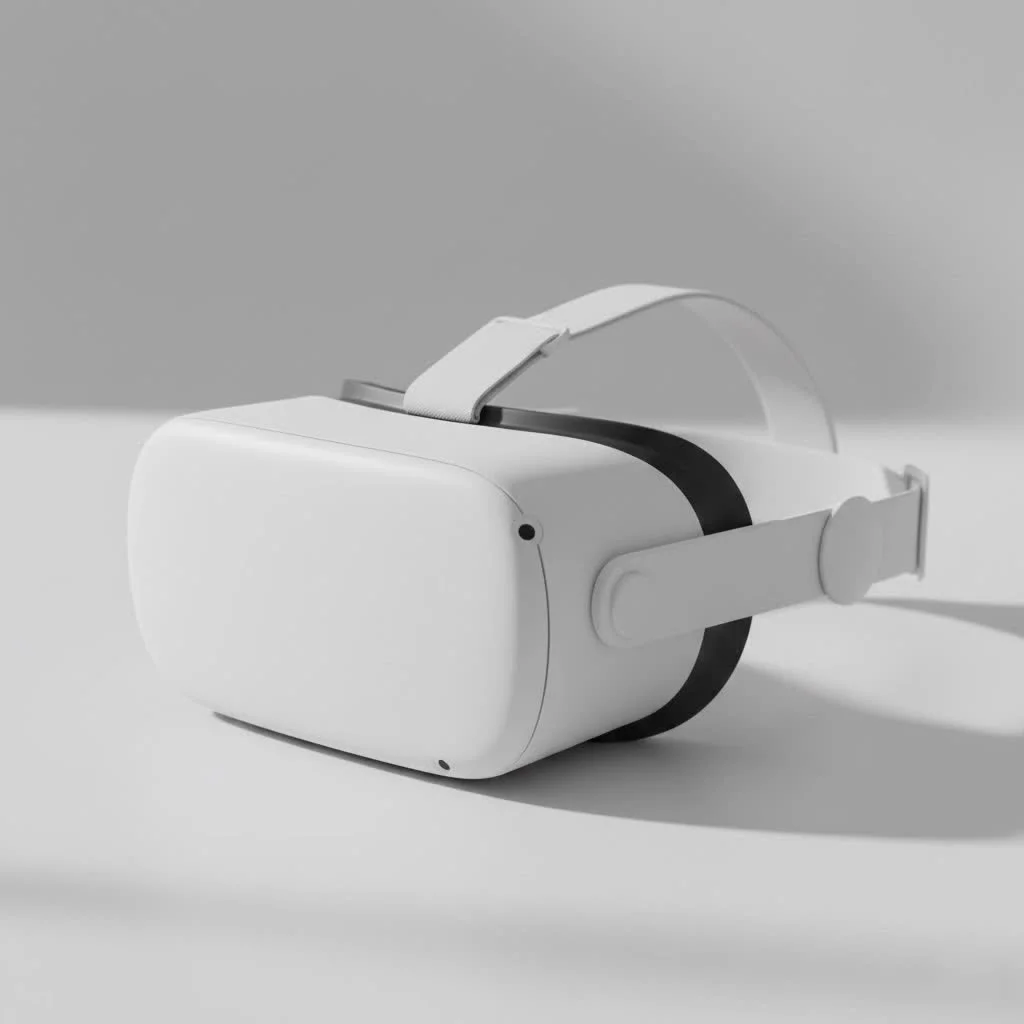
This guide explores the key Vive VR headset models, technology, PC requirements, and helps you select the best device for your virtual reality ambitions. We will cover the HTC Vive Pro 2, Vive XR Elite, and Vive Cosmos series, detailing their features and ideal use cases.
What is the HTC Vive?
The HTC Vive is a series of virtual reality headsets renowned for precision tracking, high-quality displays, and robust construction. Unlike standalone headsets, most Vive systems are PC-powered, requiring a powerful gaming computer to render advanced graphics and complex experiences. This focus on performance makes Vive a preferred choice for VR enthusiasts and professionals demanding superior quality.
The Vive ecosystem integrates with the SteamVR platform, developed in collaboration with Valve, granting access to thousands of games and applications. A core feature is the “Lighthouse” base station tracking technology, which enables precise, room-scale tracking. This allows users to physically move within a designated space, with movements accurately mirrored in VR.
Which Vive VR Headset Should You Buy?
Selecting a Vive VR headset depends on your budget, your PC’s capabilities, and your intended virtual reality activities. Each model is designed to cater to specific user needs.
HTC Vive Pro 2: For the Hardcore Enthusiast
The Vive Pro 2 offers the highest visual fidelity within the Vive range. It is ideal if your main goal is the most immersive, graphically intensive gaming experience and you possess a high-end PC.
- Best for: Demanding VR gamers and simulation users who prioritize visual clarity.
- Key Feature: A stunning 5K resolution display (2448 x 2448 pixels per eye) with a wide 120° field of view and a smooth 120Hz refresh rate.
- Considerations: This is the most expensive option and requires a powerful, modern graphics card (NVIDIA RTX 20 series / AMD Radeon 5000 series or better) for full potential. It uses external SteamVR base stations for tracking.
As VR developer Stephanie Chen states, “The Vive Pro 2’s display is simply breathtaking. For projects where every detail matters, like architectural visualization or high-fidelity training sims, that resolution makes a world of difference. It’s as close to real as you can get.”
HTC Vive XR Elite: The All-in-One Contender
|
Our Picks for the Best VR Headset in 2026
As an Amazon Associate I earn from qualifying purchases.
|
||
| Num | Product | Action |
|---|---|---|
| 1 | Meta Quest 2 — Advanced All-In-One Virtual Reality Headset — 256 GB (Renewed) |

|
| 2 | PlayStation VR2 Horizon Call of The Mountain™ Bundle (PSVR2) |
|
| 3 | VR Headset for Phone, Virtual Reality Glasses with Bluetooth Headphones for Adults and Kids Play 3D VR Games Movies (White VR Only) |
|
| 4 | FEEBZ 3D VR Headset for Kids 2.0 + Android Remote - for iPhone & Android Phones - with 3D VR Videos & Apps Links - Virtual Reality Goggles Set for Beginners |
|
| 5 | PlayStation VR2 (PSVR2) |
|
| 6 | FEEBZ 3D VR Headset for Kids 2.0 + Android Remote - for iPhone & Android Phones - with 3D VR Videos & Apps Links - Virtual Reality Goggles Set for Beginners |
|
| 7 | VR Headset for Nintendo Switch 2 (2025), Switch 2 Virtual Reality VR Glasses with Adjustable HD Lenses and Comfortable Head Strap, Labo VR Kit 3D Goggles for Switch 2 Accessories, White&Blue |
|
| 8 | Oculus Quest 2 VR Headset 128GB Holiday Set - Advanced All-in-One Virtual Reality Headset Cover Set, White |
|
| 9 | Oculus Quest 2 Advanced All-in-One Virtual Reality Gmaing VR Headset 128GB Set, White |
|
| 10 | DESTEK V5 VR Headset for Kids w/VR Gamepad, 128 Premium VR apps Included, Anti-Blue Eyes Protected HD Lenses, 110° FOV Virtual Reality Headsets for iPhone, Android Phone- Black |
|
The Vive XR Elite is HTC’s entry into standalone VR, competing with devices like the Meta Quest. This lightweight, modular headset functions as an all-in-one device with its built-in processor or connects to a PC for more demanding experiences.
- Best for: Users seeking flexibility to enjoy VR games and apps on the go, then connect to a PC for high-end titles. It also excels in mixed reality (MR) applications.
- Key Feature: Its modular, glasses-like form factor is exceptionally light and comfortable. High-resolution color passthrough cameras enable compelling mixed reality experiences, blending virtual objects with your real environment.
- Considerations: While its standalone performance is strong, its graphics will not match a dedicated PC-VR headset like the Pro 2. The PC VR experience is achieved via a USB-C cable or a strong Wi-Fi 6E connection, which may introduce latency for some users.
HTC Vive Cosmos Series: The Mid-Range Option
The Vive Cosmos was designed for user-friendliness with inside-out tracking, eliminating the need for external base stations. Although largely succeeded by newer models, the Cosmos Elite variant remains a solid mid-range choice.
- Best for: Users desiring a good PC-VR experience without the complexity of external sensors, who also have a mid-range gaming PC.
- Key Feature: The Vive Cosmos Elite bundle includes one base station, offering a hybrid tracking system that is more accurate than inside-out alone but simpler to set up than a full two-station system.
- Considerations: Its screen resolution and field of view are lower than the Vive Pro 2. The standard Cosmos with its original inside-out tracking faceplate received mixed reviews, making the Elite version generally the recommended choice from this series.
What Do You Need to Run a Vive VR Headset?
A common question for new users is about computer compatibility. Since most Vive headsets rely on a PC, your computer’s specifications are critical.
PC Requirements Checklist
Here are the general minimum requirements for a modern PC-powered Vive VR headset like the Vive Pro 2. Always consult the specific product page for the exact model you are interested in.
- Graphics Card (GPU): This is the most crucial component.
- Minimum: NVIDIA GeForce GTX 1060 / AMD Radeon RX 580
- Recommended for full resolution: NVIDIA GeForce RTX 2070 / AMD Radeon RX 5700 or better.
- Processor (CPU): Intel Core i5-4590 / AMD Ryzen 1500 or greater.
- Memory (RAM): 8 GB or more.
- Video Output: DisplayPort 1.2 or newer (DisplayPort 1.4 is required for full 5K resolution on the Pro 2).
- USB Port: 1x USB 3.0 or newer.
- Operating System: Windows 10 or Windows 11.
Pro Tip: Do not merely meet the minimum specifications. For a smooth, enjoyable VR experience without stuttering, aim for the recommended specifications or higher. The GPU is the single biggest factor in performance.
Setting Up Your Vive Playspace
To maximize your Vive VR headset experience, a dedicated physical space is necessary. SteamVR’s “room-scale” tracking allows physical movement, and the system helps define a safe play area to prevent collisions.
- Minimum Space: For room-scale VR, you need at least 2 meters by 1.5 meters (approximately 6.5 ft x 5 ft) of clear, unobstructed space.
- Seated/Standing: If space is limited, the headset can be used in a standing-only or seated configuration for compatible games, such as flight simulators or racing games.
- Base Station Placement: For models utilizing external base stations (like the Vive Pro 2), two Lighthouse base stations should be placed in opposite corners of your room, typically mounted high and angled downwards. They require a clear line of sight to each other and to the headset.
Frequently Asked Questions (FAQ)
Is the HTC Vive still worth it in 2025?
Yes, for high-end PC VR, the Vive Pro 2 remains a top headset for visual fidelity. The Vive XR Elite offers a modern, flexible alternative that competes well with other standalone devices while retaining powerful PC VR capabilities.
Can you play games from other stores on a Vive headset?
Yes, Vive headsets are primarily designed for SteamVR but are compatible with other storefronts. You can access games from Viveport and, with software like Revive, even play titles exclusive to the Oculus/Meta ecosystem.
What is the difference between inside-out and outside-in tracking?
Outside-in tracking, used by the Vive Pro 2, relies on external Lighthouse base stations for precise tracking of the headset and controllers. Inside-out tracking, used by the Vive XR Elite in standalone mode, uses onboard cameras for easier setup but may offer less precision.
Do I need to buy controllers and base stations separately?
It depends on the bundle. A “Full Kit” for the Vive Pro 2 typically includes the headset, two controllers, and two SteamVR Base Stations 2.0. The Vive XR Elite comes with all necessary components in the box.
How does the Vive XR Elite compare to the Meta Quest 3?
Both are leading standalone headsets with mixed reality features. The Quest 3 is generally more affordable with a more mature standalone game library. The Vive XR Elite offers a lighter, modular design and high-quality PC VR streaming, making the choice dependent on comfort, ecosystem preference, and budget.
Final Thoughts
The Vive VR headset family provides a premium entry into virtual reality, designed for users who prioritize quality. Whether you seek ultimate immersion with the Vive Pro 2 or the hybrid freedom of the Vive XR Elite, HTC delivers powerful and well-engineered solutions.
A successful experience hinges on matching the correct headset to your needs and ensuring your PC hardware can support your virtual adventures. By understanding each model’s strengths and requirements, you can confidently invest in a system that will unlock breathtaking new worlds. With a Vive headset, your VR journey begins in the fast lane.
Frequently Asked Questions
Which Vive VR headset is best for high-fidelity PC gaming?
The HTC Vive Pro 2 is the best Vive VR headset for high-fidelity PC gaming, offering a 5K resolution display (2448 x 2448 pixels per eye) and a 120Hz refresh rate. It requires a powerful PC with at least an NVIDIA RTX 20 series or AMD Radeon 5000 series graphics card to run at its full potential.
What are the minimum PC requirements for a Vive VR headset?
For a modern PC-powered Vive VR headset like the Vive Pro 2, minimum PC requirements include an NVIDIA GeForce GTX 1060 or AMD Radeon RX 580 GPU, an Intel Core i5-4590 or AMD Ryzen 1500 CPU, and 8 GB of RAM. A DisplayPort 1.2 or newer and a USB 3.0 port are also essential.
Can I use a Vive VR headset without external base stations?
Yes, the Vive XR Elite uses inside-out tracking with onboard cameras, allowing it to function without external base stations in standalone mode. The Vive Cosmos series also offered inside-out tracking, though the Cosmos Elite bundle includes one base station for hybrid tracking.
How much physical space is needed for Vive room-scale VR?
For room-scale VR with a Vive headset, you need at least 2 meters by 1.5 meters (approximately 6.5 ft x 5 ft) of clear, unobstructed physical space. This allows for safe movement and accurate tracking within the virtual environment.
What is the main difference between the Vive Pro 2 and Vive XR Elite?
The Vive Pro 2 is a dedicated PC VR headset focused on ultimate visual fidelity with a 5K display, requiring a powerful computer and external base stations. The Vive XR Elite is a modular, lightweight headset that can operate standalone or connect to a PC, offering flexibility and strong mixed reality capabilities.
Get our weekly buyer guide
Practical specs, not advice. Unsubscribe anytime.

The Vive XR Elite has been a game-changer for me. I love how versatile it is, letting me switch between standalone and PC-connected modes. It’s perfect for when I want to quickly jump into something without firing up my whole gaming setup, but still gives me the option for more demanding SteamVR titles.
I finally pulled the trigger on the Vive Pro 2 after reading up on it, and wow, the visual fidelity is insane. Coming from an older headset, the difference in clarity for my PC-powered games is night and day. Definitely worth the investment if you’re a hardcore gamer and have a powerful enough rig to run it.
I got the Vive Cosmos a few months ago, and while it’s decent for the price, I’ve had some tracking issues. It’s not constant, but every now and then it’ll lose my controllers for a second which can be annoying in fast-paced games. The comfort is good though, and it works well with my mid-range PC.
I was really torn between a few different headsets, but after comparing the Vive models, I went with the Vive Pro 2 and couldn’t be happier. The resolution is just stunning, and it really immerses you in the VR world. Make sure your PC meets the requirements though, it definitely needs some horsepower.