A standalone VR headset is a completely self-contained virtual reality system that operates without needing a powerful PC or external sensors, making it highly accessible and user-friendly. These all-in-one devices integrate processors, graphics chips, storage, battery, and tracking sensors directly into the headset, offering untethered freedom for immersive experiences. As the lead content creator at mnwfc.com, I’ve tracked VR’s evolution for over a decade, confirming standalone technology as a significant leap for accessibility.
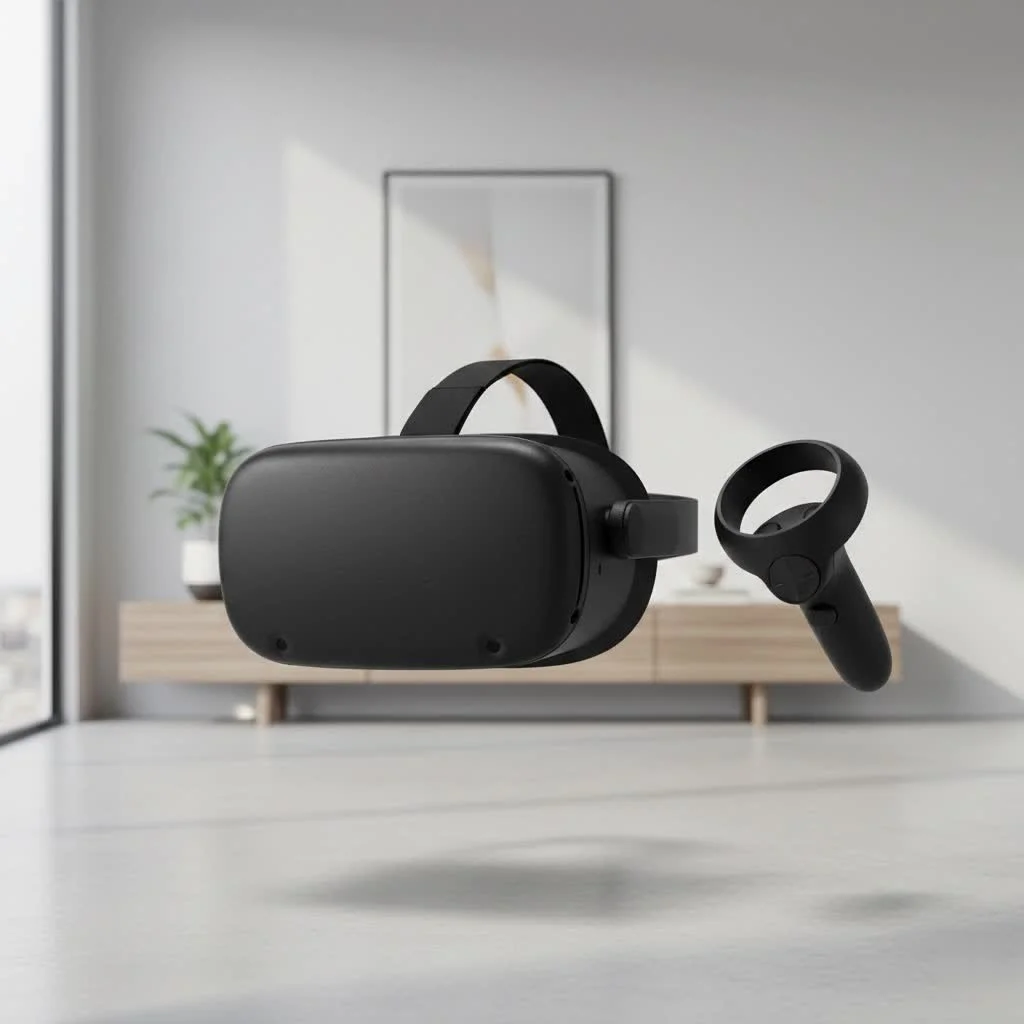
This comprehensive guide will explore the technology behind these headsets, highlight the best models available, and provide expert advice to help you choose the perfect device for your virtual adventures.
What Exactly is a Standalone VR Headset?
A standalone VR headset is a completely self-contained virtual reality system. Unlike its predecessors, it doesn’t require any external hardware to function. All the necessary components—processors, graphics chips, storage, battery, and tracking sensors—are built directly into the headset itself.
Think of it as the difference between a desktop computer and a smartphone.
- PC VR Headsets: These are like high-end gaming desktops. They tether to a powerful computer to run graphically demanding experiences, offering maximum performance at the cost of freedom and a higher price tag.
- Standalone VR Headsets: These are the smartphones of the VR world. They are portable, easy to use right out of the box, and powerful enough to deliver incredible experiences, all without a single wire holding you back.
This untethered freedom is the core appeal. You can take it to any room, bring it to a friend’s house, or clear a space in your living room and enjoy full-body, room-scale VR without worrying about tripping over cables.
How Do Standalone VR Headsets Work?
The magic of a standalone VR headset lies in its integrated, highly efficient technology. Inside the sleek casing, a blend of components works together to create a seamless virtual world.
- System on a Chip (SoC): Much like a modern smartphone, these headsets are powered by a compact chip that includes the main processor (CPU), graphics processor (GPU), and other essential functions. This is the brain of the operation.
- Inside-Out Tracking: This is the key to wireless freedom. Instead of external sensors placed around your room (like in older VR systems), standalone headsets use cameras mounted on the device itself. These cameras constantly scan your surroundings, mapping the environment in real-time to track your head and body movements with six degrees of freedom (6DoF).
- 6DoF (Six Degrees of Freedom): This term is crucial in VR. It means the headset can track your movement in any direction: up/down, left/right, and forward/backward, as well as rotation (pitch, yaw, and roll). This allows you to physically walk around, crouch, and dodge in the virtual space, making the experience incredibly immersive.
- Controllers: Standalone VR controllers are also tracked by the headset’s cameras. They provide hand presence, allowing you to interact with virtual objects naturally—whether you’re swinging a sword, aiming a blaster, or sculpting a 3D model.
- Integrated Audio and Battery: To complete the all-in-one package, sound is delivered through speakers built into the head strap, and an internal battery provides hours of untethered playtime.
Key Features to Consider Before Buying
Choosing the right standalone VR headset can seem daunting, but it boils down to a few key specifications. Understanding these will help you make an informed decision that aligns with your needs and budget.
Resolution and Display Quality
|
Our Picks for the Best VR Headset in 2026
As an Amazon Associate I earn from qualifying purchases.
|
||
| Num | Product | Action |
|---|---|---|
| 1 | VR Headset for Nintendo Switch 2 (2025), Switch 2 Virtual Reality VR Glasses with Adjustable HD Lenses and Comfortable Head Strap, Labo VR Kit 3D Goggles for Switch 2 Accessories, White&Blue |

|
| 2 | FEEBZ 3D VR Headset for Kids 2.0 + Android Remote - for iPhone & Android Phones - with 3D VR Videos & Apps Links - Virtual Reality Goggles Set for Beginners |
|
| 3 | Oculus Quest 2 Advanced All-in-One Virtual Reality Gmaing VR Headset 128GB Set, White |
|
| 4 | PlayStation VR2 Horizon Call of The Mountain™ Bundle (PSVR2) |
|
| 5 | Oculus Quest 2 VR Headset 128GB Holiday Set - Advanced All-in-One Virtual Reality Headset Cover Set, White |
|
| 6 | DESTEK V5 VR Headset for Kids w/VR Gamepad, 128 Premium VR apps Included, Anti-Blue Eyes Protected HD Lenses, 110° FOV Virtual Reality Headsets for iPhone, Android Phone- Black |
|
| 7 | VR Headset for Phone, Virtual Reality Glasses with Bluetooth Headphones for Adults and Kids Play 3D VR Games Movies (White VR Only) |
|
| 8 | Meta Quest 2 — Advanced All-In-One Virtual Reality Headset — 256 GB (Renewed) |
|
| 9 | FEEBZ 3D VR Headset for Kids 2.0 + Android Remote - for iPhone & Android Phones - with 3D VR Videos & Apps Links - Virtual Reality Goggles Set for Beginners |
|
| 10 | PlayStation VR2 (PSVR2) |
|
The clarity of the virtual world depends on the display’s resolution, measured in pixels per eye. Higher resolutions mean sharper, more realistic images with less “screen door effect” (the visible grid-like pattern of pixels). Look for headsets with at least 1832 x 1920 pixels per eye, with premium models offering even more.
Field of View (FoV)
Field of View refers to how much of the virtual world you can see at any given moment. A wider FoV is more immersive as it fills more of your peripheral vision, making you feel truly present. Most modern headsets offer an FoV between 100 and 110 degrees.
Refresh Rate
Measured in Hertz (Hz), the refresh rate is how many times the screen updates per second. A higher refresh rate (90Hz or 120Hz) results in smoother motion and a more comfortable experience, reducing the risk of motion sickness.
Content Library and App Store
The best hardware is nothing without great software. The size and quality of the headset’s app store are paramount. The Meta Quest platform currently has the most extensive and mature library of games and applications, but other platforms are growing rapidly.
Comfort and Ergonomics
You’ll be wearing this device on your head, so comfort is non-negotiable. Look for a headset with a balanced weight distribution, adjustable straps, and comfortable facial interfaces. Some models offer elite straps or alternative comfort accessories as optional upgrades.
Battery Life
Because they are wireless, standalone headsets run on a built-in battery. Most current models offer between 2 to 3 hours of continuous use on a single charge. Consider if this fits your typical play sessions or if you might want to invest in an extended battery pack.
Who is a Standalone VR Headset For?
The beauty of the standalone format is its broad appeal. It’s no longer just for hardcore tech enthusiasts.
- VR Beginners: If you’re new to virtual reality, a standalone headset is the perfect entry point. The setup is simple, the cost is relatively low, and you can start playing within minutes.
- Casual Gamers and Families: The intuitive nature and diverse content library make it ideal for family fun and casual gaming sessions. There’s everything from puzzle games and rhythm challenges to social VR platforms.
- Fitness Enthusiasts: VR fitness is a booming genre. Apps like Supernatural and Beat Saber offer high-energy workouts that are so fun you’ll forget you’re exercising.
- Professionals and Creatives: Beyond gaming, these headsets are powerful tools for virtual meetings, 3D design, architectural visualization, and immersive training simulations.
As VR developer Dr. Evelyn Reed states, “Standalone VR has democratized immersion. By removing the barriers of cost and complexity, we’re empowering everyone from gamers to surgeons to explore the potential of virtual worlds.”
Frequently Asked Questions (FAQ)
What is the difference between standalone VR and PC VR?
The main difference is the processing power source. A standalone VR headset has all its processing hardware built-in, offering portability. PC VR tethers to a powerful computer, offloading processing to the PC’s CPU and GPU, which allows for higher-fidelity graphics but restricts movement with a cable.
Can you play PC VR games on a standalone headset?
Yes, most standalone headsets, such as the Meta Quest series, can connect to a PC wirelessly via Air Link or with a USB-C cable via Link Cable. This functionality allows users to stream PC VR games to their headset, combining the benefits of both platforms.
Do I need a powerful computer for a standalone VR headset?
No, a powerful computer is not required to use a standalone VR headset for its native library of games and applications. A PC is only necessary if you intend to play more graphically demanding PC VR titles by streaming them to the headset.
How much do standalone VR headsets cost?
Prices for standalone VR headsets vary based on model and features. Entry-level models typically range from $300 to $500. More advanced, prosumer models with features like eye-tracking and mixed reality can cost $1000 or significantly more.
Is a standalone VR headset worth it?
For the vast majority of users, a standalone VR headset is absolutely worth the investment. Its combination of untethered freedom, ease of use, and a rich content library provides exceptional value, making it the most accessible and enjoyable way to experience virtual reality today.
Your Next Reality Awaits
The standalone VR headset has fundamentally transformed the virtual reality landscape, making it more accessible, intuitive, and immersive than ever before. It represents a perfect blend of power and convenience, offering compelling experiences for gaming, fitness, socializing, and professional work without being tied down. By understanding the key features and considering your personal needs, you can confidently step into a new reality. The future is wireless, and it’s waiting for you to explore.
Frequently Asked Questions
What is the main difference between standalone VR and PC VR headsets?
The main difference lies in the processing power source. A standalone VR headset has all its processing hardware built-in, offering complete portability. In contrast, PC VR headsets tether to a powerful computer, offloading processing to the PC's CPU and GPU, which enables higher-fidelity graphics but restricts movement with a cable.
Can I play PC VR games on a standalone virtual reality headset?
Yes, you can play PC VR games on most standalone headsets, such as those in the Meta Quest series. This is typically achieved by connecting to a PC wirelessly via Air Link or with a USB-C cable using a Link Cable, allowing you to stream PC VR titles to your headset.
Do standalone VR headsets require a powerful computer to function?
No, a powerful computer is not required for a standalone VR headset to operate its native library of games and applications. A PC is only necessary if you wish to play more graphically demanding PC VR titles by streaming them to the headset, which is an optional feature.
What is the typical cost range for standalone VR headsets?
Prices for standalone VR headsets vary significantly based on the model and its features. Entry-level standalone headsets generally start around $300-$500, while more advanced, prosumer models with cutting-edge features like eye-tracking and mixed reality can cost $1000 or substantially more.
Is investing in a standalone VR headset a worthwhile decision?
For the vast majority of users, investing in a standalone VR headset is absolutely worthwhile. The combination of untethered freedom, ease of use, and a rich content library provides exceptional value, making it the most accessible and enjoyable way to experience the magic of virtual reality today.
Get our weekly buyer guide
Practical specs, not advice. Unsubscribe anytime.

This guide was super helpful in making my decision. I was torn between a few models, but understanding the integrated processors and graphics chips really clarified things for me. I went with the Meta Quest 2 because it was a bit more budget-friendly, and I’m so happy with it. It’s perfect for social VR and trying out new experiences without a huge investment.
I was looking for something to replace my old PC VR setup and thought a standalone would be perfect. While the convenience of not needing external sensors is nice, I found the graphics on some of the more demanding games to be a bit of a step down from what I was used to. It’s good for casual use, but if you’re a hardcore gamer, just be aware of the limitations compared to a high-end PC VR system.
I appreciate the breakdown of what makes a standalone headset different. I’ve had my Pico 4 for a few months now and it’s great for media consumption and some casual gaming. My only minor complaint is that the battery life could be a little better, especially during longer sessions. Still, for the price, it’s a solid choice for immersive experiences.
I’ve been wanting to get into VR for ages but didn’t want to deal with a gaming PC. This guide really helped me understand the ‘all-in-one’ aspect of standalone headsets. I ended up getting the Quest 3 and it’s been amazing for fitness apps and just exploring new worlds without any wires getting in the way. The untethered freedom is a game changer.