Are you ready to dive headfirst into the vibrant, chaotic, and wonderfully weird world of VRChat? Choosing the right VR headset for VRChat is your first and most crucial step. The metaverse is calling, but with so many options on the market, it’s easy to feel overwhelmed. Whether you’re a social butterfly looking to make new friends, an aspiring creator, or a dedicated role-player, the right hardware will make or break your experience. This guide, brought to you by the experts at MNWFC, will break down everything you need to know to find the perfect headset that fits your needs and budget, ensuring you get the most immersive experience possible.
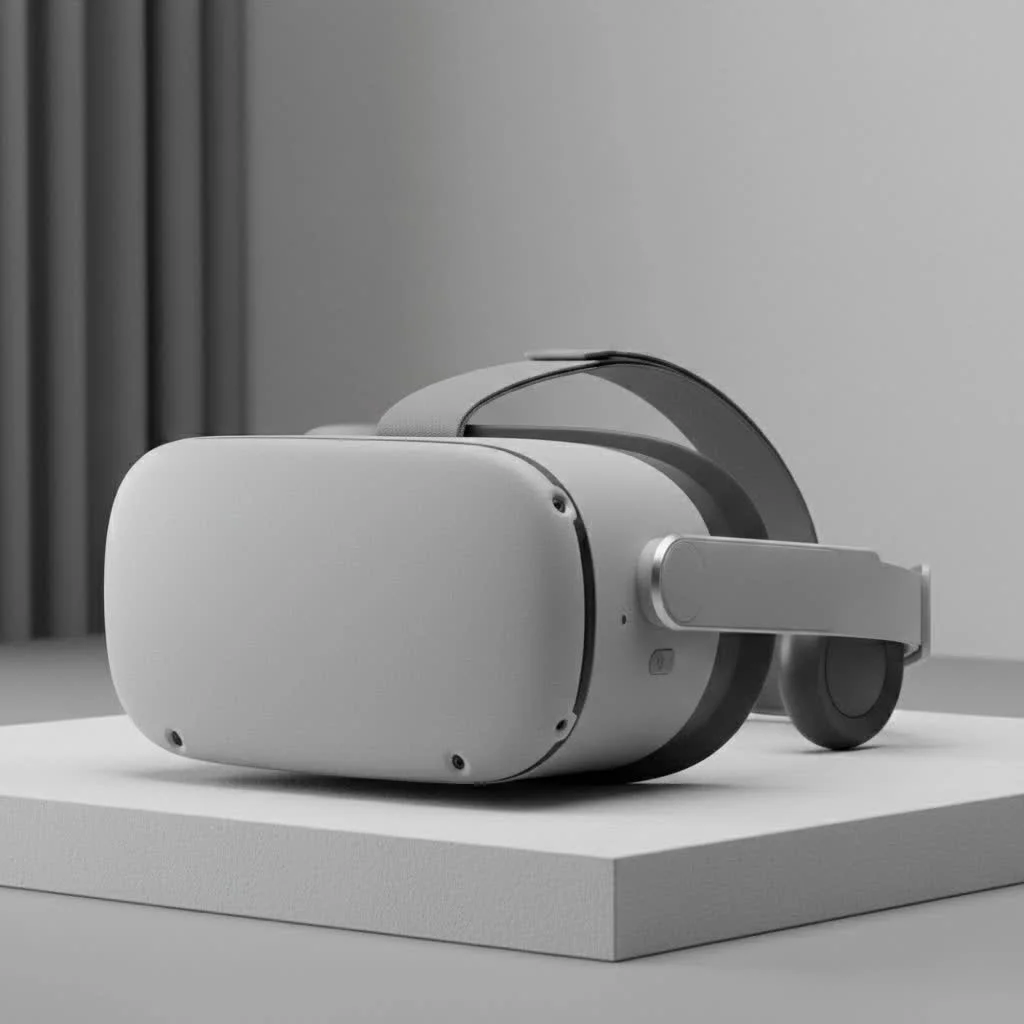
VRChat isn’t just a game; it’s a social platform built on expression and interaction. Your headset determines how you see, hear, and move within this universe. From high-fidelity visuals to seamless full-body tracking, the features of your device directly impact your sense of presence. Let’s explore the best options available today. For expert virtual reality reviews on this site.
What Makes a Great VR Headset for VRChat?
Before we jump into specific models, it’s essential to understand what features matter most for a top-tier VRChat experience. Not all headsets are created equal, and some are better suited for social VR than others.
Key Features to Consider:
- Tracking Quality: This is paramount. Flawless tracking of your head and hands is non-negotiable for smooth interaction. Inside-out tracking (using cameras on the headset) is convenient, while base station (Lighthouse) tracking offers superior precision, which is crucial for full-body tracking setups.
- Audio and Microphone: Communication is the heart of VRChat. An integrated headset with clear, spatial audio and a high-quality microphone ensures you can hear others perfectly and be understood without any frustrating static or background noise.
- Comfort and Ergonomics: VRChat sessions can last for hours. A lightweight, well-balanced headset with comfortable padding and adjustable straps is vital to prevent neck strain and discomfort.
- Display Resolution and Field of View (FOV): A higher resolution means a sharper, more believable world with less “screen-door effect.” A wider FOV enhances your peripheral vision, making the experience feel more natural and immersive.
- PCVR vs. Standalone: Do you want the power of a gaming PC (PCVR) for the best graphics and performance, or the freedom of a standalone, untethered headset? Many standalone headsets, like the Meta Quest series, can connect to a PC, offering the best of both worlds.
Top VR Headset Recommendations for VRChat
Finding the best VR headset for VRChat depends heavily on your budget and desired level of immersion. Here’s a breakdown of our top picks, from budget-friendly entry points to premium, no-compromise setups.
Meta Quest 3: The Best All-Rounder
|
Our Picks for the Best VR Headset in 2026
As an Amazon Associate I earn from qualifying purchases.
|
||
| Num | Product | Action |
|---|---|---|
| 1 | VR Headset for Nintendo Switch 2 (2025), Switch 2 Virtual Reality VR Glasses with Adjustable HD Lenses and Comfortable Head Strap, Labo VR Kit 3D Goggles for Switch 2 Accessories, White&Blue |

|
| 2 | FEEBZ 3D VR Headset for Kids 2.0 + Android Remote - for iPhone & Android Phones - with 3D VR Videos & Apps Links - Virtual Reality Goggles Set for Beginners |
|
| 3 | Oculus Quest 2 VR Headset 128GB Holiday Set - Advanced All-in-One Virtual Reality Headset Cover Set, White |
|
| 4 | DESTEK V5 VR Headset for Kids w/VR Gamepad, 128 Premium VR apps Included, Anti-Blue Eyes Protected HD Lenses, 110° FOV Virtual Reality Headsets for iPhone, Android Phone- Black |
|
| 5 | Oculus Quest 2 Advanced All-in-One Virtual Reality Gmaing VR Headset 128GB Set, White |
|
| 6 | PlayStation VR2 Horizon Call of The Mountain™ Bundle (PSVR2) |
|
| 7 | Meta Quest 2 — Advanced All-In-One Virtual Reality Headset — 256 GB (Renewed) |
|
| 8 | PlayStation VR2 (PSVR2) |
|
| 9 | FEEBZ 3D VR Headset for Kids 2.0 + Android Remote - for iPhone & Android Phones - with 3D VR Videos & Apps Links - Virtual Reality Goggles Set for Beginners |
|
| 10 | VR Headset for Phone, Virtual Reality Glasses with Bluetooth Headphones for Adults and Kids Play 3D VR Games Movies (White VR Only) |
|
The Meta Quest 3 has quickly become the go-to recommendation for most VRChat users, and for good reason. It strikes an almost perfect balance between price, performance, and versatility. As a standalone headset, you can jump into the more limited VRChat mobile version anywhere, anytime. However, its true power is unlocked when connected to a PC via a Link cable or wirelessly with Air Link.
The “pancake” lenses offer incredible edge-to-edge clarity, and the full-color passthrough is a game-changer for mixed reality. While its inside-out tracking is excellent for hands and head, you will need additional hardware for full-body tracking. For most users, the Quest 3 provides a high-quality, accessible entry into PCVR VRChat without breaking the bank.
Valve Index: The Gold Standard for Immersion
For enthusiasts who demand the absolute best VRChat experience, the Valve Index remains a top contender. Its “Lighthouse” base station tracking is incredibly precise and reliable, making it the ideal foundation for a full-body tracking setup. The Index controllers, with their individual finger tracking, allow for a level of expression and nuance that is unmatched by most other devices.
Furthermore, the headset boasts a high refresh rate (up to 144Hz) for buttery-smooth motion and excellent integrated off-ear speakers that deliver immersive, high-fidelity audio. While it’s one of the more expensive options and requires a wired connection, the Valve Index delivers an unparalleled level of presence that dedicated VRChat players crave.
Bigscreen Beyond: The Ultimate in Comfort
If you plan on spending countless hours in VRChat, comfort is king. The Bigscreen Beyond is a revolutionary headset that prioritizes this above all else. It’s astonishingly small and lightweight, weighing only 127 grams, because it’s custom-molded to the shape of your face using an iPhone 3D scan.
This bespoke fit ensures perfect comfort and light-blocking for long sessions. It uses SteamVR base stations for tracking, so it’s fully compatible with Valve Index controllers and Vive Trackers for a premium full-body experience. The major trade-offs are its high price and the fact that it’s a wired, video-only device, requiring you to provide your own audio solution.
How to Achieve Full-Body Tracking in VRChat
Full-body tracking (FBT) elevates your VRChat experience from a simple game to a true form of self-expression. It allows your avatar’s entire body to mirror your real-world movements, enabling dancing, kicking, and more natural body language.
What do you need for full-body tracking?
Achieving FBT requires a PCVR setup and additional hardware. Here’s a typical setup:
- A PCVR-Compatible Headset: The Valve Index is a natural choice due to its Lighthouse tracking system. However, you can use headsets like the Meta Quest 3 with the right software and hardware.
- Base Stations: You’ll need at least two SteamVR Base Stations (version 1.0 or 2.0) placed in opposite corners of your playspace.
- Trackers: Most commonly, users attach three Vive Trackers to their feet and waist. These trackers communicate with the base stations to relay your body’s position to the game.
Software like OVR Space Calibrator can be used to synchronize different tracking systems, allowing you to pair Vive Trackers with a non-SteamVR headset like the Quest 3. It requires some technical setup, but the result is a deeply immersive and expressive VRChat experience.
Frequently Asked Questions (FAQ)
Is Meta Quest 2 still a good option for VRChat?
Yes, the Meta Quest 2 is still a very viable and budget-friendly option. It offers a solid standalone and PCVR experience. While the Quest 3 has superior lenses and processing power, the Quest 2 provides a fantastic entry point into VRChat without a significant investment.
Do I need a powerful PC for VRChat?
VRChat can be very demanding, especially in crowded worlds with many unoptimized avatars. For a smooth PCVR experience, you’ll want a modern gaming PC with a powerful graphics card (like an NVIDIA GeForce RTX 3060 or better), a capable CPU, and at least 16GB of RAM.
Can I use a VR headset for VRChat without a PC?
Yes, you can. Standalone headsets like the Meta Quest 2 and Quest 3 can run a mobile version of VRChat directly on the device, no PC required. However, be aware that this version has significant limitations on which worlds you can visit and which avatars you can see to ensure performance. The full experience is only available on PCVR.
What is the cheapest way to get into VRChat?
The cheapest way to start is with a used Meta Quest 2. It provides both a standalone option and the ability to connect to a PC if you decide to upgrade your setup later. This gives you a low-cost entry point with a clear upgrade path.
Conclusion
Your journey into VRChat is a personal one, and the right VR headset for VRChat will be your trusted portal to countless new experiences and friendships. For most users, the Meta Quest 3 offers an unbeatable combination of price, features, and flexibility. For those seeking the ultimate immersive experience with full-body tracking, the Valve Index continues to be a premium, highly-regarded choice. And for the marathon socializers, the custom-fit comfort of the Bigscreen Beyond is second to none.
At MNWFC, we believe in empowering you with the knowledge to make informed decisions. Whichever path you choose, remember that the best headset is the one that gets you into the metaverse, connecting with others, and expressing yourself in ways you never thought possible. Welcome to VRChat
Get our weekly buyer guide
Practical specs, not advice. Unsubscribe anytime.
Great breakdown of the different options! I appreciated the focus on full-body tracking, which is super important for my role-playing groups in VRChat. I’m currently saving up for a more advanced setup, but the tips here gave me a clear path forward on what features to prioritize for the best immersion.
The guide was helpful for understanding the basics, but I wish there was more detail on specific budget options. I’m just starting out and found it a bit hard to find a really affordable headset that still offers a decent VRChat experience. My current setup feels a little clunky for longer sessions.
As an aspiring creator in VRChat, I needed a headset that could handle high-fidelity visuals without a hitch. This guide’s emphasis on display quality and refresh rates was exactly what I needed. My new headset makes my creations look incredible, and the smooth performance is a huge plus.
I was totally lost trying to pick a headset for VRChat, but this guide really helped me narrow it down. I ended up going with the Quest 3, and it’s been fantastic for social events and just hanging out with friends. The standalone capability is a game-changer for quick sessions without needing to boot up my PC.