Welcome to the definitive guide on the Steam VR headset, your gateway to the most immersive and expansive virtual reality experiences available. If you’re looking to dive into the world of PC-based VR, you’ve come to the right place. SteamVR isn’t just one device; it’s a powerful platform developed by Valve that supports a wide array of hardware, giving you access to the largest library of VR games and applications on the planet. Whether you’re a seasoned VR enthusiast or a curious newcomer, understanding the ecosystem is the first step toward breathtaking digital adventures.
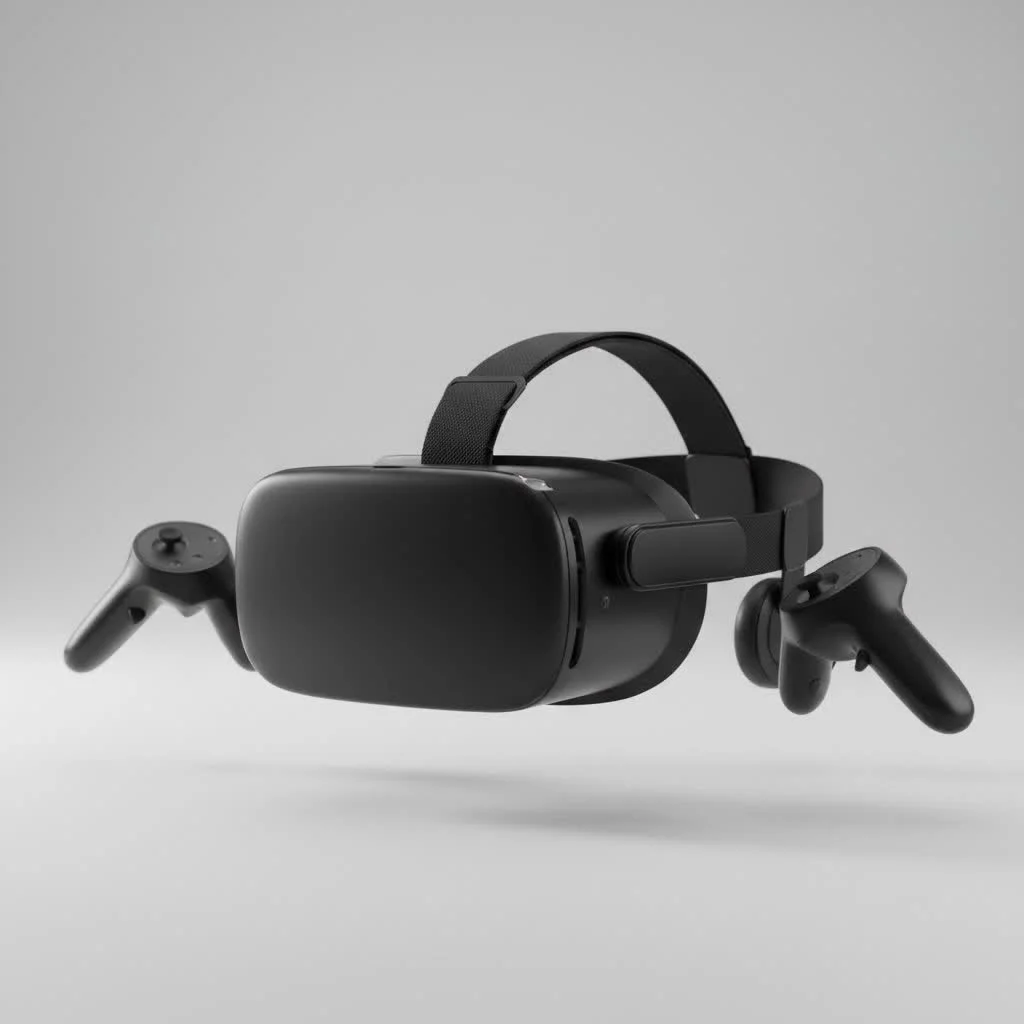
What Exactly is SteamVR?
First things first, let’s clear up a common point of confusion. SteamVR is the software platform, not a specific piece of hardware. Think of it as the bridge between your powerful gaming PC and your chosen VR headset. Developed by Valve, the creators of the massive Steam gaming marketplace, SteamVR is designed to be a universal tool that provides room-scale tracking and supports a vast range of headsets, controllers, and accessories from different manufacturers. This open approach is its greatest strength, offering you unparalleled choice and access to thousands of titles, from indie gems to AAA blockbusters, all through the familiar Steam interface. For see our virtual reality recommendations on this site.
The Best Steam VR Headsets Available Now
Choosing a Steam VR headset depends heavily on your budget, your technical setup, and what you want from your VR experience. The market is filled with incredible options, each with unique strengths.
Valve Index: The Gold Standard for Fidelity
The Valve Index is often considered the benchmark for a premium PC VR experience. Made by Valve itself, it’s designed to showcase SteamVR at its absolute best.
- Visuals: It boasts a high refresh rate (up to 144Hz) and a wide field of view, resulting in an incredibly smooth and immersive picture.
- Audio: The off-ear speakers are a standout feature, delivering rich, spatial audio without the discomfort of headphones.
- Controllers: The “Knuckle” controllers are revolutionary, tracking all five fingers to allow for more natural interactions and gestures in-game.
- Tracking: It uses SteamVR “Lighthouse” base stations, which provide sub-millimeter, rock-solid tracking for flawless room-scale experiences.
The main drawback is its high price point and the fact that it’s a wired-only system. However, for those seeking the highest fidelity without compromise, the Index remains a top contender.
Meta Quest 3: The Wireless and Versatile Champion
While the Meta Quest 3 is a standalone headset, its ability to connect to a PC makes it one of the most popular choices for SteamVR. You can connect it via a USB-C cable (Oculus Link) or wirelessly through Air Link or a third-party app like Virtual Desktop.
- Flexibility: You get the best of both worlds—a standalone device for easy, on-the-go VR and a powerful PC VR headset for graphically intensive Steam games.
- Clarity: The “pancake” lenses and high resolution deliver a sharp, clear image with a generous sweet spot.
- Mixed Reality: Its full-color passthrough cameras are class-leading, opening up a new world of mixed-reality applications.
- Price: It offers an incredible value proposition, often costing less than half the price of a full Valve Index kit.
The trade-off is that video is compressed when streaming from a PC, which can result in minor visual artifacts compared to a native DisplayPort headset like the Index.
Bigscreen Beyond: The World’s Smallest VR Headset
|
Our Picks for the Best VR Headset in 2026
As an Amazon Associate I earn from qualifying purchases.
|
||
| Num | Product | Action |
|---|---|---|
| 1 | Oculus Quest 2 VR Headset 128GB Holiday Set - Advanced All-in-One Virtual Reality Headset Cover Set, White |

|
| 2 | FEEBZ 3D VR Headset for Kids 2.0 + Android Remote - for iPhone & Android Phones - with 3D VR Videos & Apps Links - Virtual Reality Goggles Set for Beginners |
|
| 3 | Meta Quest 2 — Advanced All-In-One Virtual Reality Headset — 256 GB (Renewed) |
|
| 4 | DESTEK V5 VR Headset for Kids w/VR Gamepad, 128 Premium VR apps Included, Anti-Blue Eyes Protected HD Lenses, 110° FOV Virtual Reality Headsets for iPhone, Android Phone- Black |
|
| 5 | PlayStation VR2 (PSVR2) |
|
| 6 | PlayStation VR2 Horizon Call of The Mountain™ Bundle (PSVR2) |
|
| 7 | FEEBZ 3D VR Headset for Kids 2.0 + Android Remote - for iPhone & Android Phones - with 3D VR Videos & Apps Links - Virtual Reality Goggles Set for Beginners |
|
| 8 | VR Headset for Phone, Virtual Reality Glasses with Bluetooth Headphones for Adults and Kids Play 3D VR Games Movies (White VR Only) |
|
| 9 | VR Headset for Nintendo Switch 2 (2025), Switch 2 Virtual Reality VR Glasses with Adjustable HD Lenses and Comfortable Head Strap, Labo VR Kit 3D Goggles for Switch 2 Accessories, White&Blue |
|
| 10 | Oculus Quest 2 Advanced All-in-One Virtual Reality Gmaing VR Headset 128GB Set, White |
|
For the user who prioritizes comfort above all else, the Bigscreen Beyond is a game-changer. This headset is custom-molded to your face, making it incredibly light and comfortable for long play sessions.
- Size and Weight: It weighs only 127 grams, feeling more like a pair of ski goggles than a traditional VR headset.
- Display: It uses micro-OLED displays, offering vibrant colors and true, deep blacks that LCD panels can’t match.
- Modularity: It’s a headset-only purchase. You’ll need to provide your own SteamVR base stations and controllers (like the Valve Index controllers), making it a great upgrade path for existing users.
The custom-fit nature means it can’t be easily shared, and the all-in cost is high if you’re starting from scratch. However, for a bespoke, ultra-premium experience, it’s unmatched.
How to Choose the Right Steam VR Headset for You
Making the right choice involves balancing several key factors. Ask yourself these questions to narrow down your options.
What Is Your Budget?
This is the most significant factor. A Meta Quest 3 offers the lowest entry cost, while a full Valve Index or Bigscreen Beyond setup represents a premium investment. Remember to factor in the cost of a VR-ready PC.
Do You Need Wireless Freedom?
If you can’t stand the thought of being tethered by a cable, the Meta Quest 3 is your best bet for a seamless wireless SteamVR experience. If maximum visual quality is your priority and you don’t mind a cable, the Valve Index is superior.
What Are Your PC’s Specifications?
Running VR is demanding. A higher-resolution headset like the Valve Index requires a more powerful graphics card to run smoothly at its native refresh rate. Check the recommended specs for any headset you’re considering and compare them against your current PC build. You can run the “SteamVR Performance Test” on Steam to see if your rig is ready.
How Much Space Do You Have?
All these headsets support room-scale VR, but you need physical space to walk around. The Lighthouse tracking used by the Index and Beyond offers the largest and most precise tracking volume but requires setting up two small sensor boxes in the corners of your room. The Quest 3 uses inside-out tracking (cameras on the headset) which is far simpler to set up and works in almost any space.
“The beauty of the SteamVR ecosystem is its flexibility. Whether you prioritize wireless convenience with a Quest or raw fidelity with an Index, you’re tapping into the same incredible library of games. The ‘best’ headset is truly the one that fits your personal setup and play style.” – Dr. Alistair Finch, VR Technology Analyst
Frequently Asked Questions (FAQ)
What is the difference between SteamVR and Oculus?
SteamVR is a software platform from Valve that supports many different headsets. Oculus (now Meta) is a brand that creates its own hardware (like the Quest 3) and has its own separate software store. However, Meta headsets can be connected to a PC to play games on the SteamVR platform.
Do I need a powerful PC for a Steam VR headset?
Yes. PC-based VR is graphically intensive. You will need a modern gaming PC with a strong graphics card (GPU), a capable processor (CPU), and sufficient RAM (usually 16GB is recommended). Always check the minimum and recommended specs for the games you want to play.
Is the Valve Index still worth it today?
Absolutely, for users who want the highest-fidelity, most comfortable, and most immersive PC VR experience right out of the box. Its controllers and audio are still considered best-in-class. While newer headsets have better resolution, the complete Index package remains a premium benchmark.
What are SteamVR Base Stations?
They are small boxes you place in the corners of your play area. They sweep the room with infrared lasers, which are tracked by sensors on the headset and controllers. This “outside-in” tracking system is extremely precise and stable, preventing controller drift and allowing for tracking even when controllers are out of the headset’s line of sight.
Can I mix and match different VR hardware with SteamVR?
Yes, to an extent. This is a major advantage of the platform. For example, you can use Valve Index controllers with an HTC Vive headset or even a Bigscreen Beyond. This modularity allows for a customized setup tailored to your preferences.
Conclusion: Your VR Journey Awaits
The world of the Steam VR headset is rich with choice and incredible potential. From the plug-and-play versatility of the Meta Quest 3 to the uncompromising fidelity of the Valve Index, there is a perfect entry point for everyone. By understanding the core platform and evaluating your personal needs regarding budget, space, and desired features, you can confidently select the hardware that will unlock thousands of hours of unparalleled gaming and virtual experiences. The digital frontier is waiting for you.
Get our weekly buyer guide
Practical specs, not advice. Unsubscribe anytime.

I appreciate the info on SteamVR being a software platform, but I wish there was more detail on specific headset recommendations that work best with it. While the library of games is huge, sometimes finding compatible hardware can be a bit overwhelming. My current setup has some minor tracking issues occasionally, which can be frustrating during intense gameplay.
I’ve been using SteamVR for a while now and it’s truly the best platform for PC-based VR. The sheer volume of games and applications available is unmatched. My current headset works seamlessly with it, and the setup was surprisingly straightforward, even for a relative newcomer like me. Definitely recommend diving into this ecosystem if you’re serious about VR gaming.
As a seasoned VR enthusiast, I can confirm that SteamVR offers the most immersive experiences out there. The integration with my gaming PC is flawless, and the updates from Valve keep improving the overall performance. It’s definitely the gateway to breathtaking digital adventures, just as mentioned. You won’t regret investing in a good headset for this platform.
This guide really helped me understand that SteamVR is a platform, not just a single device. I was a bit confused before, thinking I needed a specific ‘Steam VR headset.’ Now I get that it’s about the software connecting my PC to various hardware options. It’s great to know there’s such a huge library of games to explore once I pick my headset.