Stepping into the world of virtual reality can be a game-changer, and if you’re serious about a premium experience, the Vive Vr Headset lineup is likely on your radar. Created by HTC, Vive has long been a benchmark for high-fidelity, room-scale VR on PC. But with several models available, each with its own strengths, choosing the right one can feel complex. Are you a hardcore gamer seeking ultimate immersion, a professional developing a new simulation, or a newcomer curious about what VR has to offer?
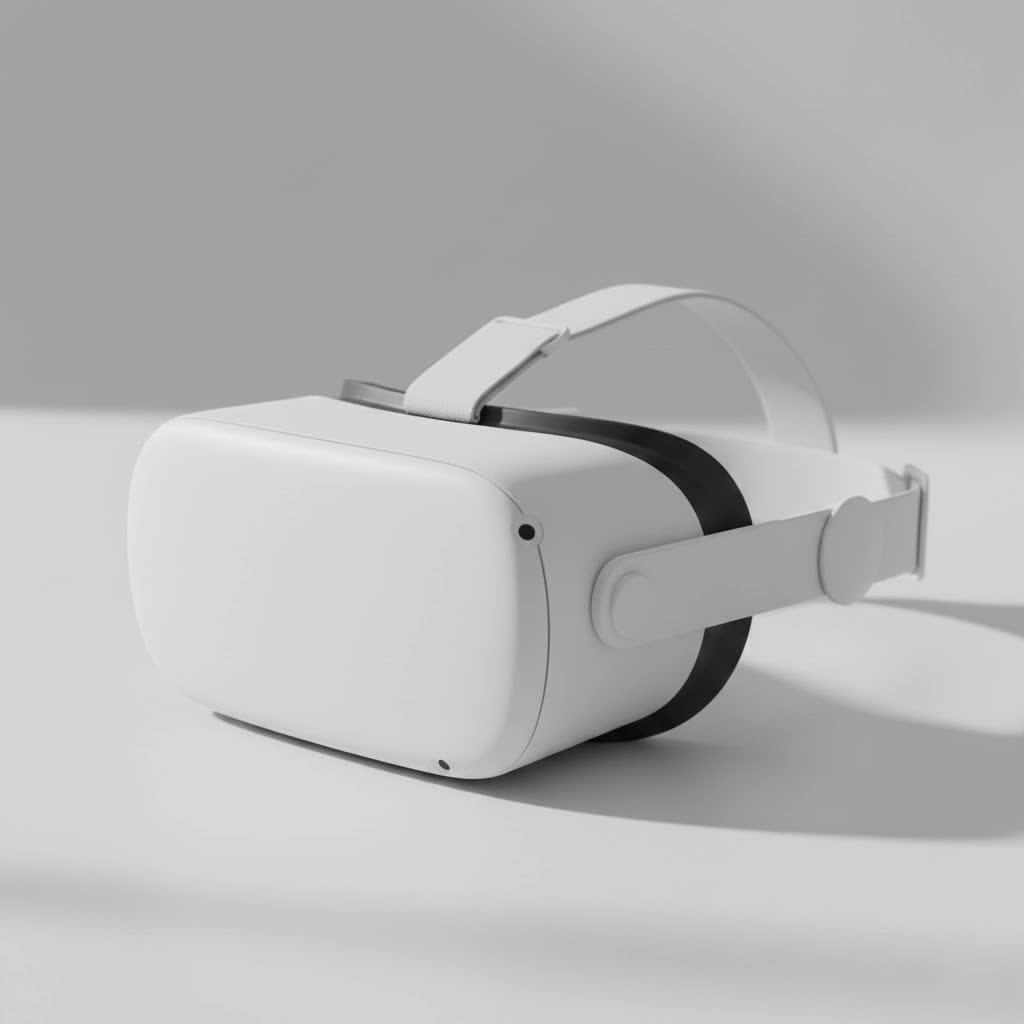
This guide breaks down everything you need to know about the Vive VR headset ecosystem. We’ll explore the key models, from the top-tier Vive Pro 2 to the versatile Vive XR Elite, helping you understand the technology, PC requirements, and which device best fits your virtual ambitions. Let’s dive in and find your perfect portal to new realities.
What is the HTC Vive?
The HTC Vive is a line of virtual reality headsets known for its precision tracking, high-quality displays, and robust build. Unlike standalone headsets that process everything internally, most Vive systems are PC-powered. This means they connect to a powerful gaming computer to deliver cutting-edge graphics and complex experiences that wouldn’t be possible on a mobile chip. This focus on performance has made Vive a favorite among VR enthusiasts and professional users who demand the best possible quality.
At the heart of the Vive ecosystem is the SteamVR platform, developed in collaboration with Valve. This gives users access to thousands of games and applications on the Steam store. The system’s “Lighthouse” base station tracking technology is a key feature, allowing for precise, room-scale tracking that lets you walk, duck, and move around in a designated physical space, with those movements mirrored perfectly in VR.
Which Vive VR Headset Should You Buy?
Choosing a Vive VR headset comes down to your budget, your PC’s power, and what you plan to do in virtual reality. Each model caters to a different type of user.
HTC Vive Pro 2: For the Hardcore Enthusiast
The Vive Pro 2 is the undisputed king of visual fidelity in the Vive lineup. If your primary goal is the most immersive, graphically intense gaming experience possible and you have a top-of-the-line PC to back it up, this is your headset.
- Best for: Demanding VR gamers and simulation users who prioritize visual clarity above all else.
- Key Feature: A stunning 5K resolution display (2448 x 2448 pixels per eye) with a wide 120° field of view and a smooth 120Hz refresh rate.
- Considerations: It’s the most expensive option and requires a powerful, modern graphics card (NVIDIA RTX 20 series / AMD Radeon 5000 series or better) to run at its full potential. It also relies on external SteamVR base stations for tracking.
|
Our Picks for the Best VR Headset in 2026
As an Amazon Associate I earn from qualifying purchases.
|
||
| Num | Product | Action |
|---|---|---|
| 1 | PlayStation VR2 Horizon Call of The Mountain™ Bundle (PSVR2) |

|
| 2 | DESTEK V5 VR Headset for Kids w/VR Gamepad, 128 Premium VR apps Included, Anti-Blue Eyes Protected HD Lenses, 110° FOV Virtual Reality Headsets for iPhone, Android Phone- Black |
|
| 3 | Oculus Quest 2 Advanced All-in-One Virtual Reality Gmaing VR Headset 128GB Set, White |
|
| 4 | PlayStation VR2 (PSVR2) |
|
| 5 | Meta Quest 2 — Advanced All-In-One Virtual Reality Headset — 256 GB (Renewed) |
|
| 6 | VR Headset for Nintendo Switch 2 (2025), Switch 2 Virtual Reality VR Glasses with Adjustable HD Lenses and Comfortable Head Strap, Labo VR Kit 3D Goggles for Switch 2 Accessories, White&Blue |
|
| 7 | Oculus Quest 2 VR Headset 128GB Holiday Set - Advanced All-in-One Virtual Reality Headset Cover Set, White |
|
| 8 | VR Headset for Phone, Virtual Reality Glasses with Bluetooth Headphones for Adults and Kids Play 3D VR Games Movies (White VR Only) |
|
| 9 | FEEBZ 3D VR Headset for Kids 2.0 + Android Remote - for iPhone & Android Phones - with 3D VR Videos & Apps Links - Virtual Reality Goggles Set for Beginners |
|
| 10 | FEEBZ 3D VR Headset for Kids 2.0 + Android Remote - for iPhone & Android Phones - with 3D VR Videos & Apps Links - Virtual Reality Goggles Set for Beginners |
|
As industry veteran Stephanie Chen, a VR developer, notes, “The Vive Pro 2’s display is simply breathtaking. For projects where every detail matters, like architectural visualization or high-fidelity training sims, that resolution makes a world of difference. It’s as close to real as you can get.”
HTC Vive XR Elite: The All-in-One Contender
The Vive XR Elite is HTC’s answer to the standalone VR trend, directly competing with devices like the Meta Quest. It’s a lightweight, modular headset that can function as an all-in-one device using its built-in processor or connect to a PC for more demanding experiences.
- Best for: Users who want flexibility. You can enjoy VR games and apps on the go, then plug into your PC at home for high-end titles. It’s also excellent for mixed reality (MR) applications.
- Key Feature: Its modular, glasses-like form factor is incredibly light and comfortable. The high-resolution color passthrough cameras enable compelling mixed reality experiences, blending virtual objects with your real environment.
- Considerations: While its standalone performance is strong, its graphics won’t match a dedicated PC-VR headset like the Pro 2. The PC VR experience is achieved via a USB-C cable or a strong Wi-Fi 6E connection, which may introduce latency for some users.
HTC Vive Cosmos Series: The Mid-Range Option
The Vive Cosmos was designed as a more user-friendly headset with inside-out tracking, meaning it doesn’t require external base stations. While it has been largely succeeded by newer models, the Cosmos Elite variant remains a solid mid-range choice.
- Best for: Users who want a good PC-VR experience without the hassle of setting up external sensors and have a mid-range gaming PC.
- Key Feature: The Vive Cosmos Elite bundle includes one base station, providing a hybrid tracking system that is more accurate than inside-out alone but simpler to set up than a full two-station system.
- Considerations: Its screen resolution and field of view are a step down from the Vive Pro 2. The standard Cosmos with its original inside-out tracking faceplate received mixed reviews, so the Elite version is generally the recommended choice from this series.
What Do You Need to Run a Vive VR Headset?
A common question from newcomers is, “Can my computer run it?” Since most Vive headsets rely on a PC, your computer’s specifications are crucial.
PC Requirements Checklist
Here are the general minimum requirements for a modern PC-powered Vive VR headset like the Vive Pro 2. Always check the specific product page for the exact model you’re interested in.
- Graphics Card (GPU): This is the most important component.
- Minimum: NVIDIA GeForce GTX 1060 / AMD Radeon RX 580
- Recommended for full resolution: NVIDIA GeForce RTX 2070 / AMD Radeon RX 5700 or better.
- Processor (CPU): Intel Core i5-4590 / AMD Ryzen 1500 or greater.
- Memory (RAM): 8 GB or more.
- Video Output: DisplayPort 1.2 or newer (DisplayPort 1.4 is required for full 5K resolution on the Pro 2).
- USB Port: 1x USB 3.0 or newer.
- Operating System: Windows 10 or Windows 11.
Pro Tip: Don’t just meet the minimum specs. For a smooth, enjoyable VR experience without stuttering, aim for the recommended specifications or higher. The GPU is the single biggest factor in performance.
Setting Up Your Vive Playspace
To get the most out of your Vive VR headset, you need a dedicated physical space. The SteamVR “room-scale” tracking allows you to physically walk around, and the system helps you define a safe play area to avoid bumping into furniture.
- Minimum Space: For room-scale, you need at least 2 meters by 1.5 meters (about 6.5 ft x 5 ft) of clear, unobstructed space.
- Seated/Standing: If you lack the space, you can also use the headset in a standing-only or seated configuration for games that support it, like flight simulators or racing games.
- Base Station Placement: For models that use them (like the Vive Pro 2), you’ll need to place two Lighthouse base stations in opposite corners of your room, typically mounted high up and angled down. They need to have a clear line of sight to each other and to the headset.
Frequently Asked Questions (FAQ)
Is the HTC Vive still worth it in 2025?
Absolutely. For high-end PC VR, the Vive Pro 2 remains one of the best headsets on the market for visual fidelity. The Vive XR Elite offers a modern, flexible alternative that competes well with other standalone devices while retaining the option for powerful PC VR.
Can you play games from other stores on a Vive headset?
Yes. While Vive headsets are natively designed for SteamVR, which is the largest VR content platform, they are also compatible with other storefronts. You can access games and experiences from the Viveport store and, with software like Revive, even play titles exclusive to the Oculus/Meta ecosystem.
What is the difference between inside-out and outside-in tracking?
Outside-in tracking (used by the Vive Pro 2) relies on external sensors (Lighthouse base stations) placed in your room to track the position of the headset and controllers. It is generally more precise and has a wider tracking volume. Inside-out tracking (used by the Vive XR Elite in standalone mode) uses cameras on the headset itself to track its position relative to the environment, making it much easier to set up.
Do I need to buy controllers and base stations separately?
It depends on the bundle. The “Full Kit” for a headset like the Vive Pro 2 typically includes the headset, two controllers, and two SteamVR Base Stations 2.0. You can also buy the headset only if you are upgrading from an older system and already own compatible controllers and base stations. The Vive XR Elite comes with everything you need in the box.
How does the Vive XR Elite compare to the Meta Quest 3?
Both are leading standalone headsets with mixed reality capabilities. The Quest 3 is generally more affordable and has a more mature standalone game library. The Vive XR Elite distinguishes itself with a lighter, more comfortable modular design that can be worn like glasses and offers a very high-quality PC VR streaming experience through its Vive Streaming software. The choice often comes down to comfort, ecosystem preference, and budget.
Final Thoughts
The Vive VR headset family offers a premium pathway into virtual reality, tailored for users who refuse to compromise on quality. Whether you’re a gamer chasing ultimate immersion with the Vive Pro 2 or someone who values the hybrid freedom of the Vive XR Elite, HTC provides a powerful and well-engineered solution.
The key to a great experience is matching the right headset to your needs and ensuring you have the PC hardware to power your virtual adventures. By understanding the strengths of each model and the requirements to run them, you can confidently invest in a system that will unlock breathtaking new worlds. The journey into VR is incredible, and with a Vive headset, you’re starting in the fast lane.
