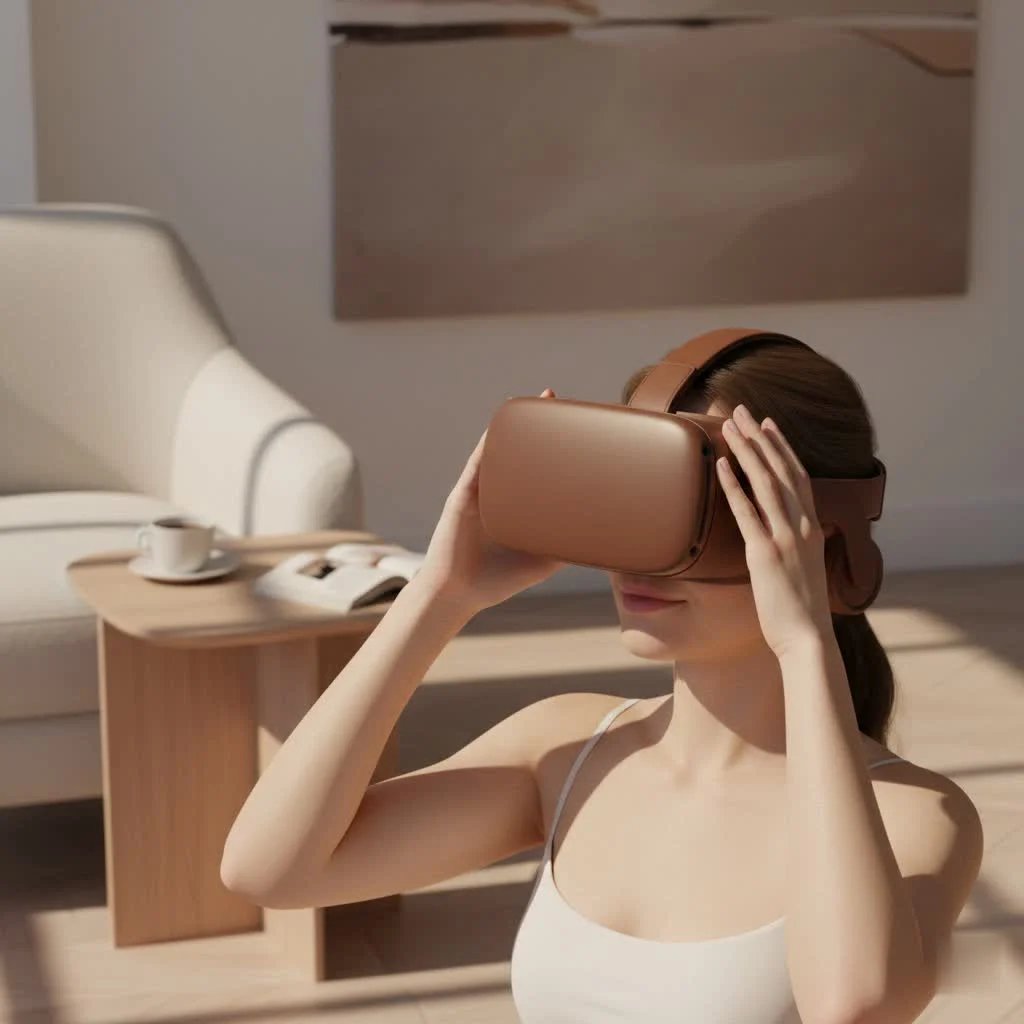
The Feebz VR Headset is a mobile virtual reality device that transforms your smartphone into an immersive portal for 360-degree videos, virtual tours, and simple VR games. It offers an accessible and budget-friendly entry point into virtual reality, making it ideal for beginners, families, and casual users who want to experience VR without investing in expensive standalone systems. This headset primarily uses your existing smartphone, typically supporting models between 4.7 and 6.5 inches, to display stereoscopic 3D content through its specialized lenses.
What Exactly is the Feebz VR Headset?
The Feebz VR Headset is a mobile VR headset, also known as a “phone VR headset.” Unlike standalone systems such as the Meta Quest, which feature integrated screens and processors, the Feebz headset utilizes your smartphone. You insert your phone into the front compartment, and the headset’s lenses split the screen’s image into two, creating a stereoscopic 3D effect that immerses you in the content.
This design makes it an excellent choice for beginners, families, and budget-conscious individuals interested in exploring VR. It is primarily designed for watching 360-degree videos, experiencing virtual tours, and playing basic VR games available on your phone’s app store.
Unboxing and Key Features
Upon unboxing, the Feebz VR Headset appears as a user-friendly and approachable device. It often includes accessories like a cleaning cloth, a carrying bag, and a user manual. Let’s examine its core features.
Design and Comfort
The headset is constructed from lightweight plastic, preventing it from feeling heavy during use. It features soft foam padding around the face area for comfortable casual viewing sessions. Adjustable elastic straps accommodate various head sizes, making it suitable for both children and adults. While comfortable for short VR experiences, it may not be ideal for extended, hours-long sessions.
Adjustable Lenses
To ensure a clear and sharp image, the Feebz VR Headset includes crucial lens adjustments. Users can modify the interpupillary distance (the space between pupils) and the focal distance using simple wheels and sliders on the headset. This fine-tuning capability significantly enhances the viewing experience for individual eyesight.
The Included Bluetooth Remote
Many Feebz models come with a small Bluetooth remote, primarily designed for Android devices. This remote enables navigation through menus, playing and pausing videos, and interacting with certain games and apps without removing the phone from the headset. Due to iOS limitations, the remote’s functionality may be restricted on iPhones, though the headset itself remains fully compatible.
Phone Compatibility
A significant advantage of the Feebz VR Headset is its broad compatibility. It is designed to securely hold a wide range of smartphones, typically from 4.7 to 6.5 inches, covering most modern Android and iOS devices. A spring-loaded mechanism inside keeps your phone firmly in place.
How to Set Up Your Feebz VR Headset in 5 Easy Steps
Getting started with the Feebz VR Headset is remarkably simple. Here’s a quick guide to begin your first virtual experience:
- Download VR Apps: Visit the Apple App Store or Google Play Store and search for “VR” or “Google Cardboard.” You will find numerous apps, from rollercoaster simulators to virtual museum tours. The headset often provides a QR code or a link to a curated list of recommended free apps.
- Pair the Bluetooth Remote: If your model includes a remote, turn it on and pair it with your smartphone via Bluetooth settings, similar to connecting wireless headphones.
- Adjust the Headset: Put on the headset and adjust the head straps for a snug and secure fit. Then, without your phone inside, look through the lenses and adjust the focus and pupil distance until your view is clear.
- Launch an App and Insert Your Phone: Start a VR app on your phone. Most VR apps display a split-screen view. Open the front panel of the headset, place your phone against the holder, ensuring the center line of your phone’s screen aligns with the divider in the headset, and close the panel.
- Enjoy the Experience: Put the headset back on and begin exploring. You can now use your head movements to navigate the virtual environment.
Is the Feebz VR Headset Actually Any Good?
As an expert in the field, I emphasize setting clear expectations. The Feebz VR Headset is not intended to compete with high-end, thousand-dollar systems. Instead, its value lies in its accessibility and simplicity.
“For many, the Feebz headset is their very first taste of virtual reality,” notes tech analyst Dr. Alistair Finch. “It excels at breaking down the cost barrier, providing genuinely fun and immersive moments for families and casual users. It’s a fantastic stepping stone.”
The Good Stuff (Pros)
|
Our Picks for the Best VR Headset in 2026
As an Amazon Associate I earn from qualifying purchases.
|
||
| Num | Product | Action |
|---|---|---|
| 1 | Meta Quest 2 — Advanced All-In-One Virtual Reality Headset — 256 GB (Renewed) |

|
| 2 | FEEBZ 3D VR Headset for Kids 2.0 + Android Remote - for iPhone & Android Phones - with 3D VR Videos & Apps Links - Virtual Reality Goggles Set for Beginners |
|
| 3 | Oculus Quest 2 VR Headset 128GB Holiday Set - Advanced All-in-One Virtual Reality Headset Cover Set, White |
|
| 4 | FEEBZ 3D VR Headset for Kids 2.0 + Android Remote - for iPhone & Android Phones - with 3D VR Videos & Apps Links - Virtual Reality Goggles Set for Beginners |
|
| 5 | PlayStation VR2 (PSVR2) |
|
| 6 | Oculus Quest 2 Advanced All-in-One Virtual Reality Gmaing VR Headset 128GB Set, White |
|
| 7 | VR Headset for Phone, Virtual Reality Glasses with Bluetooth Headphones for Adults and Kids Play 3D VR Games Movies (White VR Only) |
|
| 8 | PlayStation VR2 Horizon Call of The Mountain™ Bundle (PSVR2) |
|
| 9 | DESTEK V5 VR Headset for Kids w/VR Gamepad, 128 Premium VR apps Included, Anti-Blue Eyes Protected HD Lenses, 110° FOV Virtual Reality Headsets for iPhone, Android Phone- Black |
|
| 10 | VR Headset for Nintendo Switch 2 (2025), Switch 2 Virtual Reality VR Glasses with Adjustable HD Lenses and Comfortable Head Strap, Labo VR Kit 3D Goggles for Switch 2 Accessories, White&Blue |
|
- Highly Affordable: It represents one of the most budget-friendly ways to experience VR.
- Extremely Easy to Use: Setup is straightforward, requiring no complex software or hardware.
- Broad Compatibility: It works with the vast majority of smartphones currently on the market.
- Great for Media: It is an excellent device for watching 3D movies and 360-degree videos on platforms like YouTube.
The Not-So-Good Stuff (Cons)
- Limited Immersion: The experience heavily depends on your phone’s screen resolution and processing power. It lacks the positional tracking found in more advanced headsets.
- Basic Controls: While the remote is a useful addition, it offers simple interaction, not the complex motion controls of dedicated VR systems.
- Potential for Discomfort: Like many VR experiences, some users may experience motion sickness, and the fit might not be comfortable for very long periods.
Who Should Buy the Feebz VR Headset?
This headset is an ideal match for specific user types:
- The VR-Curious: If you are interested in VR but not ready to invest hundreds of dollars, this offers a low-risk way to try it.
- Parents and Families: It makes a fantastic and engaging gift for children, providing educational experiences and fun games without a significant investment.
- Casual Media Consumers: If your primary goal is to watch 360-degree videos, virtual tours, or 3D movies, the Feebz headset delivers a solid experience.
However, if you are a serious gamer seeking high-fidelity, interactive VR gaming with full motion tracking, you would be better served by saving for a dedicated standalone headset.
Frequently Asked Questions (FAQ)
What phones are compatible with the Feebz VR Headset?It generally supports smartphones with screen sizes between 4.7 and 6.5 inches, including most iPhone and Android models.
How do I find the QR code for setup?Many Google Cardboard-compatible apps require a QR code for view calibration. This code is often located on the headset itself or in the user manual. If unavailable, an online search for “Feebz VR headset QR code” typically provides a scannable image.
Can I wear my glasses with the Feebz VR headset?This depends on the size of your glasses frames. Smaller frames may fit inside, but larger ones might be uncomfortable. The built-in focus adjustment can assist some users with mild prescriptions in using the headset without their glasses.
What are the best apps to download?Begin with the Google Cardboard app for excellent demos. Then, explore YouTube for its vast library of 360-degree videos. In app stores, search for VR rollercoasters, space exploration apps, and virtual travel experiences.
How do I connect the Bluetooth remote?Ensure the remote has batteries and is powered on. Open your phone’s Bluetooth settings, make the remote discoverable (usually by holding a button), and select it from the list of available devices to pair.
Conclusion: Is the Feebz VR Headset Worth Your Money?
The Feebz VR Headset successfully achieves its goal: making virtual reality simple, fun, and accessible to everyone. While it won’t provide the breathtaking immersion of a high-end system, it offers a functional and enjoyable introduction to the world of VR. It demonstrates how clever design can leverage the power of the smartphone in your pocket.
If you are a parent seeking a unique gift, a teacher looking for an educational tool, or simply curious about this exciting technology, the Feebz VR Headset is an excellent and affordable choice. It serves as a wonderful gateway to new experiences and a perfect way to explore what the virtual world has to offer.
Get our weekly buyer guide
Practical specs, not advice. Unsubscribe anytime.

I was looking for a way to try VR without spending a fortune, and the Feebz VR Headset was perfect. My iPhone 13 Pro Max fit in easily, and the 360-degree videos are surprisingly immersive. It’s a great entry point for anyone curious about virtual reality, especially for casual use and watching virtual tours. Definitely recommend it for beginners!
The Feebz headset is decent for the price, and it’s cool how it uses your smartphone. However, I found that after about 20 minutes, the headset started to feel a bit heavy on my face, and the straps weren’t as comfortable as I’d hoped. It’s fine for short sessions, but not ideal for extended gaming or movie watching.
I’m so glad I got the Feebz VR Headset. I’ve always wanted to try VR but didn’t want to commit to an expensive standalone system like the Meta Quest. This headset lets me use my existing phone for a fraction of the cost, and the virtual tours are incredibly realistic. It’s exactly what I needed for a taste of VR.
Got this for my kids, and they love it! It’s super easy to set up with their Android phones, and they’ve been having a blast with the simple VR games. For a budget-friendly option, the visual quality through the lenses is pretty good. It’s definitely a fun gadget for families.