Stepping into virtual reality used to feel like science fiction, a futuristic concept reserved for niche enthusiasts with powerful gaming PCs and complex setups. Then came the Meta Quest 2, originally known as the Oculus Quest 2, and it truly changed the game. This innovative VR headset brought immersive digital worlds to the masses, offering a standalone, wire-free experience that was both powerful and incredibly user-friendly. While its successor, the Meta Quest 3, has taken the spotlight, the Quest 2 remains a significant player in the VR landscape, continuing to offer an exceptional entry point for anyone curious about virtual reality.
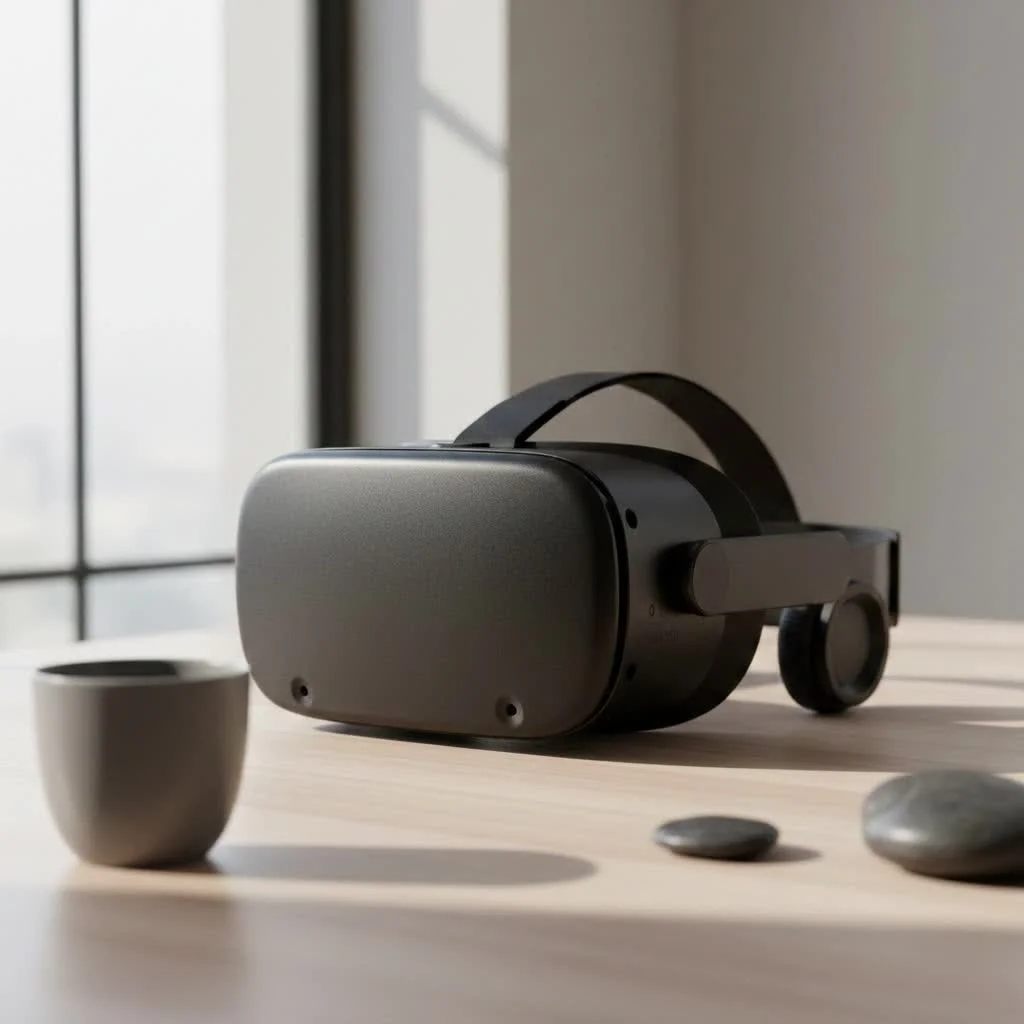
What Makes the Meta Quest 2 Tick? Key Features & Specifications
The Meta Quest 2 wasn’t just another VR headset; it was a revolution in accessibility and performance. It combined cutting-edge technology with an intuitive design, making it a standout device.
Standalone Freedom: Your Gateway to VR Without Wires
One of the Quest 2’s most compelling features is its standalone nature. Unlike many high-end VR systems, the Meta Quest 2 operates entirely on its own, meaning you don’t need a powerful gaming PC or external sensors. Simply charge it up, put it on, and you’re ready to explore. This untethered experience truly sets you free, allowing for unhindered movement and a deeper sense of immersion as you roam virtual environments. This “all-in-one” design, powered by Meta Horizon OS (an Android-based system), was a game-changer for mainstream VR adoption.
Power Under the Hood: The Snapdragon XR2 Advantage
Despite its compact, wire-free design, the Meta Quest 2 packs a serious punch. It’s powered by the Qualcomm Snapdragon XR2 platform, a system-on-a-chip specifically designed for VR and augmented reality devices. This processor, combined with 6GB of LPDDR4X RAM, ensures smooth performance and responsive gameplay, even during demanding virtual experiences. This means less lag and more seamless adventures as you navigate virtual worlds.
Visual Fidelity: Seeing is Believing
A VR headset is only as good as its display, and the Quest 2 delivers a crisp, clear picture. It features a fast-switch LCD panel, offering an impressive resolution of 1832 x 1920 pixels per eye. This higher pixel density significantly reduces the “screen-door effect” that plagued earlier VR models, making virtual worlds look more realistic and less pixelated. Moreover, it supports refresh rates of up to 120Hz, providing a buttery-smooth visual experience crucial for preventing motion sickness and enhancing overall immersion.
Immersive Audio & Interaction: Feeling the Virtual World
|
Our Picks for the Best VR Headset in 2026
As an Amazon Associate I earn from qualifying purchases.
|
||
| Num | Product | Action |
|---|---|---|
| 1 | Oculus Quest 2 VR Headset 128GB Holiday Set - Advanced All-in-One Virtual Reality Headset Cover Set, White |

|
| 2 | FEEBZ 3D VR Headset for Kids 2.0 + Android Remote - for iPhone & Android Phones - with 3D VR Videos & Apps Links - Virtual Reality Goggles Set for Beginners |
|
| 3 | VR Headset for Phone, Virtual Reality Glasses with Bluetooth Headphones for Adults and Kids Play 3D VR Games Movies (White VR Only) |
|
| 4 | PlayStation VR2 Horizon Call of The Mountain™ Bundle (PSVR2) |
|
| 5 | Oculus Quest 2 Advanced All-in-One Virtual Reality Gmaing VR Headset 128GB Set, White |
|
| 6 | VR Headset for Nintendo Switch 2 (2025), Switch 2 Virtual Reality VR Glasses with Adjustable HD Lenses and Comfortable Head Strap, Labo VR Kit 3D Goggles for Switch 2 Accessories, White&Blue |
|
| 7 | PlayStation VR2 (PSVR2) |
|
| 8 | FEEBZ 3D VR Headset for Kids 2.0 + Android Remote - for iPhone & Android Phones - with 3D VR Videos & Apps Links - Virtual Reality Goggles Set for Beginners |
|
| 9 | Meta Quest 2 — Advanced All-In-One Virtual Reality Headset — 256 GB (Renewed) |
|
| 10 | DESTEK V5 VR Headset for Kids w/VR Gamepad, 128 Premium VR apps Included, Anti-Blue Eyes Protected HD Lenses, 110° FOV Virtual Reality Headsets for iPhone, Android Phone- Black |
|
Immersion isn’t just about what you see; it’s also about what you hear and how you interact. The Meta Quest 2 integrates 3D positional audio, allowing you to pinpoint sounds in virtual space and truly feel like you’re part of the action. Hand tracking technology lets you use your own hands for interaction in supported applications, offering a more natural and intuitive way to engage with the virtual environment. For more precise control, the headset comes with updated Oculus Touch controllers, which provide haptic feedback, making virtual actions feel tangible and real.
Storage Options: Finding Your Fit
The Meta Quest 2 was released with various storage options to suit different user needs. Initially, it offered 64GB and 256GB versions, with a 128GB model later becoming the standard. If you primarily play PC VR games or stream content, a smaller storage option might suffice. However, for those who prefer a robust library of standalone games and apps directly on the headset, a larger capacity like 128GB or 256GB makes much more sense.
Beyond Standalone: Connecting Your Quest 2 to a PC
While the Quest 2 shines as a standalone device, it’s also a highly capable PC VR headset. With a USB-C cable (Oculus Link) or wirelessly via Air Link, you can connect your Meta Quest 2 to a gaming-compatible computer. This opens up a whole new realm of possibilities, allowing you to access the vast and graphically intensive library of PC VR titles designed for platforms like Oculus Rift and SteamVR. The enhanced processing power of your PC can drive more complex virtual worlds and deliver even higher fidelity graphics, truly pushing the boundaries of your VR experience.
Is the Meta Quest 2 Still Worth It in 2025?
This is a common question, especially since Meta officially discontinued the Quest 2 on September 25, 2024. However, “discontinued” doesn’t mean “obsolete.” The Meta Quest 2 continues to offer significant value, particularly as an affordable entry point into virtual reality. Its robust library of over 350 standalone titles, covering gaming, fitness, social experiences, and entertainment, is still fully accessible and growing. For newcomers, the Quest 2 provides an excellent opportunity to experience VR without a hefty investment. While the Meta Quest 3 offers generational improvements, the Quest 2 remains a highly capable and enjoyable headset for many, especially those on a budget or looking for a secondary VR device. As “VR veteran Alex Chen” from MNWFC.com often says, “The Quest 2’s enduring appeal lies in its perfect blend of accessibility and a vast, engaging content library. It’s a testament to good design that it continues to be a viable choice for so many years.”
Getting Started: Setting Up Your Meta Quest 2
Setting up your Meta Quest 2 is straightforward, designed to get you into VR quickly.
- Unbox and Charge: Take your new Quest 2 out of the box and plug it in to fully charge the headset and controllers.
- Download the Companion App: On your mobile device, download the Meta Quest companion app (formerly Oculus app).
- Connect to Wi-Fi: Power on your Quest 2 and follow the on-screen instructions to connect it to your home Wi-Fi network.
- Pair with the App: The companion app will guide you through pairing your headset and controllers, often detecting the Quest 2 automatically over the network.
- Create/Log In to Meta Account: You’ll need to create or log in with a Meta account to proceed.
- Adjust for Comfort: Use the included glasses spacer if you wear spectacles. Adjust the head strap for a snug but comfortable fit.
- Define Your Play Space: The Quest 2 will walk you through setting up your Guardian boundary, ensuring you have a safe area to move around in virtual reality.
And just like that, you’re ready to explore!
Essential Accessories to Enhance Your Quest 2 Experience
While the Quest 2 is excellent out of the box, a few accessories can significantly enhance comfort, battery life, and overall immersion.
- Elite Strap (or third-party alternative): The default strap is functional, but an Elite Strap offers improved ergonomics, better weight distribution, and a more secure fit, especially during active gaming.
- Facial Interface Replacements: Upgrade from the standard foam interface to materials like PU leather or silicone for better hygiene, comfort, and light blocking.
- External Battery Pack: Extend your playtime, especially for longer sessions or when enjoying graphically intensive experiences, by attaching a small, counter-balancing power bank to the back of the head strap.
- VR Lens Protectors: Guard your lenses against scratches, particularly if you wear glasses.
- Controller Grips: Improve grip and comfort, and add protection to your Touch controllers.
Maintaining Your VR Headset for Longevity
Proper care ensures your Meta Quest 2 remains in top condition for years of virtual adventures.
- Clean Lenses Gently: Use a dry microfiber cloth specifically designed for optics. Never use liquids or abrasive materials, as this can damage the lenses and coatings.
- Wipe Down Regularly: Use a dry cloth to wipe down the headset and controllers, especially the facial interface, to remove sweat and oils.
- Store Properly: Keep your Quest 2 away from direct sunlight, which can cause irreparable damage to the lenses and screen. Store it in a case or covered when not in use.
- Battery Care: While convenient, avoid leaving your headset constantly plugged in after it’s fully charged. For long-term storage, charge it to around 50-80%.
Frequently Asked Questions (FAQ)
What is the Meta Quest 2?
The Meta Quest 2, originally called the Oculus Quest 2, is a standalone virtual reality headset developed by Meta Platforms. It allows users to experience immersive VR games, apps, and social experiences without needing a separate gaming PC or external sensors. It features a fast processor, high-resolution display, and Touch controllers for interactive gameplay.
Do I need a PC to use the Quest 2?
No, the Meta Quest 2 is an “all-in-one” standalone VR headset, meaning it can function entirely on its own. You only need a PC if you wish to play more graphically demanding PC VR games through Oculus Link or Air Link.
What games can I play on the Quest 2?
The Meta Quest 2 boasts a vast library of games and apps available on the Quest Store, including popular titles across various genres like action, rhythm, fitness, and exploration. Additionally, by connecting to a PC, you can access an even wider range of PC VR titles from platforms like SteamVR.
Is the Quest 2 still supported after discontinuation?
While the Meta Quest 2 was discontinued on September 25, 2024, Meta continues to provide software updates, security patches, and access to the Quest Store for existing users. The vast library of games and apps remains fully functional and accessible.
What’s the difference between Quest 2 and Quest 3?
The Meta Quest 3 is the successor to the Quest 2, offering significant upgrades including a sharper display, a more powerful Snapdragon XR2 Gen 2 processor, improved mixed reality capabilities with color passthrough, and a slimmer profile. However, the Quest 2 remains a highly capable and more affordable option.
Your Journey into Virtual Reality Starts Here
The Meta Quest 2 undeniably carved out its place in the history of virtual reality. It democratized VR, bringing incredible immersive experiences to millions and proving that high-quality virtual worlds don’t need to be tethered by wires or complex setups. Even with the advent of newer headsets, the Quest 2 remains a fantastic option, offering an expansive library of content, intuitive controls, and that undeniable thrill of stepping into another world. So, if you’re ready to explore new dimensions, challenge your senses, and connect with friends in groundbreaking ways, the Meta Quest 2 could be your perfect starting point on an exciting VR journey. Embrace the future; it’s more accessible than ever.
Get our weekly buyer guide
Practical specs, not advice. Unsubscribe anytime.
