Dipping your toes into virtual reality is an exciting prospect, but the price of a brand-new headset can be a steep barrier. That’s where the second-hand market comes in, offering a tempting path to immersive worlds for a fraction of the cost. But before you jump on that deal, it’s crucial to understand the risks. Buying a Used Vr Headset can be a brilliant move or a costly mistake. This guide will walk you through everything you need to know to make a smart, safe purchase and avoid buyer’s remorse.
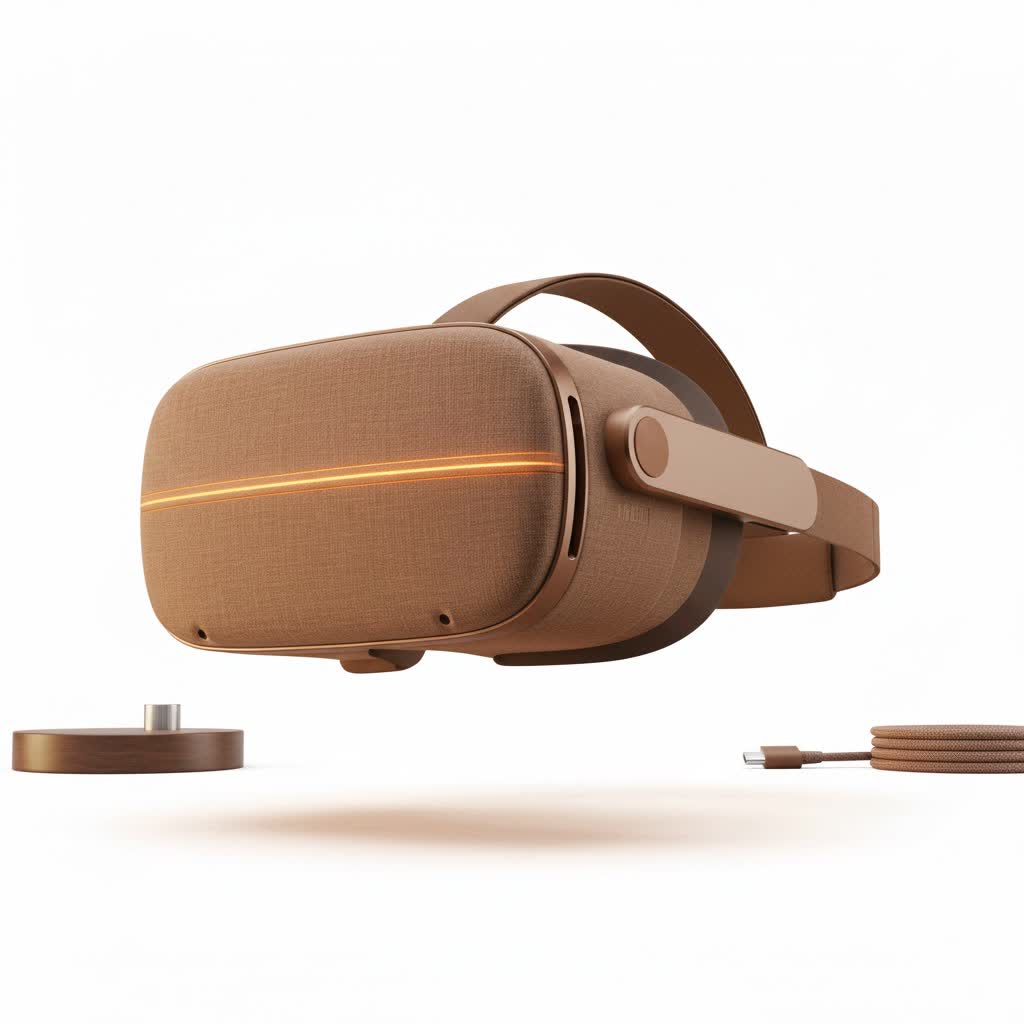
Is Buying a Used VR Headset a Good Idea?
For many, the answer is a resounding yes, but it comes with caveats. The primary advantage is, of course, the price. You can often get a capable, modern headset like a Meta Quest 2 for significantly less than its retail price, leaving you with more cash for games. However, you’re stepping into a world without warranties, with potential for hidden damage and questionable hygiene.
“A used VR headset is like any high-performance piece of equipment,” notes Dr. Alistair Finch, a pioneer in VR hardware longevity. “It can offer incredible value if you know how to inspect it properly. The lenses and controllers have lived a whole life before you, and they have stories to tell. Your job is to listen to them.”
Think of it as a trade-off: you sacrifice the security of a new product for a much lower entry fee. If you’re willing to do your due diligence, the savings can be well worth it.
What to Check Before Buying: A Detailed Checklist
Never buy a used VR headset sight unseen unless it’s from a reputable refurbisher with a return policy. If you’re meeting a seller from an online marketplace, insist on testing the device. Here’s your step-by-step inspection guide.
1. The Lenses: Your Window to the Virtual World
The lenses are the most critical and fragile component. Any damage here can completely ruin the experience.
- Scratches: Bring a small flashlight (your phone’s will do). Shine it at an angle across the lenses. Look for any scratches, from hairline marks to deep gouges. Minor scuffs on the very edge might be acceptable, but anything in your direct line of sight is a deal-breaker.
- Sun Damage: This is the silent killer of VR screens. If the lenses are exposed to direct sunlight, even for a minute, the light can get magnified and permanently burn the displays inside. To check for this, power on the headset and look for any discolored spots, like white or orange stains, that are visible on the screen against a bright, uniform background.
|
Our Picks for the Best VR Headset in 2026
As an Amazon Associate I earn from qualifying purchases.
|
||
| Num | Product | Action |
|---|---|---|
| 1 | PlayStation VR2 Horizon Call of The Mountain™ Bundle (PSVR2) |

|
| 2 | VR Headset for Nintendo Switch 2 (2025), Switch 2 Virtual Reality VR Glasses with Adjustable HD Lenses and Comfortable Head Strap, Labo VR Kit 3D Goggles for Switch 2 Accessories, White&Blue |
|
| 3 | Oculus Quest 2 Advanced All-in-One Virtual Reality Gmaing VR Headset 128GB Set, White |
|
| 4 | FEEBZ 3D VR Headset for Kids 2.0 + Android Remote - for iPhone & Android Phones - with 3D VR Videos & Apps Links - Virtual Reality Goggles Set for Beginners |
|
| 5 | PlayStation VR2 (PSVR2) |
|
| 6 | VR Headset for Phone, Virtual Reality Glasses with Bluetooth Headphones for Adults and Kids Play 3D VR Games Movies (White VR Only) |
|
| 7 | Meta Quest 2 — Advanced All-In-One Virtual Reality Headset — 256 GB (Renewed) |
|
| 8 | DESTEK V5 VR Headset for Kids w/VR Gamepad, 128 Premium VR apps Included, Anti-Blue Eyes Protected HD Lenses, 110° FOV Virtual Reality Headsets for iPhone, Android Phone- Black |
|
| 9 | FEEBZ 3D VR Headset for Kids 2.0 + Android Remote - for iPhone & Android Phones - with 3D VR Videos & Apps Links - Virtual Reality Goggles Set for Beginners |
|
| 10 | Oculus Quest 2 VR Headset 128GB Holiday Set - Advanced All-in-One Virtual Reality Headset Cover Set, White |
|
2. The Display: Pixels and Clarity
Once you’ve inspected the lenses from the outside, you need to look through them.
- Power It On: First and foremost, make sure the headset powers on without issue.
- Dead Pixels: Open a menu or an environment with a solid, bright color (like the default white home screen). Look carefully across the entire display in both eyes for tiny black, white, or colored dots that don’t change. These are dead pixels, and while one or two might not be a huge issue, a cluster of them can be very distracting.
3. The Controllers: Your Hands in VR
Controllers take a lot of abuse during intense gameplay. Their condition is just as important as the headset’s.
- Test Every Button: Click every single button—triggers, grip buttons, menu buttons, and face buttons (A, B, X, Y). They should feel responsive and not sticky or loose.
- Check the Thumbsticks: Move the thumbsticks in all directions. Do they move smoothly? When you press them down (L3/R3 click), is there a solid click? Most importantly, check for “stick drift” by navigating menus. If the cursor moves on its own without you touching the stick, it has drift, which can make many games unplayable.
- Battery Compartment: Slide open the battery covers. Look for any rust or fuzzy-looking corrosion on the battery terminals. This could indicate past battery leakage, which can cause power issues.
- Tracking Rings: Inspect the plastic rings on the controllers for any cracks or serious scuffs. While cosmetic damage is fine, a major crack can damage the internal tracking LEDs and affect performance.
4. The Headset Body, Straps, and Ports
- Physical Inspection: Look over the headset’s plastic casing for any major cracks or signs of being dropped.
- Straps and Padding: Check the condition of the head strap. Are the adjustment mechanisms working correctly? Is the foam or silicone face-pad clean? While you can replace these parts, a filthy one might suggest general neglect.
- Ports: Examine the USB-C charging port. Plug the cable in—it should be a snug fit. A loose, wobbly port is a major red flag as it can lead to charging problems. For PC VR headsets, inspect the long tether cable for any kinks, frays, or damage near the connectors.
5. The Functional Test Run
If possible, play a quick game or run a tutorial.
- Tracking: Move your head and controllers around. The movement in VR should be smooth and 1-to-1 with your real-world actions. If the view stutters or your virtual hands float away, there could be a tracking problem.
- Battery Life: Ask the seller how the battery life is. On a standalone headset like the Quest 2, you should expect at least 90 minutes of gameplay from a full charge.
- Factory Reset: Ensure the previous owner has performed a factory reset on the device. This unlinks their account and ensures you can set it up as your own without any issues.
The Hygiene Factor: How to Clean Your Used Headset
Let’s be honest—someone has been sweating in this thing. A thorough cleaning is not optional.
- Facial Interface: The foam or silicone part that touches your face should be your first priority. Most can be removed. Wipe silicone interfaces down with antibacterial, non-alcoholic wipes. Foam interfaces can be gently hand-washed with mild soap and water, then left to air dry completely.
- Lenses: Never use liquid cleaners or paper towels on the lenses. Use a dry microfiber cloth, starting from the center and wiping in a gentle circular motion.
- Headset and Controllers: Use a dry microfiber cloth for the body of the headset and controllers. For stubborn grime, you can use a slightly damp cloth or an electronics-safe wipe, but ensure no moisture gets into any seams or ports.
Where Are the Best Places to Buy a Used VR Headset?
- Certified Refurbished: Retailers like GameStop or even the manufacturers themselves sometimes sell refurbished units. These are often the safest bet, as they have been professionally inspected and usually come with a limited warranty.
- Online Marketplaces (eBay, Facebook Marketplace): You can find the best deals here, but it’s also the riskiest. Only buy from sellers with high ratings and clear, detailed photos. Whenever possible, arrange for a local pickup so you can perform the full inspection checklist in person before handing over any money.
Frequently Asked Questions (FAQ)
Is it sanitary to buy a used VR headset?
It can be, provided you clean it thoroughly. Replaceable parts like the facial interface are widely available for most models if you want a fresh start. A deep clean following the steps above should address any hygiene concerns.
Can you get a warranty on a used VR headset?
Typically, no. Manufacturer warranties are usually not transferable. The exception is when buying from a certified refurbished program, which will often provide its own short-term warranty (e.g., 30-90 days).
How much should I pay for a used VR headset?
A good rule of thumb is to aim for 50-70% of the current retail price, depending on the headset’s age, condition, and included accessories. Always check the current new price before making an offer.
What’s the biggest risk with a used Meta Quest headset?
Besides lens damage, the biggest risk is buying a device that has been banned. If the previous owner violated Meta’s terms of service, the headset’s serial number could be blocked from online services, turning it into a paperweight. This is why testing online functionality is important.
How do I spot sun damage on VR lenses?
You don’t spot it on the lenses themselves but on the display through the lenses. Power the headset on and look for persistent, discolored blotches on the screen that look like a faint burn mark or stain.
Final Verdict: Is a Used VR Headset Worth It?
A used VR headset can be an incredible value, opening up a new world of gaming and experiences without breaking the bank. The key is to approach the purchase with a healthy dose of caution and a critical eye. By following this checklist and knowing what to look for, you can confidently sort the great deals from the future headaches. Happy travels in the metaverse
