Welcome to the cutting edge of virtual reality! As a seasoned VR enthusiast and content creator for MNWFC.com, I’ve witnessed the evolution of VR headsets firsthand, from pixelated curiosities to truly immersive gateways. When it comes to striking a balance between stunning visuals, impressive audio, and user comfort, the HP Reverb G2 has carved out a significant niche. This isn’t just another VR headset; it’s a meticulously engineered device designed in collaboration with industry giants like Valve and Microsoft, aiming to deliver an unparalleled virtual experience right to your home or office.
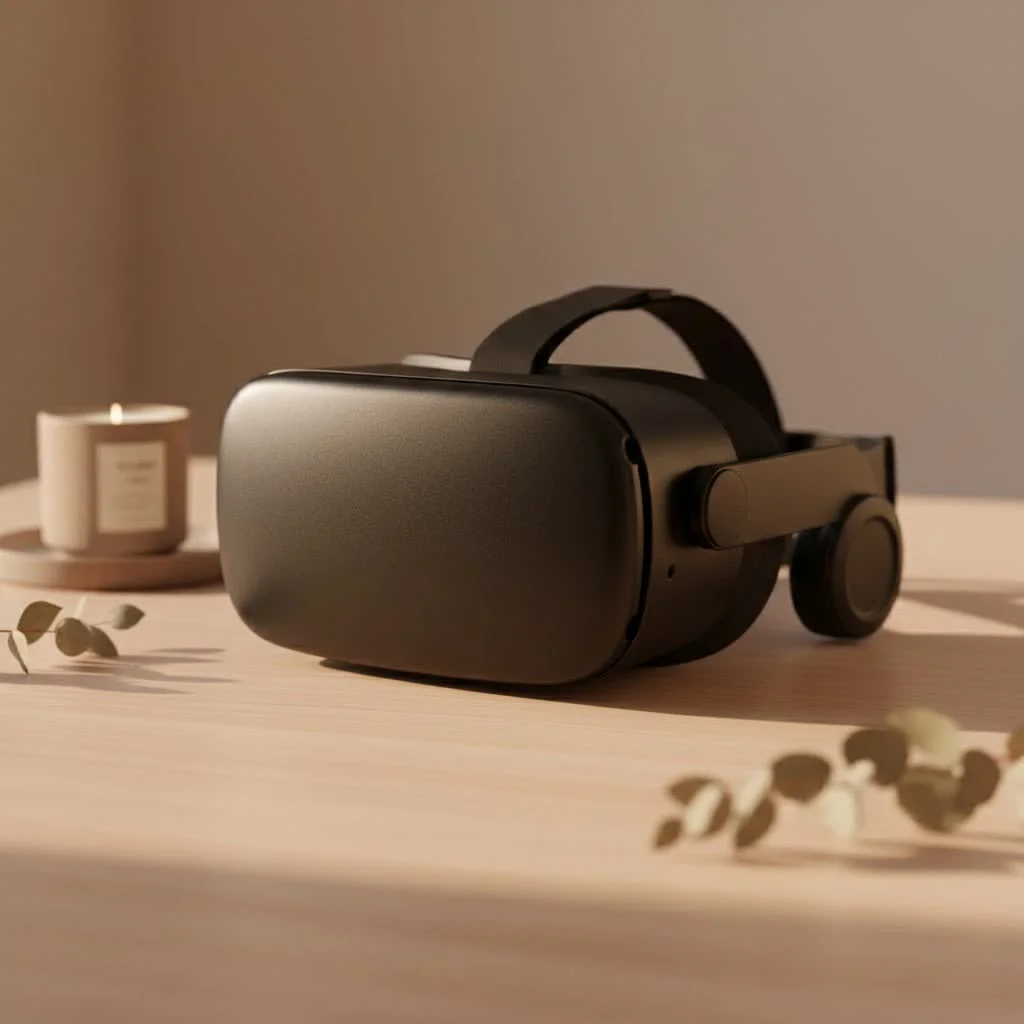
Whether you’re a hardcore gamer seeking crystal-clear vistas in your favorite simulations or a professional looking for powerful tools for design, training, and collaboration, understanding what makes the HP Reverb G2 tick is crucial. Get ready to dive deep into a world where reality blurs, and digital realms come to life with breathtaking clarity. For complete virtual reality library on this site.
What Makes the HP Reverb G2 Stand Out?
The HP Reverb G2 isn’t just a collection of components; it’s a holistic experience built on a foundation of exceptional features. From the moment you put it on, you’ll notice the dedication to fidelity.
Unparalleled Visuals: A Feast for Your Eyes
Let’s be honest, in VR, visual quality is paramount. The HP Reverb G2 truly shines here, boasting impressive 2160 x 2160 LCD panels per eye. That’s a staggering amount of detail, leading to an ultra-sharp picture that often gets lauded as best-in-class for clarity. What does this mean for you? It means the infamous “screen door effect”—those subtle lines separating pixels that can break immersion in lower-resolution headsets—is virtually eliminated. Imagine looking through a window, not a mesh. The mura-free displays, combined with Valve-designed lenses, deliver vibrant colors and deep contrasts, making every virtual landscape, every character, and every piece of text appear incredibly solid and real. For anyone who spends time reading dashboards in flight simulators or examining intricate 3D models, this level of clarity is a game-changer.
Immersive Audio: Sound That Surrounds You
Visuals are only half the story; truly great VR needs sound that pulls you into the scene. HP partnered with Valve to integrate their cutting-edge off-ear speakers into the Reverb G2. These aren’t just any headphones; they hover slightly off your ears, providing a spacious, rich soundscape without pressing against your head. This design not only enhances comfort but also creates an incredible sense of spatial audio, allowing you to pinpoint sounds in the virtual environment with remarkable accuracy. Hear footsteps approaching from behind, the distant roar of an engine, or the subtle rustle of leaves – it all contributes to a deeper, more believable virtual experience.
Designed for Comfort: VR Without the Fatigue
|
Our Picks for the Best VR Headset in 2026
As an Amazon Associate I earn from qualifying purchases.
|
||
| Num | Product | Action |
|---|---|---|
| 1 | VR Headset for Phone, Virtual Reality Glasses with Bluetooth Headphones for Adults and Kids Play 3D VR Games Movies (White VR Only) |

|
| 2 | PlayStation VR2 Horizon Call of The Mountain™ Bundle (PSVR2) |
|
| 3 | FEEBZ 3D VR Headset for Kids 2.0 + Android Remote - for iPhone & Android Phones - with 3D VR Videos & Apps Links - Virtual Reality Goggles Set for Beginners |
|
| 4 | Oculus Quest 2 VR Headset 128GB Holiday Set - Advanced All-in-One Virtual Reality Headset Cover Set, White |
|
| 5 | VR Headset for Nintendo Switch 2 (2025), Switch 2 Virtual Reality VR Glasses with Adjustable HD Lenses and Comfortable Head Strap, Labo VR Kit 3D Goggles for Switch 2 Accessories, White&Blue |
|
| 6 | Meta Quest 2 — Advanced All-In-One Virtual Reality Headset — 256 GB (Renewed) |
|
| 7 | FEEBZ 3D VR Headset for Kids 2.0 + Android Remote - for iPhone & Android Phones - with 3D VR Videos & Apps Links - Virtual Reality Goggles Set for Beginners |
|
| 8 | Oculus Quest 2 Advanced All-in-One Virtual Reality Gmaing VR Headset 128GB Set, White |
|
| 9 | DESTEK V5 VR Headset for Kids w/VR Gamepad, 128 Premium VR apps Included, Anti-Blue Eyes Protected HD Lenses, 110° FOV Virtual Reality Headsets for iPhone, Android Phone- Black |
|
| 10 | PlayStation VR2 (PSVR2) |
|
Long VR sessions can be taxing if a headset isn’t designed with ergonomics in mind. The HP Reverb G2 prioritizes comfort, featuring flexible materials and an increased cushion size that distributes weight evenly. The ability to adjust the interpupillary distance (IPD) from 60mm to 68mm via a mechanical slider ensures that the lenses are perfectly aligned with your eyes, reducing strain and improving visual comfort for a wide range of users. Whether you have a smaller or larger face, the headset can be customized for a snug, yet gentle fit, making those extended virtual adventures or work sessions far more enjoyable.
Beyond the Basics: Tracking, Controllers, and Compatibility
A powerful display and audio system need robust supporting technology to deliver a truly fluid and responsive experience. The HP Reverb G2 integrates these elements with thoughtful design.
Inside-Out Tracking: Freedom of Movement
One of the standout features of the HP Reverb G2 is its four-camera inside-out tracking system. This means you don’t need any external sensors or “lighthouses” to set up your play space. Simply plug in the headset, and its integrated cameras track your movements and those of your controllers within the virtual environment. This simplifies setup immensely, letting you jump into VR quickly without calibrating additional hardware. While some high-end systems with external tracking might offer slightly more precise tracking in extreme edge cases, the Reverb G2’s system is generally solid and reliable for most gaming and professional applications, providing ample freedom for room-scale VR.
Ergonomic Controllers: Your Hands in the Virtual Realm
The HP Reverb G2 comes with redesigned motion controllers that feel much more natural and comfortable in your hands compared to its predecessor. They incorporate standard A, B, X, Y buttons, triggers, and an analog grip button for precise interactions. While controller preferences can be subjective, many users find these controllers a significant improvement, offering an intuitive way to interact with virtual objects, navigate menus, and manipulate tools within your chosen applications. Their ergonomic design minimizes hand fatigue during prolonged use, allowing you to focus on the experience rather than the hardware.
Seamless Integration: SteamVR and Windows Mixed Reality
Compatibility is key in the diverse VR landscape. The HP Reverb G2 is fully compatible with both SteamVR and Windows Mixed Reality platforms. This broad compatibility grants you access to a vast library of VR content, from blockbuster games like Half-Life: Alyx to a plethora of simulations, educational experiences, and professional applications. Setting up the headset is generally straightforward, and its ability to seamlessly integrate with these major platforms ensures you won’t be left wanting for content.
Who is the HP Reverb G2 For? Gaming, Professional, and More
The versatility of the HP Reverb G2 makes it an excellent choice for a wide spectrum of users.
The Gamer’s Choice: Especially for Sim Enthusiasts
For many gamers, the HP Reverb G2 is a dream come true, especially for those who revel in simulation games like flight simulators or racing sims. The high-resolution display makes reading intricate cockpit dials, instrument panels, and in-game text incredibly clear, significantly enhancing realism and immersion. The stunning visuals and spatial audio draw you deep into the virtual world, making every dogfight, every hairpin turn, and every interstellar journey feel more authentic. While its tracking might not always match the absolute top-tier external systems for fast-paced, high-dexterity action games, its visual fidelity more than compensates for many genres.
Powering Professional Applications
Beyond gaming, the HP Reverb G2 is a powerful tool for professionals across various industries. Its clarity and comfortable design make it ideal for:
- Design and Architecture: Visualizing 3D models and blueprints in true-to-scale virtual environments.
- Engineering and Manufacturing: Prototyping, assembly line training, and identifying design flaws before physical production.
- Medical Training: Conducting realistic surgical simulations or anatomical studies.
- Education: Creating immersive learning experiences that bring subjects to life.
- Remote Collaboration: Enabling teams to meet and work together in virtual spaces, enhancing presence and interaction.
“The HP Reverb G2 truly redefined visual clarity in its class, making virtual worlds feel incredibly tangible. It’s a testament to how focused engineering can elevate the core VR experience,” says Dr. Anya Sharma, Lead VR Architect at Quantum Immersion Labs. This sentiment underscores its value in professional settings where precision and immersion are critical.
Getting the Most Out of Your HP Reverb G2
To ensure you have the best possible experience with your HP VR headset, a few considerations are worth noting.
System Requirements: Your PC’s Role
The HP Reverb G2 is a tethered VR headset, meaning it requires a powerful PC to run. To fully appreciate its high resolution and maintain a smooth 90Hz refresh rate, you’ll need a capable desktop or laptop with a modern processor (Intel Core i5 or AMD Ryzen 5 equivalent or better), a robust GPU (NVIDIA GeForce GTX 1080 or AMD Radeon RX 5700 equivalent or better), and sufficient RAM (16GB recommended). HP also offers VR-ready PCs, such as certain ZBook models, Z Desktops, and OMEN desktops, which are optimized to deliver optimal performance with the Reverb G2. Always check the official specifications to ensure your system can handle the demands of high-fidelity VR.
Tips for Optimal Performance and Comfort
- Cable Management: The 6-meter cable offers good freedom, but consider a ceiling-mounted cable management system for completely unrestricted movement in room-scale VR.
- IPD Adjustment: Take the time to fine-tune the IPD slider for your eyes. Correct IPD is crucial for clarity and to prevent eye strain.
- Clean Lenses: Always use a microfiber cloth specifically designed for optics to clean your lenses. Avoid abrasive materials that can scratch them.
- Software Updates: Keep your graphics drivers, Windows Mixed Reality software, and SteamVR client updated to ensure the best performance and compatibility.
Frequently Asked Questions (FAQ)
What is the resolution of the HP Reverb G2?
The HP Reverb G2 features a high-resolution display with 2160 x 2160 pixels per eye, offering exceptional clarity and sharpness, often cited as one of its strongest features.
Does the HP Reverb G2 require external sensors?
No, the HP Reverb G2 utilizes four integrated cameras for inside-out tracking, meaning it does not require any external sensors or base stations for setup or operation.
Is the HP Reverb G2 comfortable for long sessions?
Yes, the HP Reverb G2 is designed for comfort with flexible materials, an increased cushion size for even weight distribution, and adjustable IPD, making it suitable for extended VR sessions.
Can I use the HP Reverb G2 for gaming and professional work?
Absolutely. The HP Reverb G2’s high visual fidelity and immersive audio make it excellent for both gaming, especially simulations, and a wide range of professional applications like design, training, and virtual collaboration.
How does the HP Reverb G2 compare to other VR headsets?
The HP Reverb G2 is highly regarded for its class-leading visual clarity and Valve-designed audio. While it might be a tethered PC VR headset unlike standalone options, and its tracking, while good, may not match external sensor systems for very specific use cases, it offers a compelling package for its price point compared to rivals like the Valve Index or Oculus Quest 2.
Step into Tomorrow with the HP Reverb G2
The HP Reverb G2 stands as a testament to HP’s commitment to delivering high-fidelity virtual reality experiences. With its stunning visuals that virtually eliminate the screen door effect, immersive Valve-designed audio, and comfortable, ergonomic design, it offers a compelling gateway into virtual worlds. Whether you’re navigating complex simulations, designing future products, or simply exploring fantastical realms, the HP Reverb G2 empowers you to see, hear, and interact with unparalleled clarity. It’s more than just a device; it’s an invitation to experience the future, today. Take the leap, and prepare to be truly immersed in the virtual reality revolution with your HP VR headset.
Get our weekly buyer guide
Practical specs, not advice. Unsubscribe anytime.
