Welcome to the world of virtual reality, a universe of limitless possibilities accessible right from your living room. But the heart of this immersive experience isn’t just the display you wear over your eyes; it’s the seamless dance between your Vr Headset And Controllers. As the creative lead at mnwfc.com, I’ve spent over a decade demystifying this technology, and in this guide, we’ll break down everything you need to know about this essential partnership.
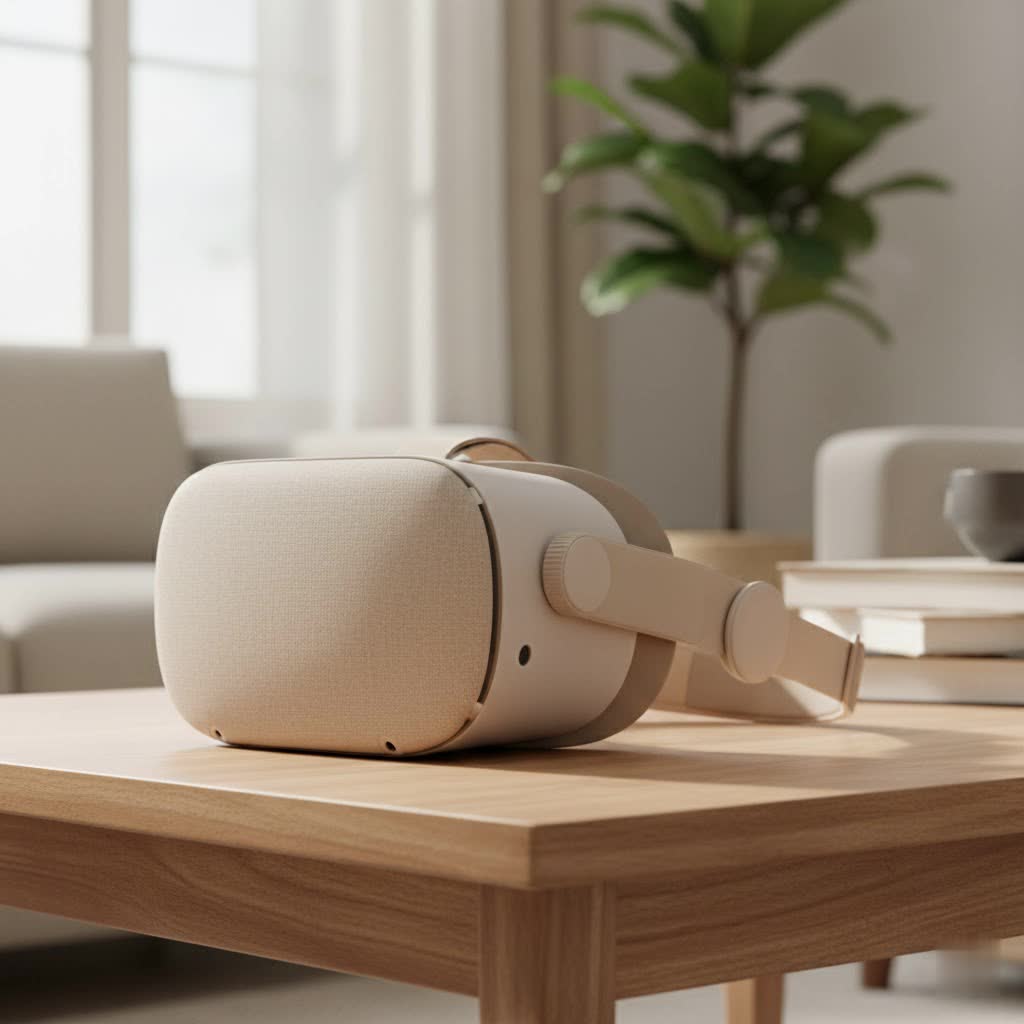
A VR headset is your window into another reality, but the controllers are your hands within it. They are the critical link that transforms you from a passive observer into an active participant. Without them, you’re just watching a 3D movie. With them, you can swing a sword, pilot a spaceship, or sculpt a masterpiece. Understanding how your VR headset and controllers work together is the first step toward unlocking the true potential of virtual reality.
The Dynamic Duo: How Headsets and Controllers Work Together
At its core, the relationship between a VR headset and controllers is all about tracking. Your headset needs to know where it is in the room, and more importantly, where your hands are and what they’re doing. This connection is what allows you to reach out and interact with the virtual environment in a way that feels natural and intuitive.
This tracking is achieved through a constant stream of data between the controllers and the headset (or external sensors). Every movement, every button press, every subtle twist of your wrist is translated into an action in the virtual world. This complex process, known as 6DoF (Six Degrees of Freedom), tracks your position not just in terms of rotation (looking left, right, up, down) but also translation (moving forward, backward, side-to-side, up, and down).
Understanding VR Controller Technology
Not all VR controllers are created equal. The technology that powers them can vary significantly, directly impacting the quality and nature of your virtual experience. Let’s explore the key components that make the magic happen.
Inside-Out vs. Outside-In Tracking: A Tale of Two Systems
The most significant differentiator in how a VR headset and controllers track their position is the tracking methodology.
- Inside-Out Tracking: This is the most common system in modern standalone headsets like the Meta Quest series. Cameras mounted on the headset itself “look” out at the surrounding room and at the controllers in your hands. Using complex computer vision algorithms, the headset calculates its position and the position of the controllers. This method is incredibly convenient as it requires no external setup.
- Outside-In Tracking: This system relies on external base stations or sensors that you place around your play area. These sensors emit infrared light or use cameras to track the headset and controllers. Headsets like the Valve Index use this method. While it requires more setup, outside-in tracking is often considered more precise and reliable, with a lower chance of the controllers losing tracking when they are out of the headset’s camera view (a phenomenon known as occlusion).
|
Our Picks for the Best VR Headset in 2026
As an Amazon Associate I earn from qualifying purchases.
|
||
| Num | Product | Action |
|---|---|---|
| 1 | PlayStation VR2 (PSVR2) |

|
| 2 | Oculus Quest 2 VR Headset 128GB Holiday Set - Advanced All-in-One Virtual Reality Headset Cover Set, White |
|
| 3 | DESTEK V5 VR Headset for Kids w/VR Gamepad, 128 Premium VR apps Included, Anti-Blue Eyes Protected HD Lenses, 110° FOV Virtual Reality Headsets for iPhone, Android Phone- Black |
|
| 4 | VR Headset for Nintendo Switch 2 (2025), Switch 2 Virtual Reality VR Glasses with Adjustable HD Lenses and Comfortable Head Strap, Labo VR Kit 3D Goggles for Switch 2 Accessories, White&Blue |
|
| 5 | Meta Quest 2 — Advanced All-In-One Virtual Reality Headset — 256 GB (Renewed) |
|
| 6 | PlayStation VR2 Horizon Call of The Mountain™ Bundle (PSVR2) |
|
| 7 | Oculus Quest 2 Advanced All-in-One Virtual Reality Gmaing VR Headset 128GB Set, White |
|
| 8 | VR Headset for Phone, Virtual Reality Glasses with Bluetooth Headphones for Adults and Kids Play 3D VR Games Movies (White VR Only) |
|
| 9 | FEEBZ 3D VR Headset for Kids 2.0 + Android Remote - for iPhone & Android Phones - with 3D VR Videos & Apps Links - Virtual Reality Goggles Set for Beginners |
|
| 10 | FEEBZ 3D VR Headset for Kids 2.0 + Android Remote - for iPhone & Android Phones - with 3D VR Videos & Apps Links - Virtual Reality Goggles Set for Beginners |
|
Haptic Feedback: Feeling the Virtual World
What truly elevates immersion is the ability to feel the virtual environment. This is where haptic feedback comes in. Advanced motors inside the controllers vibrate and rumble with varying intensity to simulate real-world sensations. You can feel the subtle click of a button, the recoil of a laser blaster, or the resistance of drawing a bowstring. High-fidelity haptics make the virtual world feel tangible and responsive.
Buttons, Joysticks, and Triggers: Your Physical Connection
While tracking and haptics create immersion, the traditional inputs are still your primary way of interacting with menus and performing specific actions. Most modern VR controllers feature a standard layout:
- Triggers: Located where your index finger rests, these are used for primary actions like selecting, shooting, or grabbing.
- Grip Buttons: Situated where your middle finger curls, these are typically used for grabbing and holding objects.
- Analog Sticks (Thumbsticks): Essential for movement and navigation within virtual spaces.
- Face Buttons (A, B, X, Y): Used for various secondary actions, opening menus, or confirming selections.
How to Choose the Right VR Headset and Controllers
Choosing the right VR setup depends entirely on your needs and preferences.
- For the Casual User: A standalone headset with inside-out tracking, like a Meta Quest 3, offers the perfect blend of performance, convenience, and a vast library of games. The setup is minimal, and you can be playing within minutes.
- For the PC VR Enthusiast: If you have a powerful gaming PC and crave the highest fidelity experience, a system using outside-in tracking like the Valve Index might be for you. The controllers, often called “Knuckles,” offer advanced finger tracking for unparalleled hand presence.
- For the Budget-Conscious: Older PC VR headsets or Windows Mixed Reality devices can be a great entry point, though they may have less advanced controllers and tracking capabilities.
“The ideal controller is one you forget you’re holding,” states Dr. Evelyn Reed, a leading researcher in human-computer interaction. “It should become a natural extension of your body, bridging the gap between your intent and the virtual action. That’s the holy grail of VR input design.”
Troubleshooting Common Controller Issues
Even the best technology can have its hiccups. Here are some quick fixes for common problems with your VR headset and controllers:
- Controller Drifting: If your virtual hands start floating away, it’s often a tracking issue. For inside-out systems, ensure your room is well-lit but without direct sunlight blasting the sensors. Wipe the headset cameras with a microfiber cloth. For outside-in systems, make sure your base stations are secure and have an unobstructed view of your play area.
- Unresponsive Buttons: This can sometimes be a software glitch. Try restarting both your headset and the specific application. If the problem persists, check for low battery levels, as this can affect performance.
- Connectivity Problems: Ensure your controllers are fully charged. If they still won’t pair, try unpairing and then re-pairing them through your headset’s Bluetooth settings. For PC VR, ensure any necessary drivers are up to date.
Frequently Asked Questions (FAQ)
Can I use controllers from a different brand with my headset?
Generally, no. Controllers are designed to work within a specific tracking ecosystem. For example, Quest controllers only work with a Quest headset. The main exception is within the SteamVR (Lighthouse) ecosystem, where you can sometimes mix and match components, like using Valve Index controllers with an HTC Vive headset.
Do all VR experiences require controllers?
While most games and interactive apps do, some experiences are more passive, like watching 360-degree videos. Additionally, many modern headsets are incorporating hand-tracking technology, which allows you to use your bare hands for basic navigation and interaction, though it’s typically less precise than using controllers.
How long do VR controller batteries last?
This varies widely by model. Some controllers, like the Quest 2’s, use standard AA batteries that can last for 20-30 hours of gameplay. Others have internal rechargeable batteries that might last 6-8 hours on a full charge.
What is controller occlusion?
Occlusion happens when the headset’s cameras (in an inside-out system) or the external base stations (in an outside-in system) lose sight of a controller. This can occur if you hold a controller behind your back or too close to your headset. When this happens, the system may guess the controller’s position, leading to inaccurate tracking.
Is it difficult to get used to VR controllers?
Not at all! Most controller designs are highly ergonomic and intuitive. Games and applications typically include tutorials to familiarize you with the controls. After a short time, interacting with your VR headset and controllers will feel like second nature.
In conclusion, the VR headset and controllers are a package deal. One cannot deliver its full potential without the other. By understanding the technology that connects them, you can make a more informed purchase, troubleshoot problems with confidence, and fully immerse yourself in the incredible virtual worlds that await. Now, grab your controllers, and I’ll see you in the metaverse.
