The dream of transforming your iPhone into a powerful virtual reality device is an exciting one. With a vast library of apps and a stunning Retina display, the potential for immersive experiences is right in your pocket. But if you’re looking for an iPhone VR headset, you’ve probably noticed the landscape has changed dramatically. While the simple phone-in-a-box headsets have faded, new and better ways to experience VR with your Apple devices have emerged.
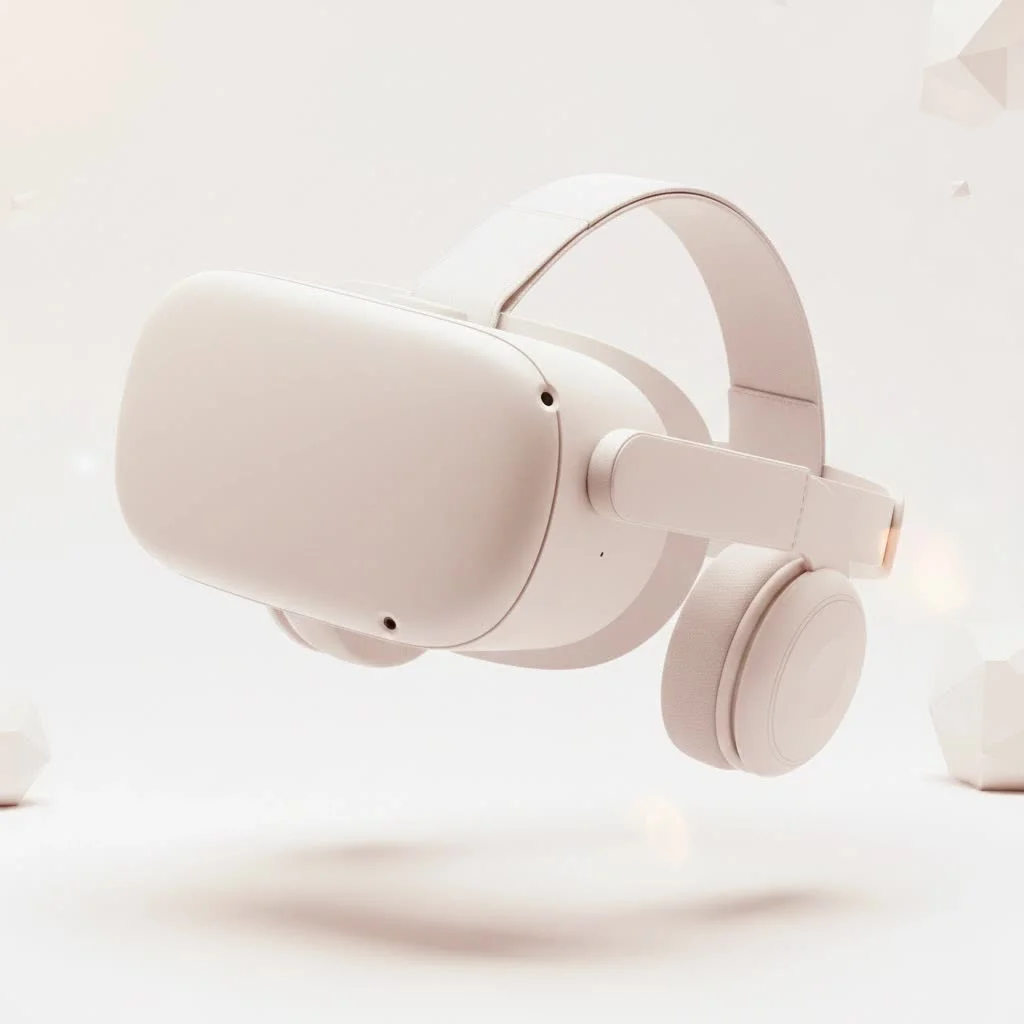
This guide, brought to you by the experts at MNWFC, will walk you through everything you need to know. We’ll explore the current state of iPhone VR, what to look for in a compatible headset, and how to get the best virtual reality experience possible with the phone you already own. Let’s dive in and clear up the confusion. For expert virtual reality reviews on this site.
Can You Still Use a VR Headset with an iPhone?
Yes, you can absolutely use a VR headset with an iPhone, but the way you do it has evolved. The market is no longer saturated with simple plastic shells that you slot your phone into, like the old Google Cardboard or Samsung Gear VR. While some of these older models might still function with basic VR apps, they have largely been discontinued because standalone headsets like the Meta Quest series offer a vastly superior, all-in-one experience.
Today, using an iPhone for VR primarily involves two methods:
- Basic VR App Viewers: Using a simple, universal headset to view 360-degree videos and simple VR apps available on the App Store.
- PC VR Streaming: Using your iPhone as a display for high-end PC VR games by streaming the content from your computer.
The most important thing to understand is that your iPhone itself does not have the built-in sensors for “6 degrees of freedom” (6DoF) tracking found in dedicated headsets. This means your experience will be limited to “3 degrees of freedom” (3DoF), where you can look around from a fixed point but cannot physically walk around in the virtual space.
What to Look for in an iPhone VR Headset
Choosing the right iPhone VR headset depends heavily on what you want to do. Since most major brands have stopped producing phone-based headsets, the market is filled with generic, often unbranded, options. Here’s what to prioritize to ensure you get a decent experience.
Key Features to Consider:
- Adjustable Lenses: This is non-negotiable. The ability to adjust the interpupillary distance (IPD) and focal distance is crucial for a clear, comfortable image that doesn’t cause eye strain.
- Comfort and Ergonomics: Look for headsets with soft face padding, an adjustable head strap (preferably a three-point strap that goes over the top of your head), and a lightweight design. A heavy or poorly fitting headset will ruin the experience quickly.
- Field of View (FOV): A wider FOV creates a more immersive experience by filling more of your peripheral vision. Look for headsets that advertise an FOV of 100 degrees or more.
- Built-in Audio: Some headsets come with integrated headphones. While not essential, it simplifies your setup by eliminating the need for a separate pair of earbuds.
- Included Controller: A simple Bluetooth controller is almost essential for interacting with VR apps and games. Without one, your interaction is limited to looking at buttons to select them. Ensure the controller is listed as compatible with iOS.
“The decline of simple phone holders for VR was inevitable,” notes technology analyst Dr. Miles Bennett. “Users rightly demanded more interactivity and freedom of movement, which phones alone cannot provide. The focus now is on leveraging the phone’s screen and processing power for specific, high-quality streaming or viewing experiences, rather than trying to make it a self-contained VR system.”
The Best iPhone VR Headsets Available Today
While the golden age of phone-based VR is over, a few reliable options still stand out for those wanting to dip their toes into virtual reality using their iPhone.
Top Picks for Different Uses
|
Our Picks for the Best VR Headset in 2026
As an Amazon Associate I earn from qualifying purchases.
|
||
| Num | Product | Action |
|---|---|---|
| 1 | PlayStation VR2 Horizon Call of The Mountain™ Bundle (PSVR2) |

|
| 2 | Oculus Quest 2 VR Headset 128GB Holiday Set - Advanced All-in-One Virtual Reality Headset Cover Set, White |
|
| 3 | DESTEK V5 VR Headset for Kids w/VR Gamepad, 128 Premium VR apps Included, Anti-Blue Eyes Protected HD Lenses, 110° FOV Virtual Reality Headsets for iPhone, Android Phone- Black |
|
| 4 | Oculus Quest 2 Advanced All-in-One Virtual Reality Gmaing VR Headset 128GB Set, White |
|
| 5 | VR Headset for Nintendo Switch 2 (2025), Switch 2 Virtual Reality VR Glasses with Adjustable HD Lenses and Comfortable Head Strap, Labo VR Kit 3D Goggles for Switch 2 Accessories, White&Blue |
|
| 6 | VR Headset for Phone, Virtual Reality Glasses with Bluetooth Headphones for Adults and Kids Play 3D VR Games Movies (White VR Only) |
|
| 7 | FEEBZ 3D VR Headset for Kids 2.0 + Android Remote - for iPhone & Android Phones - with 3D VR Videos & Apps Links - Virtual Reality Goggles Set for Beginners |
|
| 8 | FEEBZ 3D VR Headset for Kids 2.0 + Android Remote - for iPhone & Android Phones - with 3D VR Videos & Apps Links - Virtual Reality Goggles Set for Beginners |
|
| 9 | PlayStation VR2 (PSVR2) |
|
| 10 | Meta Quest 2 — Advanced All-In-One Virtual Reality Headset — 256 GB (Renewed) |
|
| Headset Model | Best For | Key Features | Price Range |
|---|---|---|---|
| DESTEK V5 | Overall Value | 110° FOV, anti-blue light lenses, comfortable fit | $30 – $40 |
| VR SHINECON | Budget Beginners | Integrated headphones, wide compatibility | $30 – $50 |
| Merge VR/AR | Durability & Education | Soft, rugged foam construction, works with AR apps | $40 – $60 |
Why Not Just Use Google Cardboard?
Google Cardboard was a fantastic, low-cost introduction to VR for millions. However, it was designed to be a simple, temporary viewer. It lacks durability, has no head strap, and offers no lens adjustment, leading to a blurry and uncomfortable experience for many. For a few dollars more, a plastic headset offers a significantly better and more sustainable entry point.
How to Set Up and Use Your iPhone for VR
Getting started is straightforward. Once you have your headset, follow these simple steps to begin your virtual adventure.
- Download VR Apps: Head to the Apple App Store and search for “VR” or “Virtual Reality.” You’ll find a variety of games, educational experiences, and 360-degree video players like YouTube VR.
- Pair Your Controller: If your headset came with a Bluetooth remote, pair it with your iPhone through the Bluetooth settings. This will allow you to navigate menus and play games more easily.
- Launch the App: Open the VR app you want to use. Most apps will split the screen into two identical images—one for each eye.
- Position Your iPhone: Open the front cover of your headset and carefully place your iPhone in the designated holder, ensuring it’s centered.
- Adjust for Comfort: Put the headset on and adjust the head straps until it feels secure but not too tight.
- Calibrate the Lenses: Close one eye and use the adjustment dials to get the sharpest possible image for the open eye. Repeat for the other eye. Finally, adjust the IPD (the distance between the lenses) until the two images merge into a single, clear 3D picture.
Is an iPhone VR Headset Worth It in 2025?
This is the big question. An iPhone VR headset is a low-cost, low-risk way to experience basic virtual reality. It’s perfect for watching 360-degree videos, playing simple arcade-style games, and exploring educational content. For under $50, you can get a glimpse into what VR is all about.
However, it is crucial to set realistic expectations. The experience will not compare to a dedicated, standalone headset like the Meta Quest 3 or Apple’s own ultra-premium Vision Pro. These devices offer full freedom of movement, advanced hand tracking, and access to a library of highly sophisticated games and applications that an iPhone simply cannot run on its own.
Think of an iPhone VR headset as an entry ticket to the world of VR, not the main event.
Frequently Asked Questions (FAQ)
What VR headsets are compatible with iPhone?
Most universal VR headsets that can hold a phone of your iPhone’s size will be compatible. Look for models like the DESTEK V5 or VR SHINECON that are well-reviewed and offer lens adjustments. Always check the manufacturer’s supported phone dimensions.
Can I play SteamVR games with an iPhone VR headset?
Yes, it is possible but requires third-party software like iVRy, Trinus VR, or RiftCat. This software streams the game from your PC to your phone, but setup can be complex and performance may vary depending on your Wi-Fi connection.
Does Apple make an official VR headset for the iPhone?
No, Apple does not make a VR headset designed to hold an iPhone. Apple’s entry into the spatial computing market is the Apple Vision Pro, which is a completely standalone device and does not require an iPhone to operate.
What kind of apps can I use with an iPhone VR headset?
You can find a variety of apps on the App Store by searching for “VR.” These include simple games, virtual tours of museums and cities, 360-degree video players for platforms like YouTube and Vimeo, and educational experiences.
Will a VR headset drain my iPhone’s battery?
Yes, running VR applications is intensive and will drain your iPhone’s battery much faster than normal use. It’s a good idea to have your phone fully charged before a long session or keep a charger nearby.
Your Next Step into Virtual Reality
While the market has shifted towards more powerful standalone devices, an iPhone VR headset remains a fun and incredibly accessible way to explore virtual worlds. It’s an excellent choice for curious beginners, families, or anyone wanting to watch immersive 360-degree content without a large investment. By choosing a comfortable headset with adjustable lenses and pairing it with the right apps, you can unlock amazing experiences powered by the device you use every day.
Ready to take the plunge? Explore some of the recommended models, download a few apps, and see for yourself what the world of VR has to offer.
Get our weekly buyer guide
Practical specs, not advice. Unsubscribe anytime.
