Welcome to the exciting world of virtual reality! If you’re curious about VR but not ready to invest in a high-end system, you’ve likely come across the Bnext Vr Headset. This device promises to turn your smartphone into a portal to immersive new worlds, all without breaking the bank. As VR specialists with over a decade of experience, we at MNWFC are here to give you the complete rundown on this popular entry-level headset.
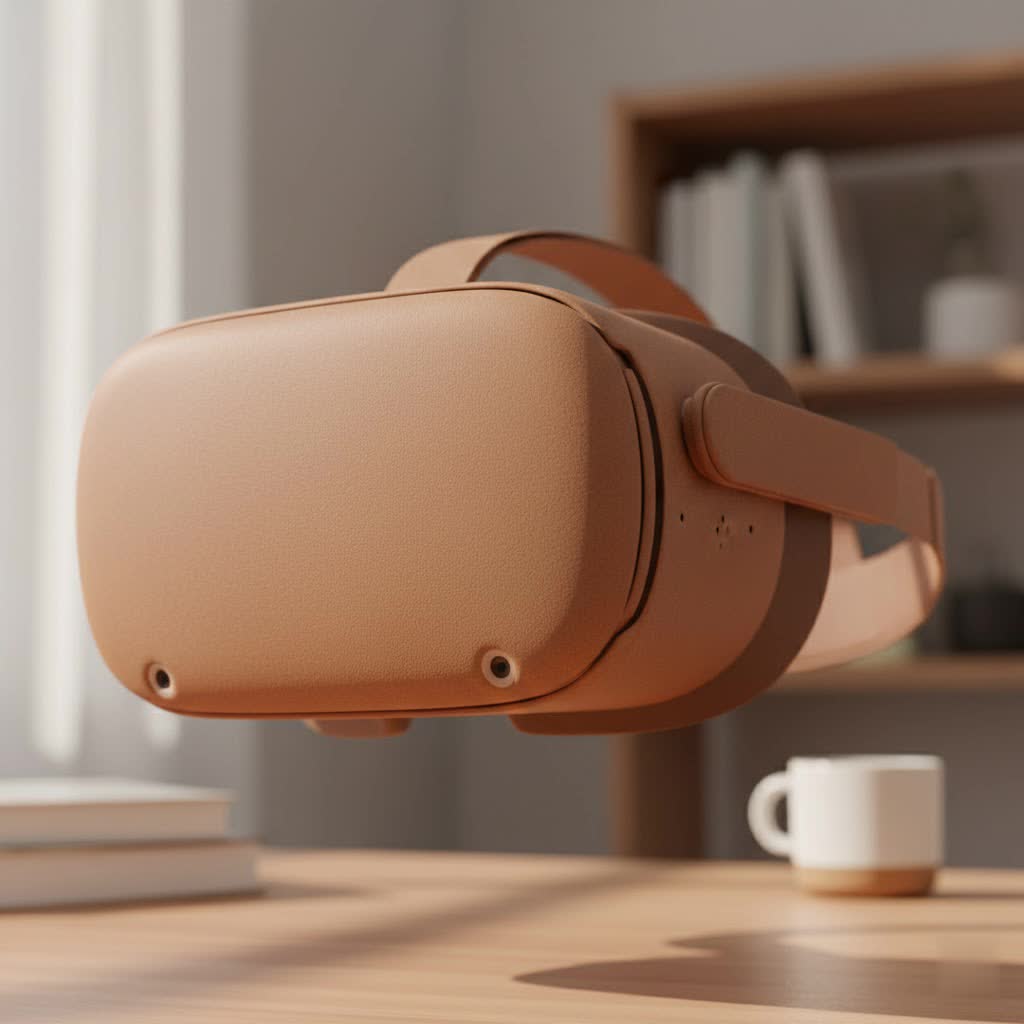
Is it the right choice for you? How does it work? What can you actually do with it? We’ll answer all these questions and more. Think of this as your ultimate guide to getting started with the Bnext headset, helping you dive into virtual reality confidently and safely.
What Exactly is the Bnext VR Headset?
Let’s clear this up first: the Bnext VR headset is not a standalone device like a Meta Quest or a high-powered PC accessory like a Valve Index. Instead, it’s what we call a “smartphone VR holder” or a “mobile VR headset.” Its primary job is to hold your smartphone securely in front of your eyes and use its specialized lenses to create a stereoscopic 3D image from VR-compatible apps and videos.
Your phone does all the heavy lifting—it provides the screen, the processing power, and the motion tracking (thanks to its internal gyroscope). The headset itself is a cleverly designed plastic shell with adjustable lenses and straps, making it a universal and affordable gateway to VR experiences.
Unboxing and First Impressions: Design and Comfort
When you first get your hands on a Bnext VR headset, you’ll notice its lightweight plastic construction. It’s designed to be functional and durable without adding too much weight to your head, which is crucial since you’ll also have the weight of your phone.
Key Design Features:
- Adjustable Straps: The headset features a three-point adjustable head strap (over the top and around the sides) made of elastic. This design helps distribute the weight evenly and allows it to fit a wide range of head sizes, from children to adults.
- Cushioned Face Padding: A soft foam cushion lines the part of the headset that rests against your face. This is essential for comfort during longer viewing sessions and helps block out ambient light, which is key for immersion.
- Lens Adjustments: At the top of the headset, you’ll find two sliders. These are crucial for a clear image. One adjusts the interpupillary distance (IPD), which is the space between the lenses, to match the distance between your eyes. The other adjusts the focal distance, moving the phone closer to or further from the lenses to help you get a sharp picture, which is particularly helpful for users who are near or farsighted.
- Phone Mount: A spring-loaded tray slides out from the side. You simply place your smartphone in the center of the holder, and it clamps down to keep it secure. The design includes gaps on the sides, allowing you to plug in headphones for a more immersive audio experience.
|
Our Picks for the Best VR Headset in 2026
As an Amazon Associate I earn from qualifying purchases.
|
||
| Num | Product | Action |
|---|---|---|
| 1 | FEEBZ 3D VR Headset for Kids 2.0 + Android Remote - for iPhone & Android Phones - with 3D VR Videos & Apps Links - Virtual Reality Goggles Set for Beginners |

|
| 2 | VR Headset for Nintendo Switch 2 (2025), Switch 2 Virtual Reality VR Glasses with Adjustable HD Lenses and Comfortable Head Strap, Labo VR Kit 3D Goggles for Switch 2 Accessories, White&Blue |
|
| 3 | VR Headset for Phone, Virtual Reality Glasses with Bluetooth Headphones for Adults and Kids Play 3D VR Games Movies (White VR Only) |
|
| 4 | DESTEK V5 VR Headset for Kids w/VR Gamepad, 128 Premium VR apps Included, Anti-Blue Eyes Protected HD Lenses, 110° FOV Virtual Reality Headsets for iPhone, Android Phone- Black |
|
| 5 | Oculus Quest 2 Advanced All-in-One Virtual Reality Gmaing VR Headset 128GB Set, White |
|
| 6 | PlayStation VR2 Horizon Call of The Mountain™ Bundle (PSVR2) |
|
| 7 | FEEBZ 3D VR Headset for Kids 2.0 + Android Remote - for iPhone & Android Phones - with 3D VR Videos & Apps Links - Virtual Reality Goggles Set for Beginners |
|
| 8 | Meta Quest 2 — Advanced All-In-One Virtual Reality Headset — 256 GB (Renewed) |
|
| 9 | Oculus Quest 2 VR Headset 128GB Holiday Set - Advanced All-in-One Virtual Reality Headset Cover Set, White |
|
| 10 | PlayStation VR2 (PSVR2) |
|
How Does It Work? The Tech Explained Simply
The magic of the Bnext VR headset lies in how it works with your phone. To use it, your smartphone must have a built-in gyroscope. This sensor is what allows the phone to track your head movements. When you look up, down, left, or right in the real world, the gyroscope tells the app, which then moves the virtual world accordingly.
Here’s the step-by-step process:
- Find VR Content: You’ll need to download VR apps from the Apple App Store or Google Play Store. Just search for “VR” or “Google Cardboard” to find hundreds of games, educational experiences, and video players. YouTube is also a massive source of 360-degree and VR videos.
- Launch the App: Open the VR app or video on your phone. It will display a split-screen image—one slightly different image for each eye.
- Mount Your Phone: Pull out the tray on the Bnext headset, place your phone inside, and slide it back in.
- Put on the Headset: Place the headset on your head and adjust the straps for a snug but comfortable fit.
- Adjust the Lenses: Use the sliders on top to align the lenses with your eyes and focus the image until it’s clear and singular (not a double image).
Once set up, your brain merges the two images from the split screen into a single, three-dimensional view, creating a sense of depth and immersion. As you move your head, the world moves with you.
Getting Started: A Quick Setup Guide
Setting up your Bnext VR headset for the first time is straightforward. Follow these steps to ensure the best possible experience.
- Prepare Your Phone: Ensure your phone is compatible (most modern iPhones and Androids with gyroscopes are). Clean your screen to avoid seeing dust or smudges through the lenses.
- Download Your First VR App: A great starting point is the “Google Cardboard” app or searching “VR” on YouTube. Download a few apps to test.
- Insert the Phone: Open the app so it’s in split-screen VR mode. Pull out the phone holder on the headset, carefully place your phone in the center, and ensure the clamps are holding it securely. Slide the holder back into the headset.
- Fit the Headset: Loosen the straps before putting the headset on. Once it’s on your head, tighten the side straps and then the top strap until the device feels secure without putting too much pressure on your face or nose.
- Calibrate Your View: This is the most important step. Close one eye and use the focal distance slider to make the image as clear as possible. Then, use the IPD slider to move the lenses until the two separate images merge into one comfortable 3D view.
- Connect Audio (Optional): For the best experience, plug in a pair of wired headphones through the openings on the side of the headset. This dramatically increases the sense of immersion.
“The key to a good mobile VR experience isn’t just the headset; it’s the setup,” notes VR developer and consultant, Dr. Alistair Finch. “Taking two extra minutes to properly adjust the lenses and straps can be the difference between a blurry, uncomfortable session and a truly magical glimpse into virtual reality.”
What Can You Do with a Bnext VR Headset?
While it won’t play high-end games like Half-Life: Alyx, a vast world of content is available for mobile VR headsets.
- 360-Degree Videos: Explore the world from your couch. Visit the Eiffel Tower, dive with sharks in the ocean, or sit front-row at a concert. YouTube and dedicated apps like Within have extensive libraries of these cinematic experiences.
- Simple VR Games: The app stores are filled with fun, accessible VR games. These often involve simple controls, where you aim by looking and interact using a single tap on your screen (if the app supports it) or with an optional Bluetooth controller.
- Educational Experiences: Take a virtual tour of the solar system, walk through ancient ruins, or explore the human body from the inside. VR is a powerful tool for visual learning.
- Virtual Cinemas: Watch your own movies or Netflix on a giant virtual screen. Apps like “VR Theater” create the feeling of being in your own private movie palace.
Pros and Cons: Is the Bnext VR Headset Worth It?
Like any product, the Bnext has its strengths and weaknesses. It’s crucial to have realistic expectations.
Pros:
- Affordability: It’s one of the most budget-friendly ways to experience virtual reality.
- Wide Compatibility: It works with a huge range of iOS and Android smartphones, so you likely already own the most expensive component.
- Ease of Use: There’s no complex software to install or wires to connect. It’s a simple, plug-and-play (or rather, “place-and-play”) experience.
- Good for Beginners: It’s an excellent, low-risk way to see if VR is something you enjoy before committing to a more expensive system.
Cons:
- No Interaction Button: Many older Google Cardboard-style headsets had a magnetic or conductive button to interact with the screen. The Bnext lacks this, meaning many apps will require a separate Bluetooth controller for interaction.
- Dependent on Your Phone: The quality of your experience—from screen resolution to performance—is entirely limited by the phone you use. An older phone with a low-resolution screen will provide a blurry, pixelated image.
- Potential for Discomfort: While adjustable, some users find the headset can put uncomfortable pressure on the bridge of their nose after prolonged use.
- Limited Immersion: Compared to standalone headsets, the field of view is narrower, and there is no positional tracking (you can’t lean or walk around in VR). This can sometimes lead to motion sickness for sensitive individuals.
Frequently Asked Questions (FAQ)
What phones are compatible with the Bnext VR headset?
It’s compatible with most modern smartphones that have a gyroscope and screens up to 6.3 inches. This includes iPhones from the 6S and up, and most mid-to-high-end Android phones from manufacturers like Samsung, Google, and others.
Can I wear glasses with the Bnext VR headset?
It can be a tight fit. While some smaller frames may fit inside, it’s often uncomfortable. The built-in focal adjustments are designed to help users with mild prescriptions see clearly without their glasses, but this may not work for everyone.
Do I need a controller to use the headset?
While you can watch videos and enjoy many passive experiences without one, a Bluetooth controller is highly recommended for most games and interactive apps. The headset itself has no input buttons.
Why does the VR image look blurry?
Blurriness can be caused by a few things: a dirty phone screen or headset lenses, improper lens adjustments (IPD and focus), or a low-resolution phone screen. Ensure everything is clean and spend time fine-tuning the lens sliders.
How can I prevent motion sickness?
Start with short VR sessions (5-10 minutes) to get your sea legs. Use it while seated in a swivel chair. Stick to stationary experiences or 360-degree videos at first, rather than games with fast movement. If you start to feel queasy, take a break immediately.
The Final Verdict
The Bnext VR headset serves a specific and important purpose in the virtual reality landscape. It is an accessible, affordable, and fun entry point for anyone curious about VR. It provides a fantastic way to watch 360-degree videos, explore simple virtual worlds, and get a taste of the immersion that this technology offers, all by leveraging the powerful device already in your pocket.
However, it is not a replacement for a dedicated standalone or PC VR system. It’s a sampler, not the main course. For families, students, or casual users looking for a novel way to consume media, the Bnext VR headset is a solid and worthwhile purchase. Just pair it with a good smartphone and an open mind, and you’ll be ready to take your first step into a larger, virtual world.
